Troubleshooting 'No SIM' and Network Errors on Your Smartphone
Experiencing a 'No SIM' or 'No Service' notification on your phone can be frustrating, but most issues are solvable with simple diagnostic steps.
 🧭Buying Guides
Photo: engadget.com
Key points
- Reseat the physical SIM card using an ejector tool or paper clip.
- Toggle Airplane Mode or perform a network reset to clear software glitches.
- Verify carrier status and account billing before seeking professional repairs.
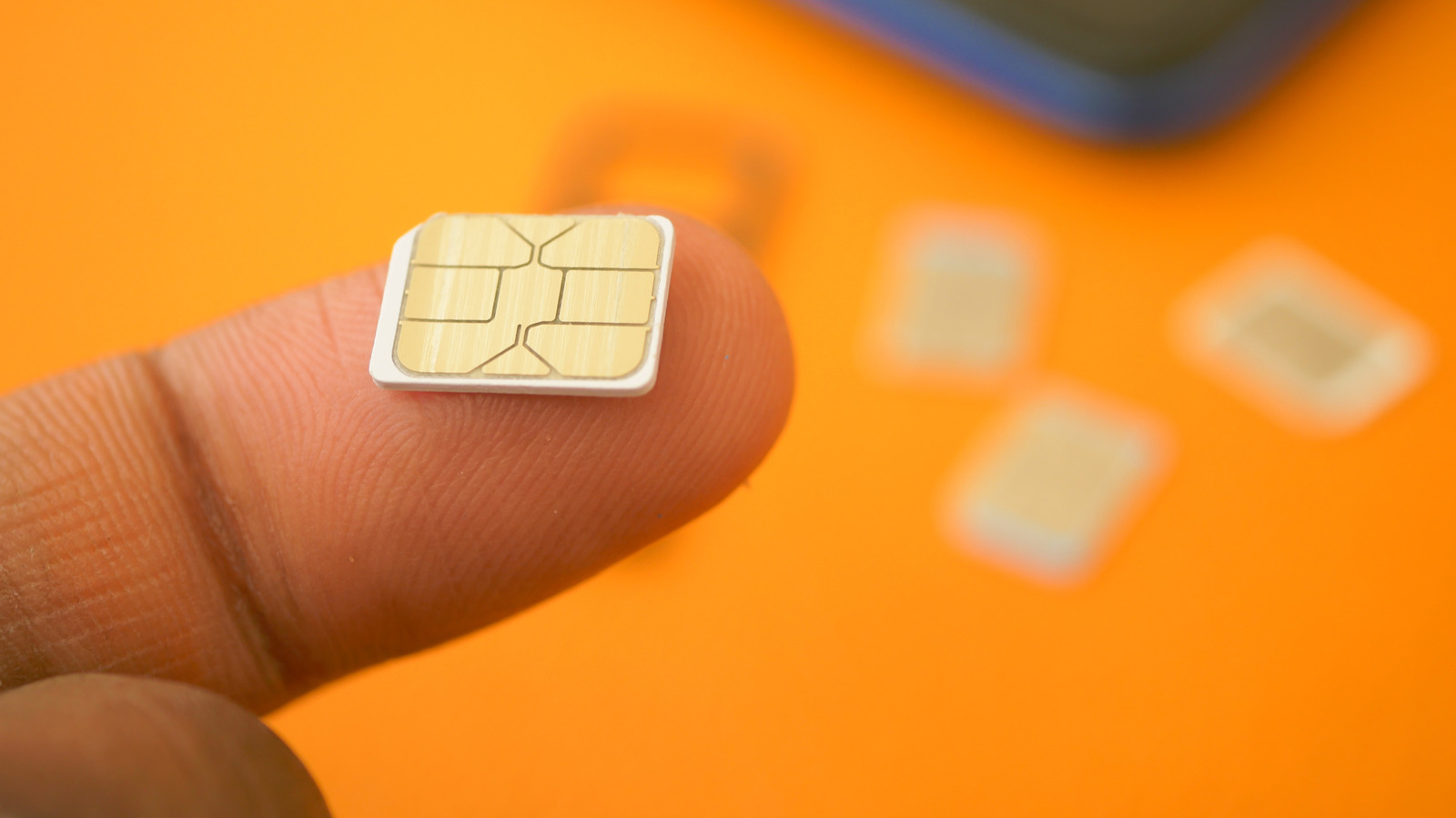
When your smartphone displays a 'No SIM card installed' alert or suddenly loses cellular connectivity, it is often a sign of a minor hardware misalignment or a software glitch rather than a permanent failure. A Subscriber Identity Module (SIM) card acts as the secure link between your device and your mobile provider, enabling calls and data. If this connection is interrupted, your phone remains functional but loses its primary communication features.
Physical and Software Troubleshooting
If you suspect a physical issue, use a SIM ejector tool, paper clip, or safety pin to remove the card tray and reseat it properly. For users with eSIMs, which replace physical cards with digital profiles, connectivity issues can often be resolved by toggling data roaming within your device's cellular settings. If the hardware appears fine, try toggling Airplane Mode on and off to force a network refresh, or perform a network settings reset, which clears saved Wi-Fi and Bluetooth connections without affecting your personal files.
External Factors to Consider
Before assuming a hardware defect, verify that your service is active by checking your account status for missed payments. Additionally, confirm whether your carrier is experiencing a local outage by checking if other users on the same network are having trouble. Finally, consider your physical environment; obstacles or poor coverage areas can frequently result in 'No Service' warnings even when your device is functioning perfectly.
Should you buy it? While this is a guide, not a product review, checking these settings is a necessary step before considering a costly repair or device replacement.
Source engadget.com — engadget.com/2319140/phone-says-no-service-with-sim-card/ ↗
Read next
 📰Gadget News
XPeng unveils IRON humanoid robot with plans for public launch by 2027
Electric vehicle manufacturer XPeng has introduced its new humanoid robot, IRON, targeting a commercial debut in 2027 with a price point comparable to an entry-level EV.
 📰Gadget News
OM System Expected to Upgrade Micro Four Thirds Sensor Technology
Reports suggest OM System is moving toward higher-resolution sensors for its Micro Four Thirds lineup, potentially reaching up to 100 megapixels.
 📰Gadget News
Casio Expands Availability of Mesh-Band LA680 Vintage Watches
Casio has brought its refreshed LA680 vintage digital watch series to the Japanese market, featuring new stainless-steel mesh bands.
 📰Gadget News
Nvidia Reportedly Planning Further GPU Supply Reductions
Rumors suggest Nvidia may decrease gaming GPU shipments by up to 30% through early 2027, potentially driving up prices for consumers.
 📰Gadget News
WhatsApp to Integrate Travel eSIM Purchases Directly Within the App
WhatsApp is launching a new feature allowing users to buy and install international travel eSIMs without leaving the messaging platform.
 📰Gadget News
Seiko Launches 7th Philippine Limited Edition Prospex Chronograph
Seiko has unveiled the HBJ006P1, a new limited-edition Prospex chronograph inspired by the Pan-Philippine Highway.