How to Convert a PDF to a Word Document: Tools, Tips, and OCR Explained
A practical guide to transforming PDF files into editable Microsoft Word documents using dedicated software, optical character recognition, and layout preservation tools.
 🧭Buying Guides
Photo: PCWorld
Key points
- Use dedicated software like Adobe Acrobat to convert PDF files into editable DOCX documents.
- Scanned PDFs require optical character recognition (OCR) to extract text from image-based layers.
- Complex layouts with tables, graphs, and multi-column formats benefit from paid subscription tiers.
Converting fixed-layout PDFs into editable Microsoft Word documents requires dedicated software capable of reading underlying file structures. Because PDF and Word files function differently, direct copy-and-paste methods fail to preserve formatting. Using utilities like Adobe Acrobat's PDF-to-Word tool simplifies the process by translating the underlying code into a standard DOCX file.
Choosing the Right Conversion Tool
For standard, text-heavy pages without complex elements, basic conversion options operate smoothly. However, documents containing multi-column layouts, charts, and tables demand more sophisticated rendering engines. Advanced tools utilize layout detection and formula recognition to rebuild gridlines and paragraph spacing accurately. Premium suites like Adobe Acrobat Pro cater to heavy users, freelancers, and teams dealing with intricate formats and high volumes.
Handling Scanned Files and OCR
Scanned paper documents present a unique challenge because basic converters treat them as flat images rather than individual text layers. Users can quickly test a file by attempting to highlight words; if the cursor selects a whole boxed area instead of specific text, optical character recognition becomes necessary. Paid platforms like SmallPDF and Adobe Acrobat integrate advanced OCR engines to decipher image-based text and convert it into editable characters, often providing temporary trial periods for evaluation.
Source PCWorld — pcworld.com/article/3298405/how-to-convert-pdf-to-word-with-adobe-a… ↗
Read next
 📰Gadget News
XPeng unveils IRON humanoid robot with plans for public launch by 2027
Electric vehicle manufacturer XPeng has introduced its new humanoid robot, IRON, targeting a commercial debut in 2027 with a price point comparable to an entry-level EV.
 📰Gadget News
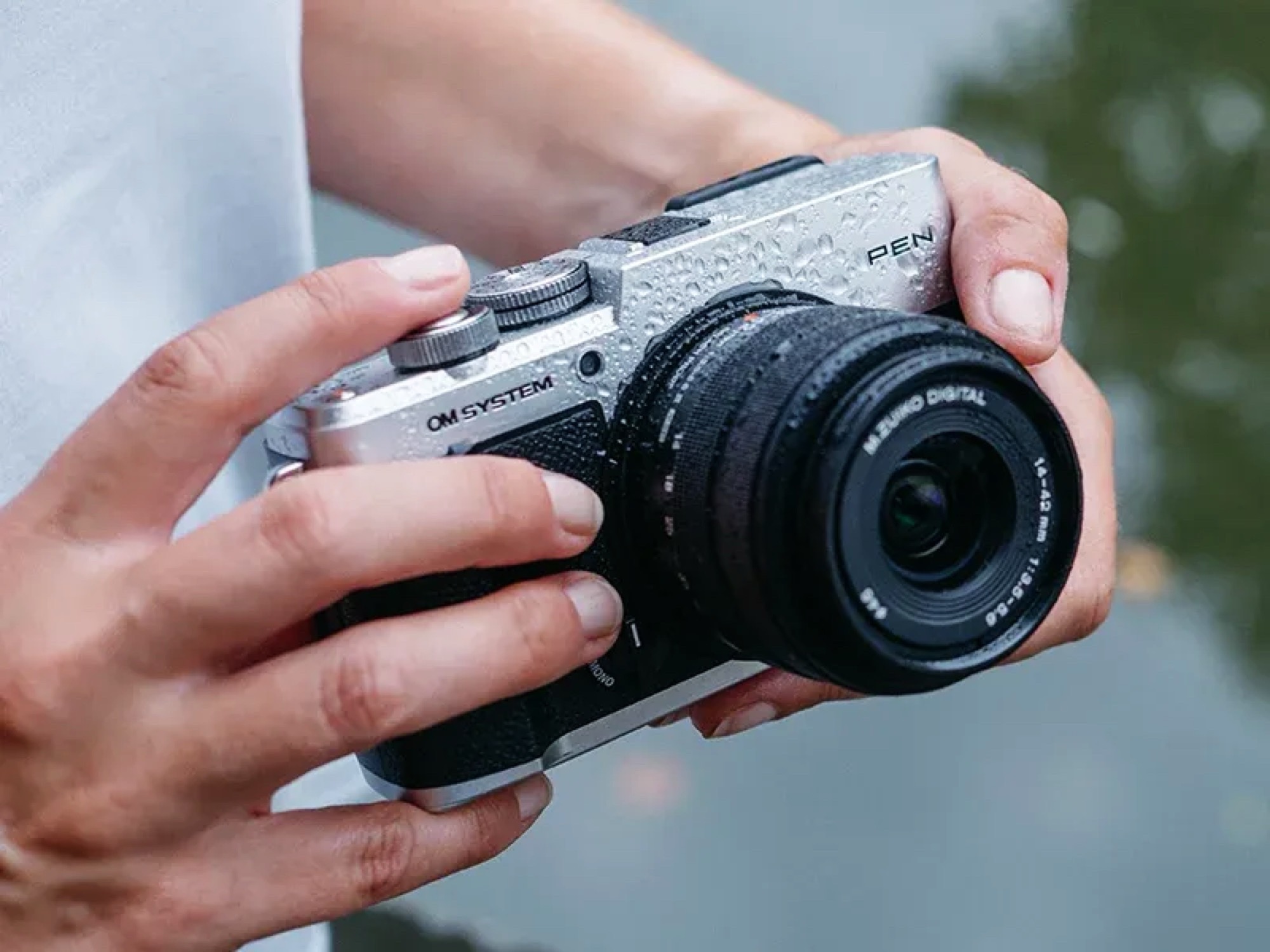
OM System Expected to Upgrade Micro Four Thirds Sensor Technology
Reports suggest OM System is moving toward higher-resolution sensors for its Micro Four Thirds lineup, potentially reaching up to 100 megapixels.
 📰Gadget News
Casio Expands Availability of Mesh-Band LA680 Vintage Watches
Casio has brought its refreshed LA680 vintage digital watch series to the Japanese market, featuring new stainless-steel mesh bands.
 📰Gadget News
Nvidia Reportedly Planning Further GPU Supply Reductions
Rumors suggest Nvidia may decrease gaming GPU shipments by up to 30% through early 2027, potentially driving up prices for consumers.
 📰Gadget News
WhatsApp to Integrate Travel eSIM Purchases Directly Within the App
WhatsApp is launching a new feature allowing users to buy and install international travel eSIMs without leaving the messaging platform.
 📰Gadget News
Seiko Launches 7th Philippine Limited Edition Prospex Chronograph
Seiko has unveiled the HBJ006P1, a new limited-edition Prospex chronograph inspired by the Pan-Philippine Highway.