Five Essential Bose Headphone Settings You Need to Enable Manually
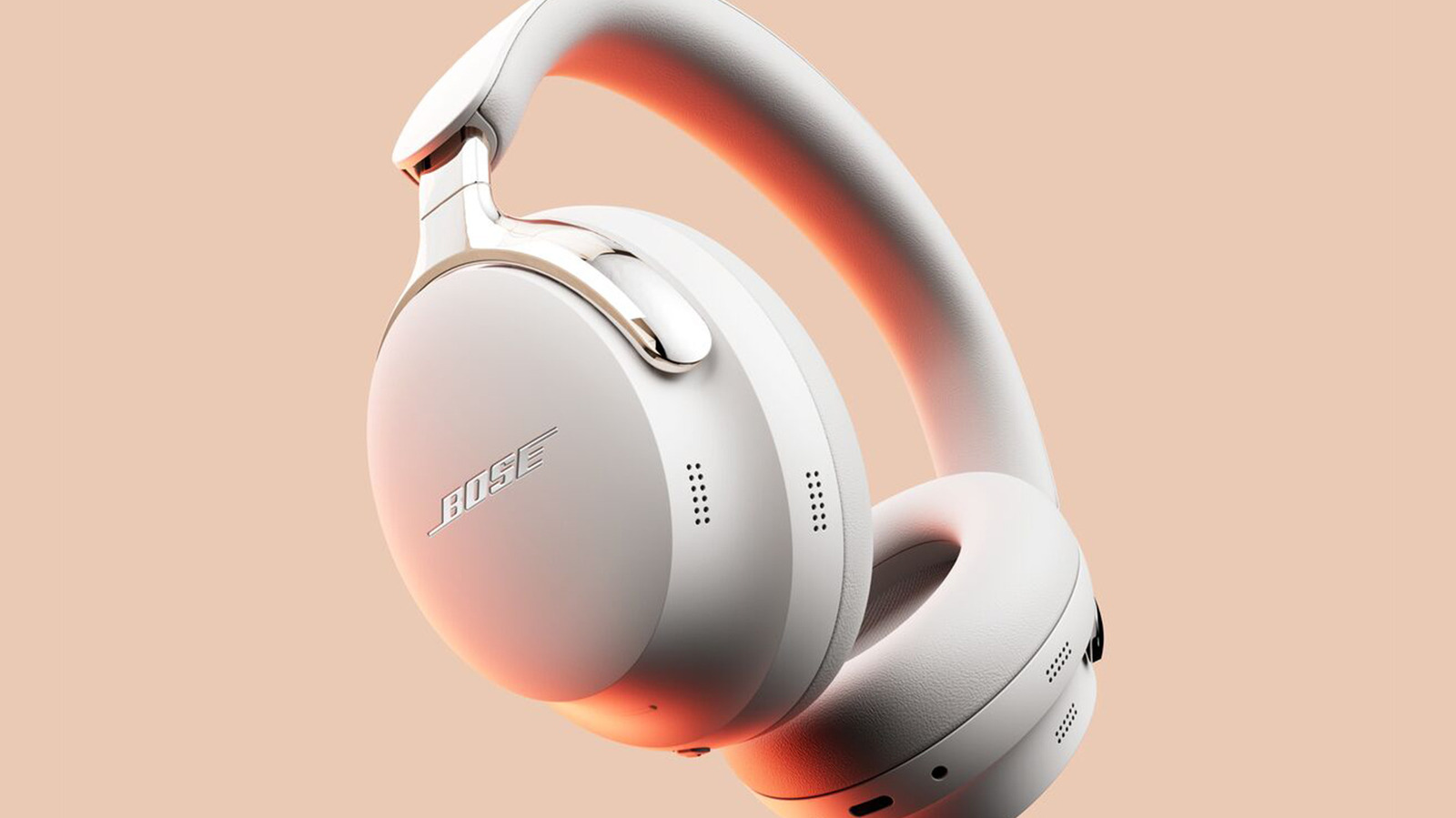
Unlocking the full potential of your Bose headphones requires digging into the companion app to activate features like the equalizer, multipoint Bluetooth, and custom noise-canceling modes.
 📰Gadget News
Photo: engadget.com
Key points
- Manual app adjustments unlock advanced Bose headphone features
- Three-band EQ helps balance heavy out-of-the-box bass profiles
- Bluetooth multipoint enables simultaneous connection to two devices
While Bose headphones deliver strong audio performance straight out of the box, several of their top capabilities remain turned off by default. To make the most of your hardware, users need to download the companion app and adjust a few specific configurations, ranging from custom frequency adjustments to multi-device pairing support.
Reviewers often note that Bose hardware leans heavily on bass presets initially, making the manual three-band equalizer an essential tool for modifying bass, mid, and treble levels to personal preference. Another crucial addition is Bluetooth multipoint, which allows compatible models to stay linked to two audio sources simultaneously, letting listeners transition between devices without manually disconnecting each time.
Additionally, advanced noise-canceling management and custom shortcuts can be tailored through the app's settings menu. Depending on the specific model—such as the QuietComfort Ultra—users can designate touch strips or action buttons to announce battery levels, swap audio modes, or toggle between paired devices instantly.
Keep in mind that older first-generation models and newer QuietComfort lines differ in feature availability, and basic physical controls on the earpieces remain limited without the app.
Should you buy it? If you already own compatible Bose headphones, exploring these hidden menu toggles is vital to improving everyday usability, though feature sets will vary depending on your exact hardware generation.
Source engadget.com — engadget.com/2315018/bose-headphone-settings-manually-turn-on/ ↗
Read next
 📰Gadget News
WhatsApp to Integrate Travel eSIM Purchases Directly Within the App
WhatsApp is launching a new feature allowing users to buy and install international travel eSIMs without leaving the messaging platform.
 📰Gadget News
Seiko Launches 7th Philippine Limited Edition Prospex Chronograph
Seiko has unveiled the HBJ006P1, a new limited-edition Prospex chronograph inspired by the Pan-Philippine Highway.
 🏠Smart Home
Modders Unlock Higher Frame Rates for GTA 6 on Jailbroken PS5 Consoles
Modders have successfully bypassed the 30 FPS limit in GTA 6 on jailbroken PlayStation 5 consoles, enabling higher frame rates on supported displays.
 📰Gadget News
Vivo X500s Leaks Point to Custom Dimensity 9600 Pro Chipset
The upcoming Vivo X500s is expected to debut with an enhanced version of the Dimensity 9600 Pro chipset and a high-refresh-rate display.
 📰Gadget News
Google Addresses Memory Issues Caused by Gemini in Chrome
Google has officially confirmed a fix for a bug that caused the Gemini web interface to consume excessive amounts of RAM in the Chrome browser.
 📰Gadget News
NVIDIA Halts AI Server Shipments to Key Southeast Asian Markets
NVIDIA has reportedly paused shipments of AI server hardware to Malaysia, Singapore, Thailand, and Indonesia amid tightening US export controls.