Essential Tips to Maximize Your Fitbit's Battery Life and Longevity
Learn how to significantly extend your Fitbit tracker's battery life per charge and preserve its overall lifespan using practical settings adjustments and proper care.
 📰Gadget News
Photo: engadget.com
Key points
- Disable always-on displays and dim screen brightness to prevent rapid battery drain.
- Limit built-in GPS and continuous SpO2 tracking to preserve daily charge endurance.
- Store unused trackers with a partial charge and avoid extreme temperatures to protect battery health.
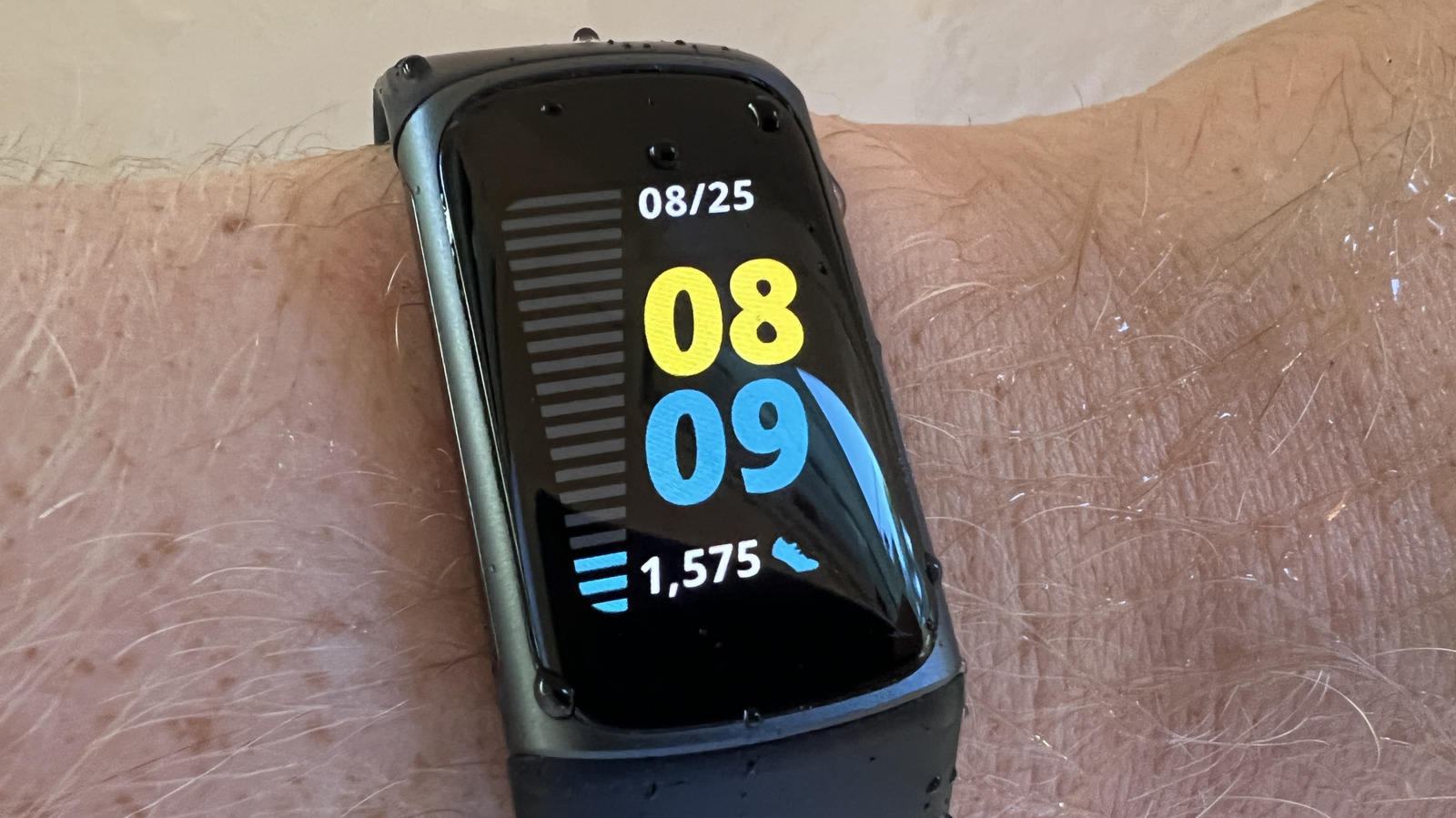
Getting the most out of your fitness tracker starts with managing power-heavy settings on popular models like the Fitbit Edge, Charge series, Sense, and Versa. Turning off the always-on display can drastically prevent rapid power drain, taking endurance from a meager two or three days back toward normal ranges. Users should also dim indoor screen brightness, select shorter screen timeouts, and avoid animated clock faces. Additionally, limiting built-in GPS usage—which typically lasts anywhere from five to twelve hours depending on the device—or switching to connected phone GPS helps conserve energy.
Beyond display and location settings, optimizing notifications, disabling continuous SpO2 tracking, and cutting back on features like music controls and contactless payments will keep your tracker running longer between charges. To protect the hardware over time, avoid charging the device in temperatures below 32 degrees Fahrenheit or above 113 degrees Fahrenheit, and keep it out of saltwater environments. If you plan to store the tracker for a long vacation or break, power it down with a full charge and top it up every six months to prevent deep discharge.
Extending Device Lifespan
While standard Fitbit models typically last up to three years, careful maintenance can help older legacy units keep functioning well past their prime. If you eventually notice severe lag, syncing issues, or rapidly declining battery capacity, it might be time for an upgrade. Notably, the Fitbit Edge introduces a replaceable battery option, allowing users to service the device for extended use.
"Following all the steps above means fewer overall charges, which in turn preserves the longevity of the battery."
Should you buy it? If you already own a fitness tracker from the lineup, implementing these power-saving practices is entirely free and effectively delays the need for a costly replacement.
Source engadget.com — engadget.com/2318393/help-your-fitbit-battery-last-longer/ ↗
Read next
 🏠Smart Home
Modders Unlock Higher Frame Rates for GTA 6 on Jailbroken PS5 Consoles
Modders have successfully bypassed the 30 FPS limit in GTA 6 on jailbroken PlayStation 5 consoles, enabling higher frame rates on supported displays.
 📰Gadget News
NVIDIA Halts AI Server Shipments to Key Southeast Asian Markets
NVIDIA has reportedly paused shipments of AI server hardware to Malaysia, Singapore, Thailand, and Indonesia amid tightening US export controls.
 ⌚Wearables
Roborock Announces 2026 Black Friday Promotions on Cleaning Lineup
Roborock has launched its annual Black Friday and Cyber Monday sales event, offering discounts and bundles across its 2026 smart cleaning product range.
 📰Gadget News
Report: Apple Planning Major Overhaul of iOS Notification System for iOS 28
Apple is reportedly preparing a significant redesign of the iPhone notification experience for the upcoming iOS 28 release. The update aims to address long-standing user …
 📰Gadget News
Steam Festival Highlights Games Created Without Generative AI
A new Steam festival showcases games developed without generative AI, requiring creators to provide proof of their manual production processes.
 ⌚Wearables
Beats Solo Buds See Significant Price Drop to £39
The Beats Solo Buds are currently available for £39, offering a portable design and cross-platform compatibility at a steep discount.