Apple HomeView Smart Display Setup Explained
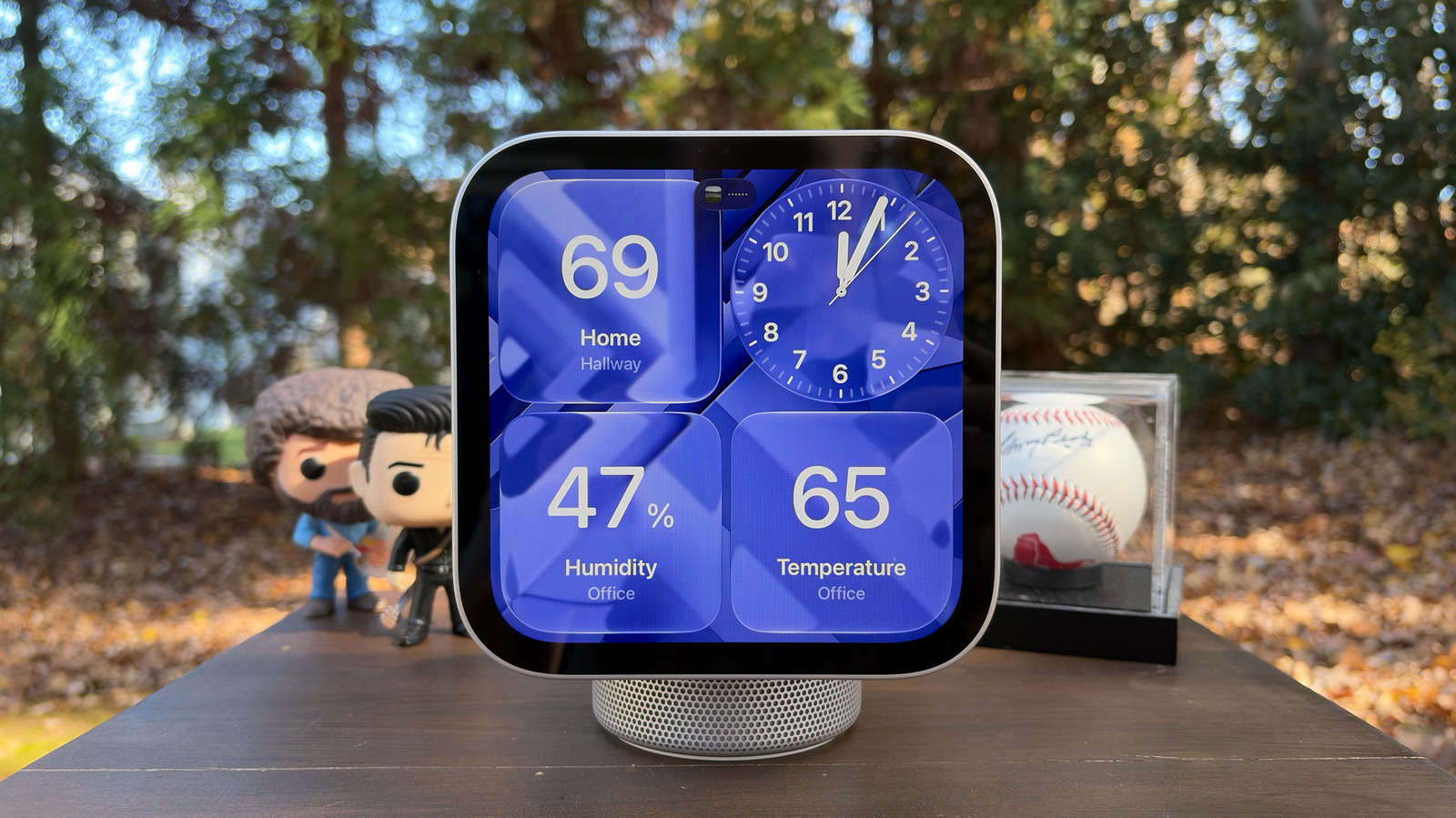
Apple has launched its HomeView smart display, which relies on a tethered connection to an iPhone or iPad to function. The device prioritizes user privacy through local authentication rather than hosting personal data directly.
 📰Gadget News
Photo: engadget.com
Key points
- Requires iOS 27.2 or iPadOS 27.2 for compatibility
- Uses Apple Intelligence and Siri AI for conversational interaction
- Supports up to six unique users with individual face and voice recognition
- Does not store personal data locally, mirroring content from paired devices
The new Apple HomeView smart display has officially launched, offering a unique approach to home automation that mirrors the functionality of your existing mobile devices. Much like Apple CarPlay, the HomeView does not run standalone apps; instead, it projects compatible applications from your iPhone or iPad, such as Calendar, Messages, and Weather. To function, the device requires a host running iOS 27.2 or iPadOS 27.2 and relies on Apple Intelligence for enhanced Siri interactions.
Setup and Privacy Features
Setting up the device is designed to be seamless. By holding an unlocked, updated iPhone or iPad near the powered-on HomeView, users can trigger an automatic pairing card. If the automatic prompt fails, the Home app allows for manual configuration by adding the device to a designated Home profile. During the process, the system prompts users to enable Face and Voice recognition, which are essential for accessing personal content like text messages.
The HomeView will not actually host or have access to your personal information. It will only show things like texts and calendar reminders if it can verify your identity through your face and if your paired iPhone or iPad is nearby.
Should you buy it? If you are already deeply integrated into the Apple ecosystem and prioritize privacy-focused smart home displays that don't store your personal data locally, the HomeView is a logical addition. However, ensure your devices are updated to the latest software versions before attempting installation.
Source engadget.com — engadget.com/2318610/easy-apple-homeview-setup-with-iphone/ ↗
Read next
 📰Gadget News
XPeng unveils IRON humanoid robot with plans for public launch by 2027
Electric vehicle manufacturer XPeng has introduced its new humanoid robot, IRON, targeting a commercial debut in 2027 with a price point comparable to an entry-level EV.
 📰Gadget News
OM System Expected to Upgrade Micro Four Thirds Sensor Technology
Reports suggest OM System is moving toward higher-resolution sensors for its Micro Four Thirds lineup, potentially reaching up to 100 megapixels.
 📰Gadget News
Casio Expands Availability of Mesh-Band LA680 Vintage Watches
Casio has brought its refreshed LA680 vintage digital watch series to the Japanese market, featuring new stainless-steel mesh bands.
 📰Gadget News
Nvidia Reportedly Planning Further GPU Supply Reductions
Rumors suggest Nvidia may decrease gaming GPU shipments by up to 30% through early 2027, potentially driving up prices for consumers.
 📰Gadget News
WhatsApp to Integrate Travel eSIM Purchases Directly Within the App
WhatsApp is launching a new feature allowing users to buy and install international travel eSIMs without leaving the messaging platform.
 📰Gadget News
Seiko Launches 7th Philippine Limited Edition Prospex Chronograph
Seiko has unveiled the HBJ006P1, a new limited-edition Prospex chronograph inspired by the Pan-Philippine Highway.