Why a USB-C Docking Station Is Essential for Modern Laptop Setups
As laptops become thinner, they lose essential connectivity. A USB-C docking station bridges the gap between portability and desktop functionality.
 💻Laptops & PCs
Photo: engadget.com
Key points
- Docking stations enable a single-cable connection for all desktop peripherals.
- They help extend the lifespan of laptop ports by reducing physical stress.
- Verify that your laptop's USB-C port supports DisplayPort Alt Mode or Thunderbolt before purchasing.
- Docks offer more power and port variety compared to standard, cheaper USB-C hubs.
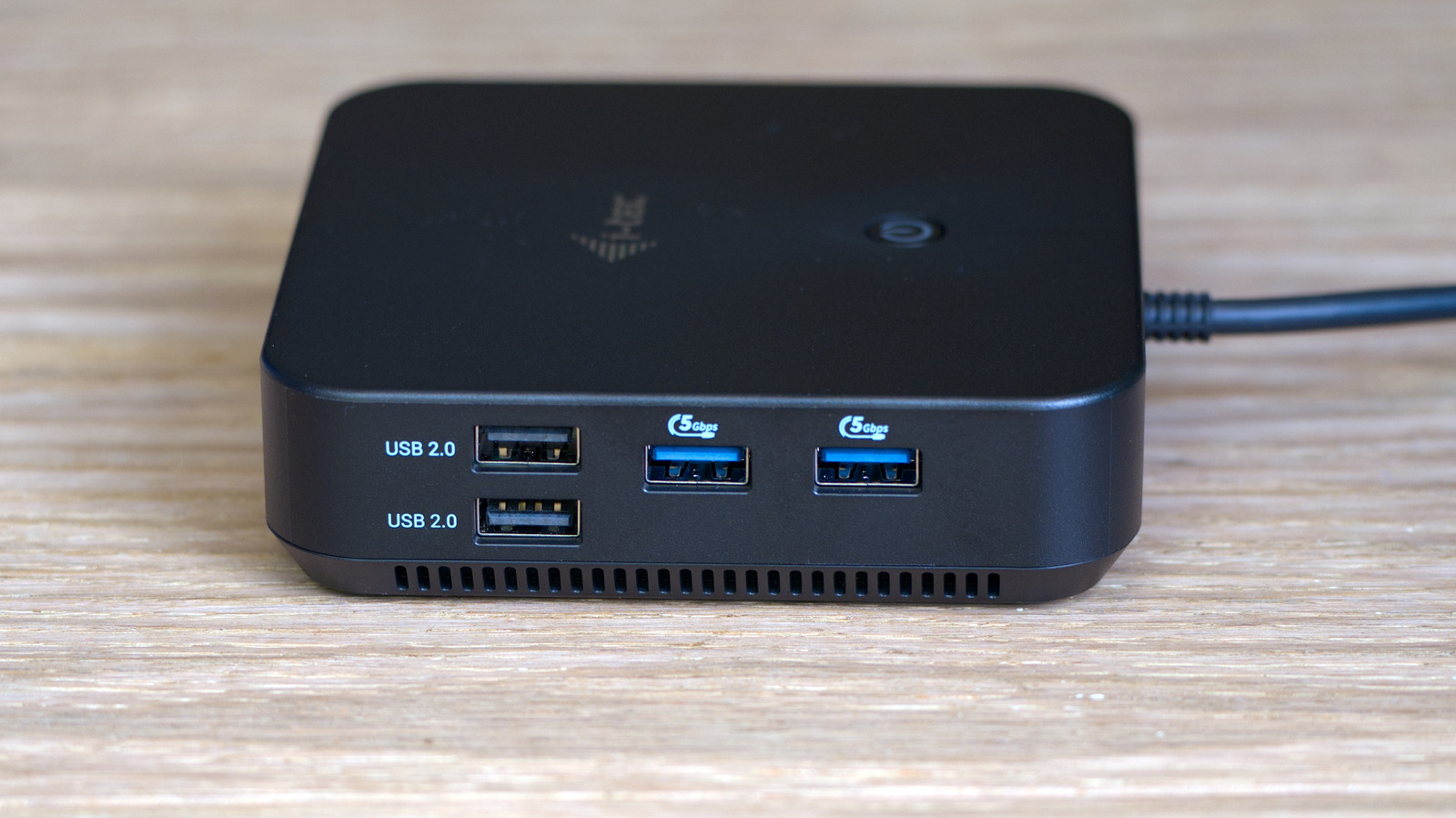
Modern laptops are increasingly sleek and lightweight, often at the expense of physical connectivity. For users who rely on their laptop as their primary machine, a USB-C docking station serves as a vital bridge to a full desktop experience. By utilizing a single cable connection, these devices allow users to integrate monitors, keyboards, webcams, and chargers without the hassle of managing multiple cords every time they sit down at their desk.
Beyond simplifying your workspace, a docking station significantly expands your machine's capabilities. While a typical thin laptop might offer only a few ports, a dock can provide access to HDMI or DisplayPort outputs, Ethernet, SD card readers, and a variety of additional USB connections. Furthermore, using a dock helps preserve the longevity of your laptop’s built-in ports by reducing the mechanical wear caused by frequent plugging and unplugging.
When choosing between a simple hub and a full docking station, consider your specific needs. Hubs are generally more affordable, ranging from $30 to $150, but docking stations—which can cost upwards of $400—often include dedicated power adapters and support for high-performance features like multi-monitor setups via Thunderbolt 4 or USB4. Before purchasing, ensure your laptop's USB-C port supports DisplayPort Alt Mode or Thunderbolt/USB4 to guarantee compatibility for video output and power delivery.
Should you buy it? If you frequently transition between a mobile workflow and a stationary desk setup, a docking station is a worthwhile investment for both convenience and hardware protection.
Source engadget.com — engadget.com/2319496/advantages-using-usb-c-docking-station/ ↗
Read next
 📰Gadget News
Casio Expands Availability of Mesh-Band LA680 Vintage Watches
Casio has brought its refreshed LA680 vintage digital watch series to the Japanese market, featuring new stainless-steel mesh bands.
 📰Gadget News
Seiko Launches 7th Philippine Limited Edition Prospex Chronograph
Seiko has unveiled the HBJ006P1, a new limited-edition Prospex chronograph inspired by the Pan-Philippine Highway.
 🏠Smart Home
Modders Unlock Higher Frame Rates for GTA 6 on Jailbroken PS5 Consoles
Modders have successfully bypassed the 30 FPS limit in GTA 6 on jailbroken PlayStation 5 consoles, enabling higher frame rates on supported displays.
 📰Gadget News
Vivo X500s Leaks Point to Custom Dimensity 9600 Pro Chipset
The upcoming Vivo X500s is expected to debut with an enhanced version of the Dimensity 9600 Pro chipset and a high-refresh-rate display.
 📰Gadget News
Google Addresses Memory Issues Caused by Gemini in Chrome
Google has officially confirmed a fix for a bug that caused the Gemini web interface to consume excessive amounts of RAM in the Chrome browser.
 📰Gadget News
NVIDIA Halts AI Server Shipments to Key Southeast Asian Markets
NVIDIA has reportedly paused shipments of AI server hardware to Malaysia, Singapore, Thailand, and Indonesia amid tightening US export controls.