How to Safely Clean Your GPU to Improve Thermal Performance
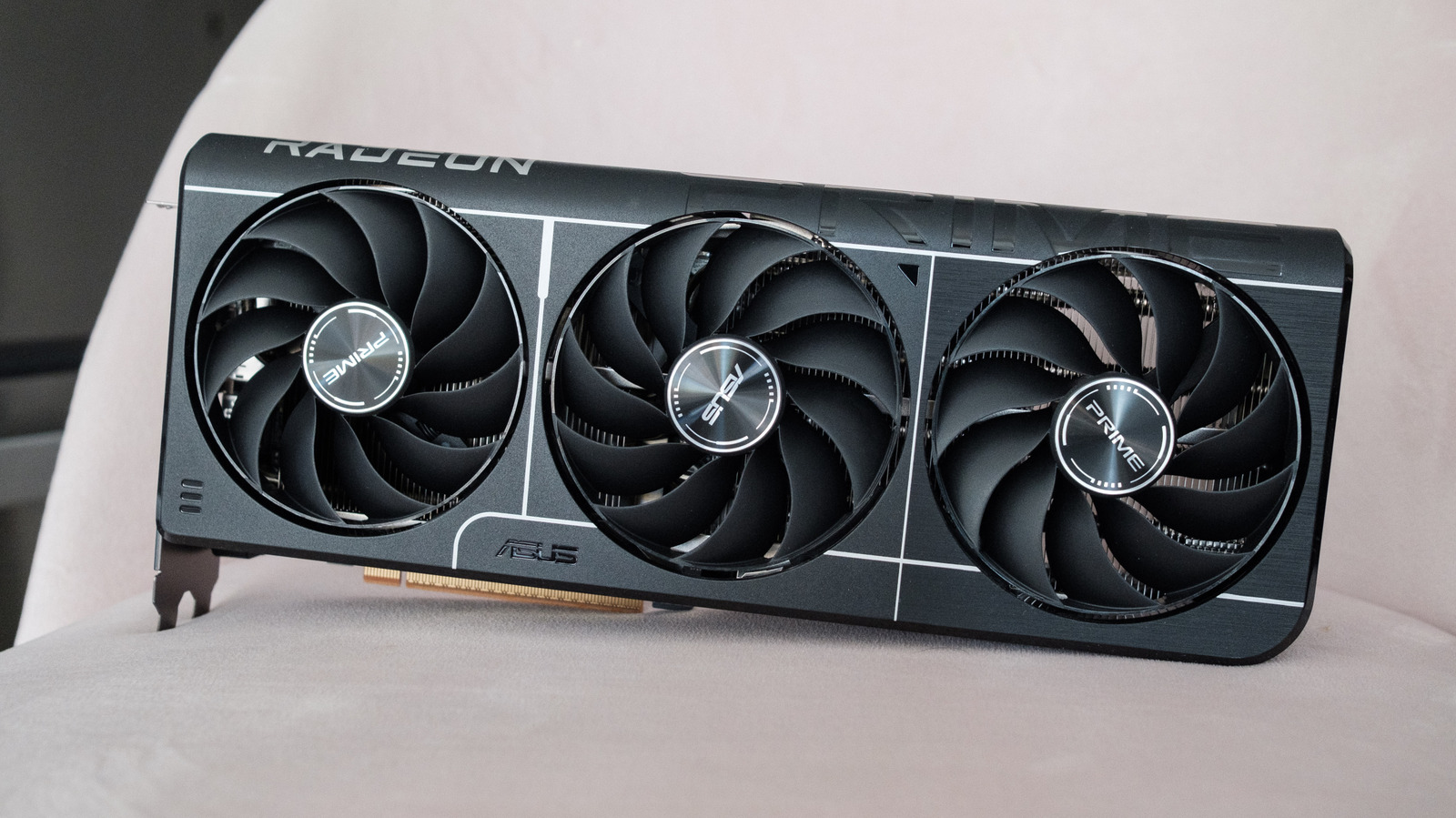
Regular maintenance of your graphics card can prevent overheating and extend its lifespan. This guide outlines the essential steps for safely removing and cleaning your GPU.
 💻Laptops & PCs
Photo: engadget.com
Key points
- Clean your GPU every three to six months to prevent thermal degradation.
- Always hold GPU fans in place while cleaning to avoid damaging bearings.
- Ensure the PC is fully powered down and discharged before removing hardware.
Maintaining your graphics processing unit (GPU) is a vital part of PC ownership, as dust accumulation can lead to higher temperatures, reduced clock speeds, and premature hardware failure. Given the current cost of high-end graphics cards, performing a thorough cleaning every three to six months is a prudent way to protect your investment.
To begin, power down your computer, flip the power supply switch to the off position, and hold the power button for 30 seconds to discharge residual electricity. While an anti-static wrist strap is a recommended safety precaution, it is not strictly required. When removing the GPU, ensure you do not force it from the PCIe slot; if you encounter resistance, check that all screws or retention clips are fully disengaged.
Should you buy it? While this is a maintenance guide rather than a product review, investing in a reusable air blower is a cost-effective alternative to disposable compressed air cans for long-term care.
When cleaning the fans, it is critical to hold them steady. Allowing fans to spin freely under high-pressure air can damage the bearings and potentially send harmful electrical current back into the fan controller. Use a microfiber cloth with 90 percent isopropyl alcohol for the exterior casing, and always ensure the card is properly seated in the top PCIe slot before powering your system back on.
Source engadget.com — engadget.com/2319541/safely-clean-pc-gpu-avoid-damage/ ↗
Read next
 📰Gadget News
XPeng unveils IRON humanoid robot with plans for public launch by 2027
Electric vehicle manufacturer XPeng has introduced its new humanoid robot, IRON, targeting a commercial debut in 2027 with a price point comparable to an entry-level EV.
 📰Gadget News
OM System Expected to Upgrade Micro Four Thirds Sensor Technology
Reports suggest OM System is moving toward higher-resolution sensors for its Micro Four Thirds lineup, potentially reaching up to 100 megapixels.
 📰Gadget News
Casio Expands Availability of Mesh-Band LA680 Vintage Watches
Casio has brought its refreshed LA680 vintage digital watch series to the Japanese market, featuring new stainless-steel mesh bands.
 📰Gadget News
Nvidia Reportedly Planning Further GPU Supply Reductions
Rumors suggest Nvidia may decrease gaming GPU shipments by up to 30% through early 2027, potentially driving up prices for consumers.
 📰Gadget News
WhatsApp to Integrate Travel eSIM Purchases Directly Within the App
WhatsApp is launching a new feature allowing users to buy and install international travel eSIMs without leaving the messaging platform.
 📰Gadget News
Seiko Launches 7th Philippine Limited Edition Prospex Chronograph
Seiko has unveiled the HBJ006P1, a new limited-edition Prospex chronograph inspired by the Pan-Philippine Highway.