How to minimize Samsung's One UI on your Galaxy smartphone
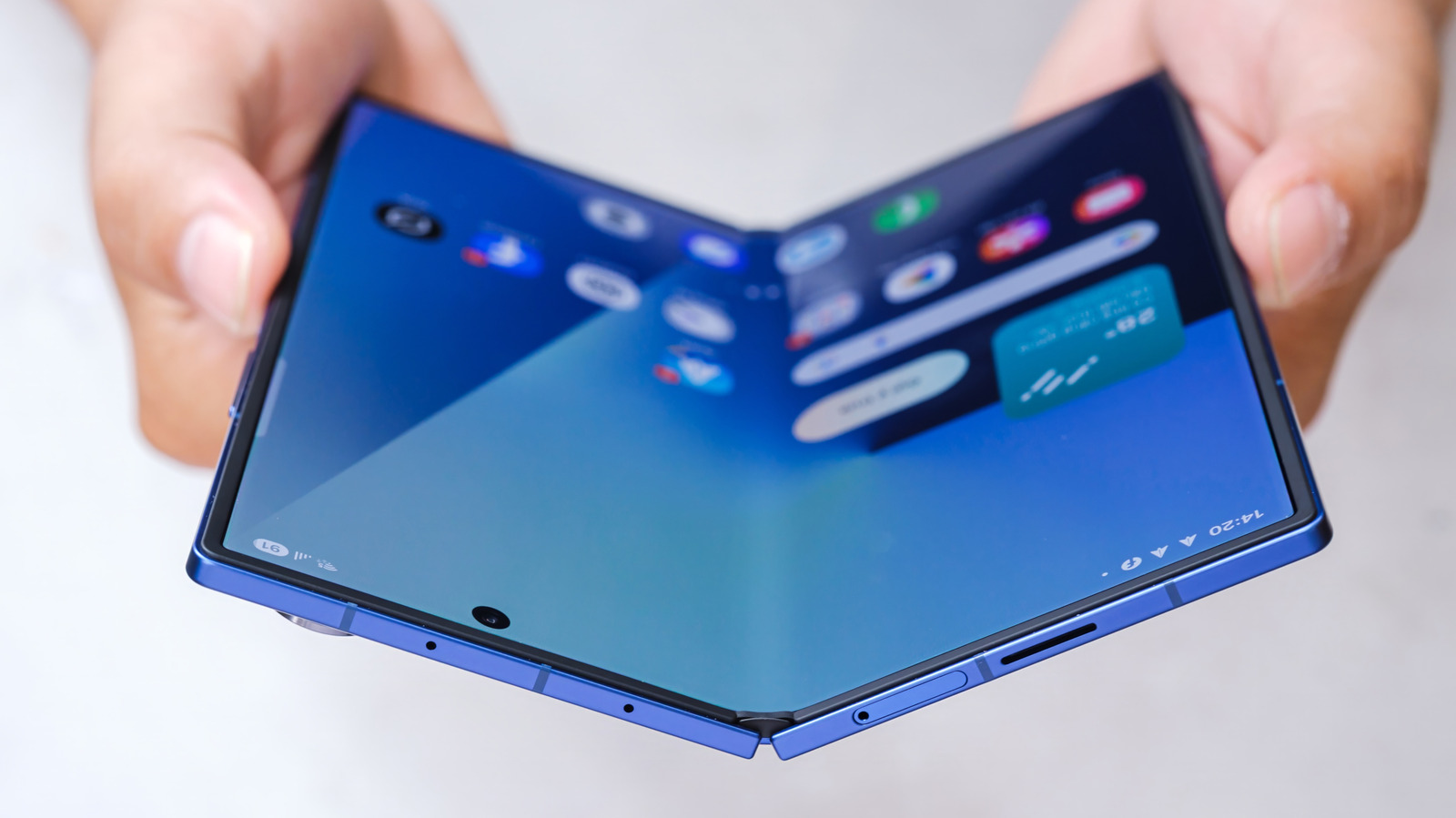
While you cannot completely uninstall Samsung's One UI from a Galaxy device, you can swap out the default launcher and hide unwanted pre-installed applications.
 📱Phones
Photo: engadget.com
Key points
- One UI cannot be completely removed from Samsung Galaxy phones.
- Third-party launchers like Niagara or Smart Launcher can replace the stock home screen.
- Built-in system apps can be hidden or have updates uninstalled to free up space.
Samsung's custom software interface, One UI, shapes the entire experience on the company's phones and tablets. Although it manages system functions effectively for most users, removing it entirely is impossible. However, you can significantly reduce its prominence and tailor the device to your preferences with a few adjustments.
Change Your Home Screen with a Third-Party Launcher
The home screen layout and overall look are largely dictated by the default launcher. Fortunately, replacing it is straightforward. You can download alternative options like Niagara Launcher or Smart Launcher directly from the Google Play Store. Once installed, navigate to your device settings, select the Apps menu, choose default apps, and update the Home app setting to your new download. Alternatively, Samsung's own Good Lock application provides extensive deep-level customization tools if you prefer to retain the stock framework.
Manage Pre-installed Software
Beyond the home screen, One UI comes bundled with various native applications for tasks like digital payments and fitness tracking. While many of these system utilities cannot be fully erased, you can minimize their footprint. Going into the app settings allows you to uninstall certain programs entirely, such as Samsung Notes, or remove updates to save storage space for others. Furthermore, you can declutter your interface by navigating to home screen settings and utilizing the feature to hide specific app icons from view.
Source engadget.com — engadget.com/2319357/limit-one-ui-9-on-samsung-phone/ ↗
Read next
 📰Gadget News
Casio Expands Availability of Mesh-Band LA680 Vintage Watches
Casio has brought its refreshed LA680 vintage digital watch series to the Japanese market, featuring new stainless-steel mesh bands.
 📰Gadget News
Seiko Launches 7th Philippine Limited Edition Prospex Chronograph
Seiko has unveiled the HBJ006P1, a new limited-edition Prospex chronograph inspired by the Pan-Philippine Highway.
 🏠Smart Home
Modders Unlock Higher Frame Rates for GTA 6 on Jailbroken PS5 Consoles
Modders have successfully bypassed the 30 FPS limit in GTA 6 on jailbroken PlayStation 5 consoles, enabling higher frame rates on supported displays.
 📰Gadget News
Vivo X500s Leaks Point to Custom Dimensity 9600 Pro Chipset
The upcoming Vivo X500s is expected to debut with an enhanced version of the Dimensity 9600 Pro chipset and a high-refresh-rate display.
 📰Gadget News
Google Addresses Memory Issues Caused by Gemini in Chrome
Google has officially confirmed a fix for a bug that caused the Gemini web interface to consume excessive amounts of RAM in the Chrome browser.
 📰Gadget News
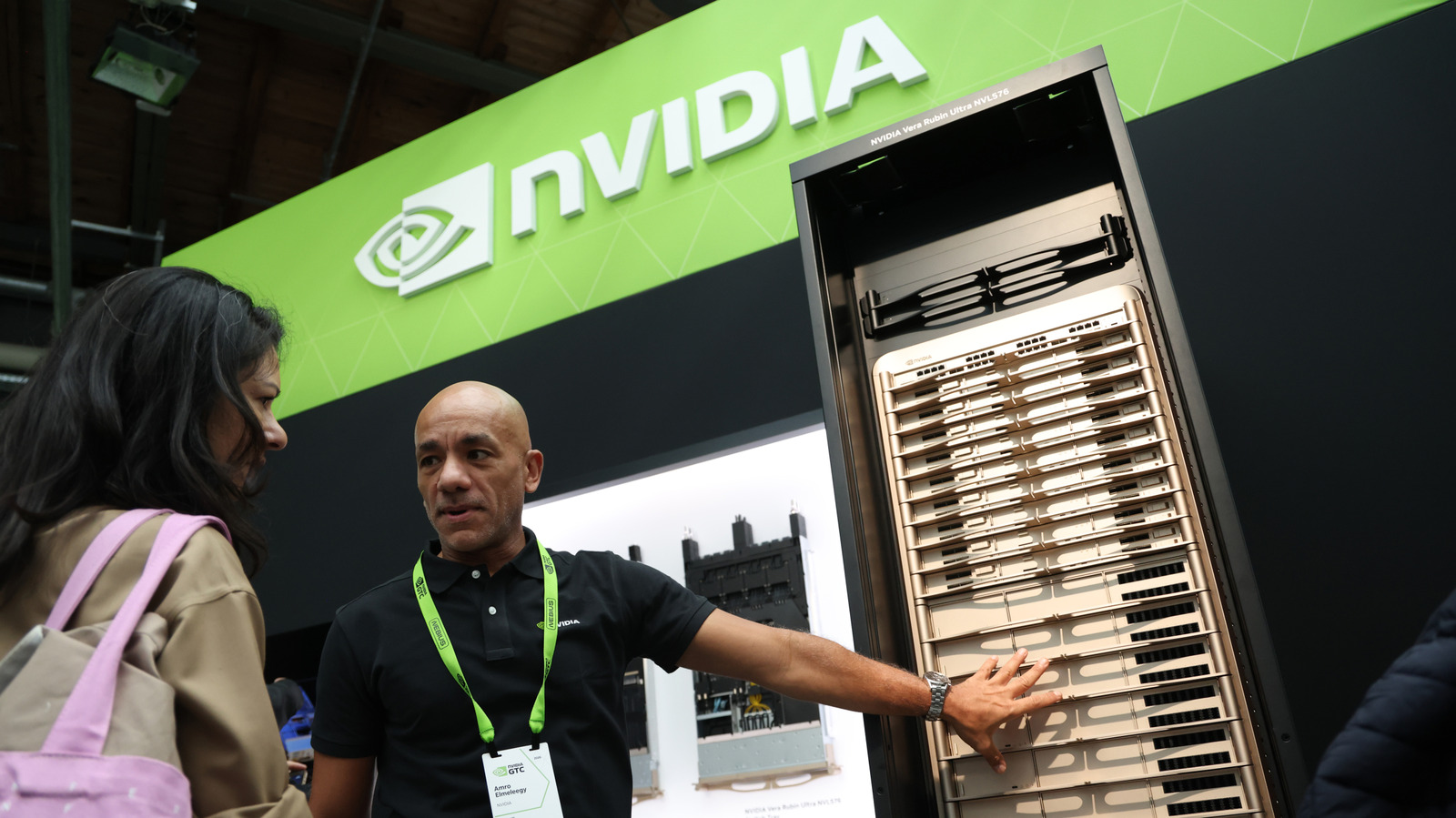
NVIDIA Halts AI Server Shipments to Key Southeast Asian Markets
NVIDIA has reportedly paused shipments of AI server hardware to Malaysia, Singapore, Thailand, and Indonesia amid tightening US export controls.