How to Reposition Samsung’s One UI Now Bar (And the Compromise It Requires)
Samsung's One UI features a lock screen Now bar that can obscure widgets if it shifts upward, but moving it back to the bottom forces a trade-off with your biometrics.
 📱Phones
Photo: engadget.com
Key points
- The Now bar on Samsung One UI shows media controls and notifications on the lock screen.
- In-display fingerprint readers force the Now bar upward to prevent UI overlap.
- Users must choose between disabling the fingerprint scanner or accepting the higher Now bar position.
Samsung's One UI software includes the Now bar, a helpful capsule on the lock screen that displays media controls, timers, notes, and news updates. Introduced in One UI 7, this element defaults to the bottom of the screen, but certain setups or device configurations cause it to float in the middle third, potentially covering other widgets and making them difficult to read.
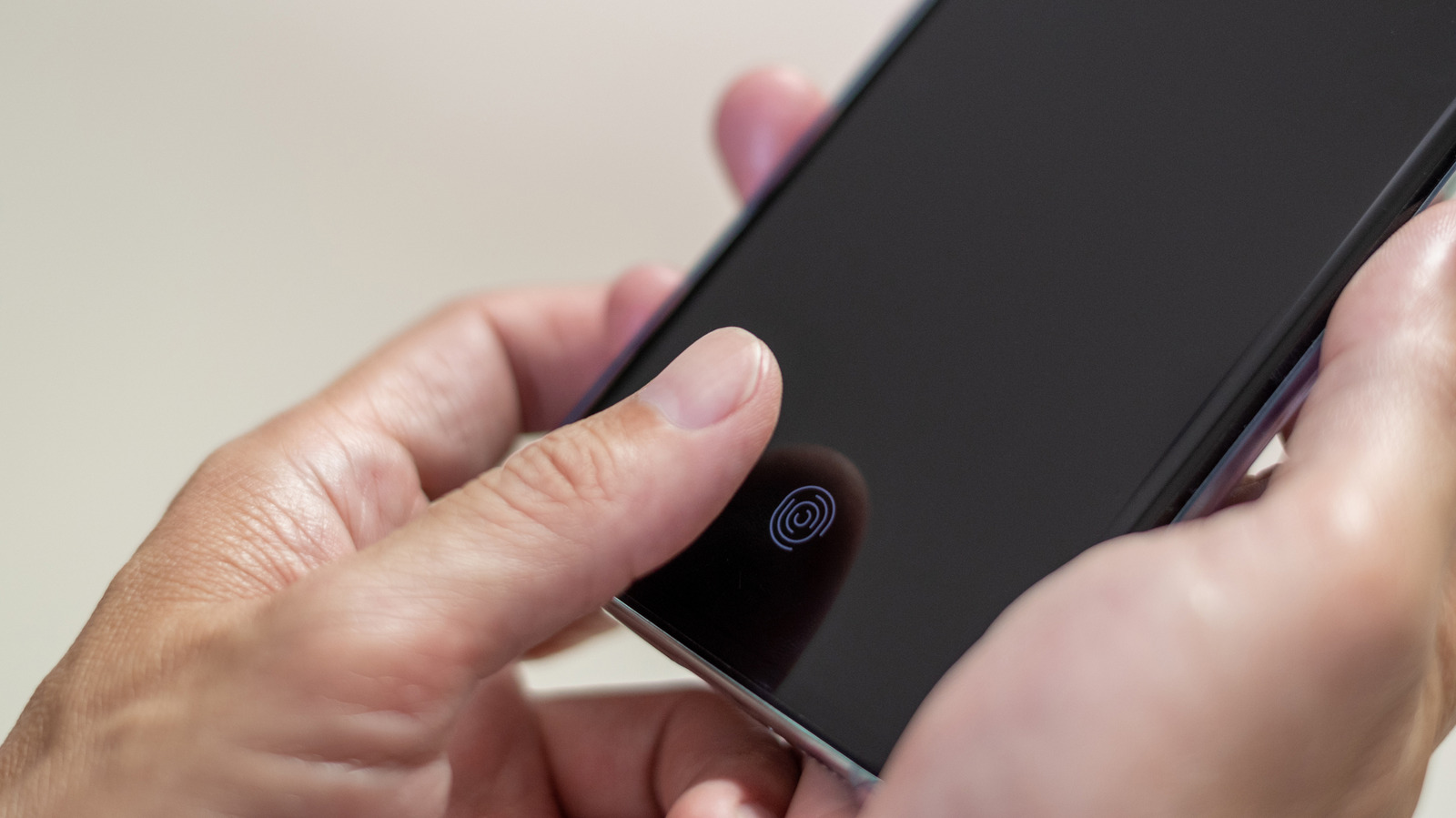
Users hoping to pin the Now bar back to the bottom edge face a strict limitation. On devices with an in-display fingerprint scanner located near the bottom of the display, One UI automatically pushes the Now bar upward to prevent the two interface elements from overlapping. Because the software does not allow independent repositioning of either feature, owners must choose between keeping their biometric scanner or moving the capsule.
To force the Now bar to the bottom, you must disable the fingerprint reader entirely by navigating to Settings, selecting Security and privacy, and removing stored fingerprints. Alternative security options like a password or face recognition can be used instead. Alternatively, users who prefer biometric unlocking can turn off the Now bar in the Lock screen menu, though disabling all app access means losing standard lock screen media controls unless the music player toggle is left active.
Should you buy it? While this is a software quirk rather than a hardware review, managing One UI notifications requires deciding which convenience matters more to your daily routine.
Source engadget.com — engadget.com/2319385/fixing-annoying-one-ui-feature-easy-but-theres… ↗
Read next
 📰Gadget News
Casio Expands Availability of Mesh-Band LA680 Vintage Watches
Casio has brought its refreshed LA680 vintage digital watch series to the Japanese market, featuring new stainless-steel mesh bands.
 📰Gadget News
Seiko Launches 7th Philippine Limited Edition Prospex Chronograph
Seiko has unveiled the HBJ006P1, a new limited-edition Prospex chronograph inspired by the Pan-Philippine Highway.
 🏠Smart Home
Modders Unlock Higher Frame Rates for GTA 6 on Jailbroken PS5 Consoles
Modders have successfully bypassed the 30 FPS limit in GTA 6 on jailbroken PlayStation 5 consoles, enabling higher frame rates on supported displays.
 📰Gadget News
Vivo X500s Leaks Point to Custom Dimensity 9600 Pro Chipset
The upcoming Vivo X500s is expected to debut with an enhanced version of the Dimensity 9600 Pro chipset and a high-refresh-rate display.
 📰Gadget News
Google Addresses Memory Issues Caused by Gemini in Chrome
Google has officially confirmed a fix for a bug that caused the Gemini web interface to consume excessive amounts of RAM in the Chrome browser.
 📰Gadget News
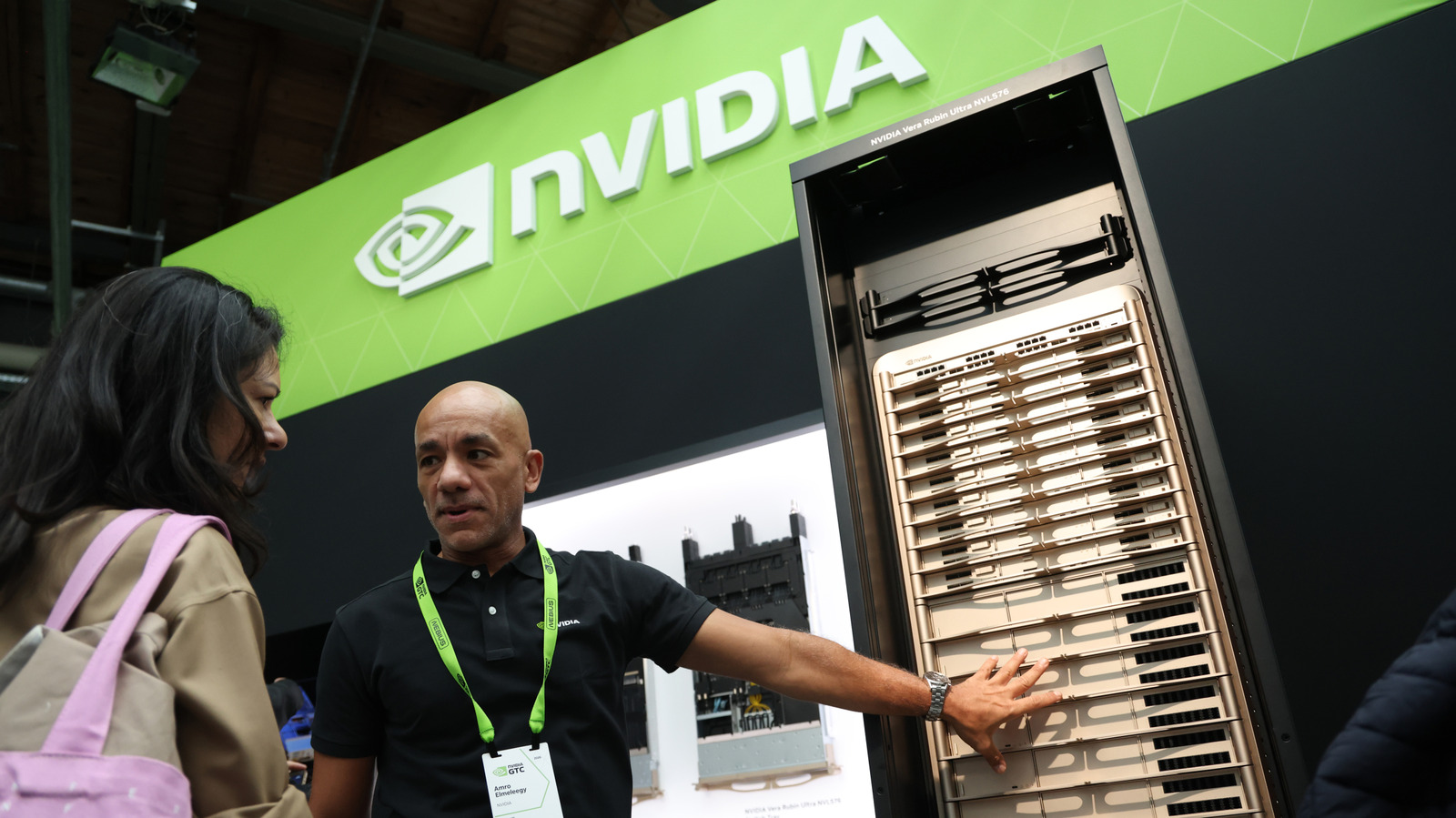
NVIDIA Halts AI Server Shipments to Key Southeast Asian Markets
NVIDIA has reportedly paused shipments of AI server hardware to Malaysia, Singapore, Thailand, and Indonesia amid tightening US export controls.