Decoding the Clock Icons on Your Samsung Galaxy Status Bar
Samsung Galaxy users may see three distinct clock-like symbols in their status bar, each indicating a different system state from active alarms to pending updates.
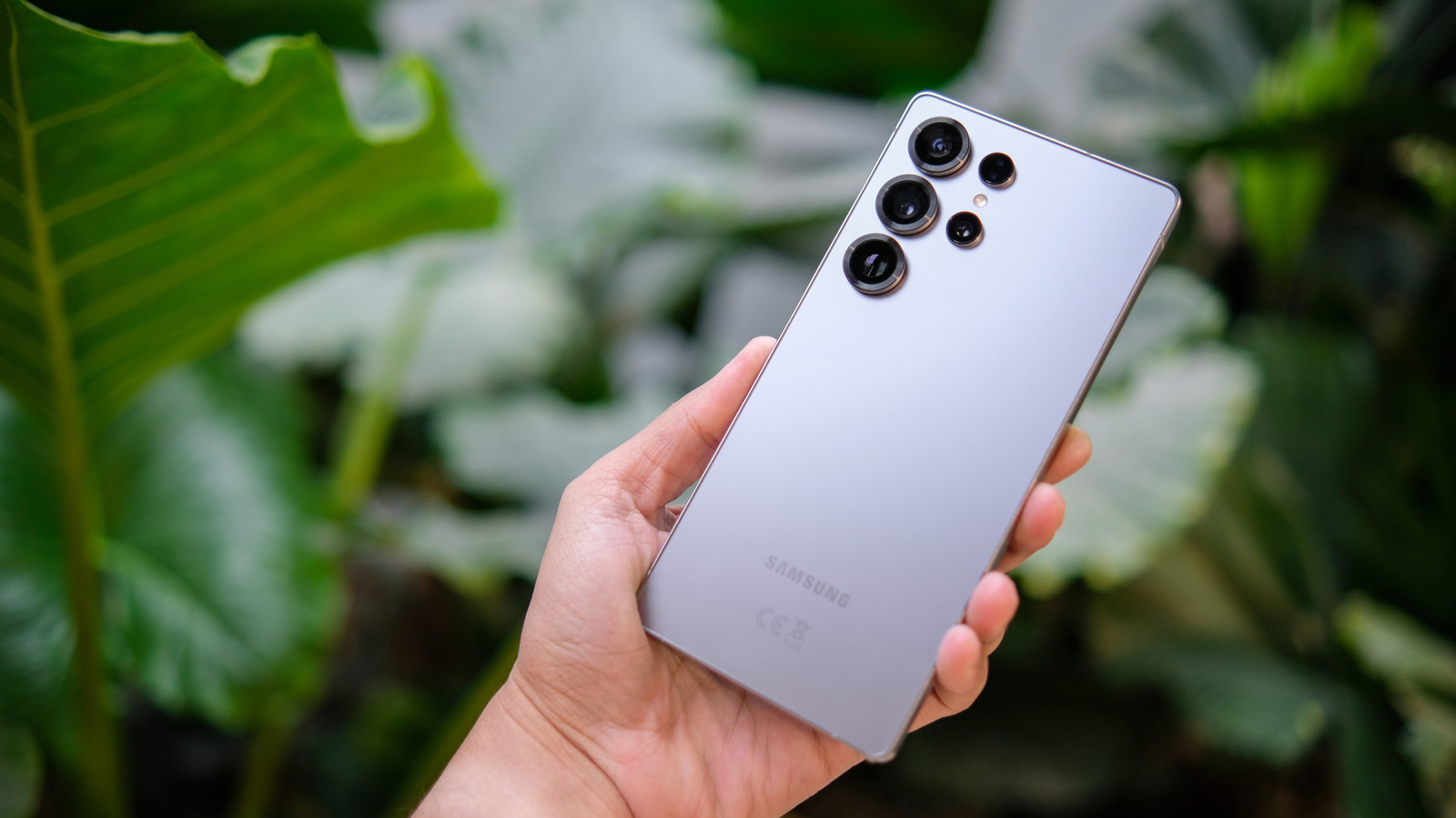 📱Phones
Photo: engadget.com
Key points
- A standard clock icon indicates an active alarm in the Samsung Clock app.
- A clock inside a rounded square means a One UI software update is ready for installation.
- A speedometer-like icon with a leaf represents the Light performance battery-saving mode on flagship devices.
Samsung Galaxy smartphones utilize various status bar icons to alert users to active settings or pending tasks. The most frequent clock icon indicates that an alarm is currently active within the native Samsung Clock app. This symbol typically appears next to the Wi-Fi indicator, though it may shift position to the left side of the screen when a scheduled alarm is within 30 minutes of ringing. To remove this icon, users must disable or delete all active alarms in the Clock application.
Software Updates and Performance Modes
A variation of this symbol—a clock enclosed within a rounded square—signals that a One UI software update is available. This icon persists until the user installs the latest firmware via the Software Update menu in the device settings. For many older devices, this may indicate the final major update for the handset, while newer models are currently receiving One UI 9.
On flagship models such as the Galaxy S23 series, Z Flip 4, and Z Fold 4 or later, a third icon resembling a speedometer with a leaf is often mistaken for a clock. This represents the Light performance profile, a power-saving feature that reduces processing speeds to extend battery life during non-gaming activities. This mode can be toggled on or off through the Quick Settings panel.
Should you buy it? While these icons are purely informational, understanding them is essential for any Samsung user looking to manage their device's battery life and security updates effectively.
Source engadget.com — engadget.com/2319450/what-little-clock-icon-top-samsung-phone-means/ ↗
Read next
 📰Gadget News
Casio Expands Availability of Mesh-Band LA680 Vintage Watches
Casio has brought its refreshed LA680 vintage digital watch series to the Japanese market, featuring new stainless-steel mesh bands.
 📰Gadget News
Seiko Launches 7th Philippine Limited Edition Prospex Chronograph
Seiko has unveiled the HBJ006P1, a new limited-edition Prospex chronograph inspired by the Pan-Philippine Highway.
 🏠Smart Home
Modders Unlock Higher Frame Rates for GTA 6 on Jailbroken PS5 Consoles
Modders have successfully bypassed the 30 FPS limit in GTA 6 on jailbroken PlayStation 5 consoles, enabling higher frame rates on supported displays.
 📰Gadget News
Vivo X500s Leaks Point to Custom Dimensity 9600 Pro Chipset
The upcoming Vivo X500s is expected to debut with an enhanced version of the Dimensity 9600 Pro chipset and a high-refresh-rate display.
 📰Gadget News
Google Addresses Memory Issues Caused by Gemini in Chrome
Google has officially confirmed a fix for a bug that caused the Gemini web interface to consume excessive amounts of RAM in the Chrome browser.
 📰Gadget News
NVIDIA Halts AI Server Shipments to Key Southeast Asian Markets
NVIDIA has reportedly paused shipments of AI server hardware to Malaysia, Singapore, Thailand, and Indonesia amid tightening US export controls.