You Don't Need an Expensive Foldable Phone to Run Split-Screen Apps on Android
Explore how standard slab-style Android phones support multi-window multitasking and floating apps without needing a pricey foldable device.
 📱Phones
Photo: engadget.com
Key points
- Standard Android phones have supported split-screen multitasking since Android 7.0 Nougat.
- Users can access split-screen and floating windows via the recent apps menu on devices from Samsung, Google, OnePlus, and others.
- Developer options include a toggle to force unsupported apps into resizable split-screen mode.
Unlocking Multi-Window Mode on Standard Phones
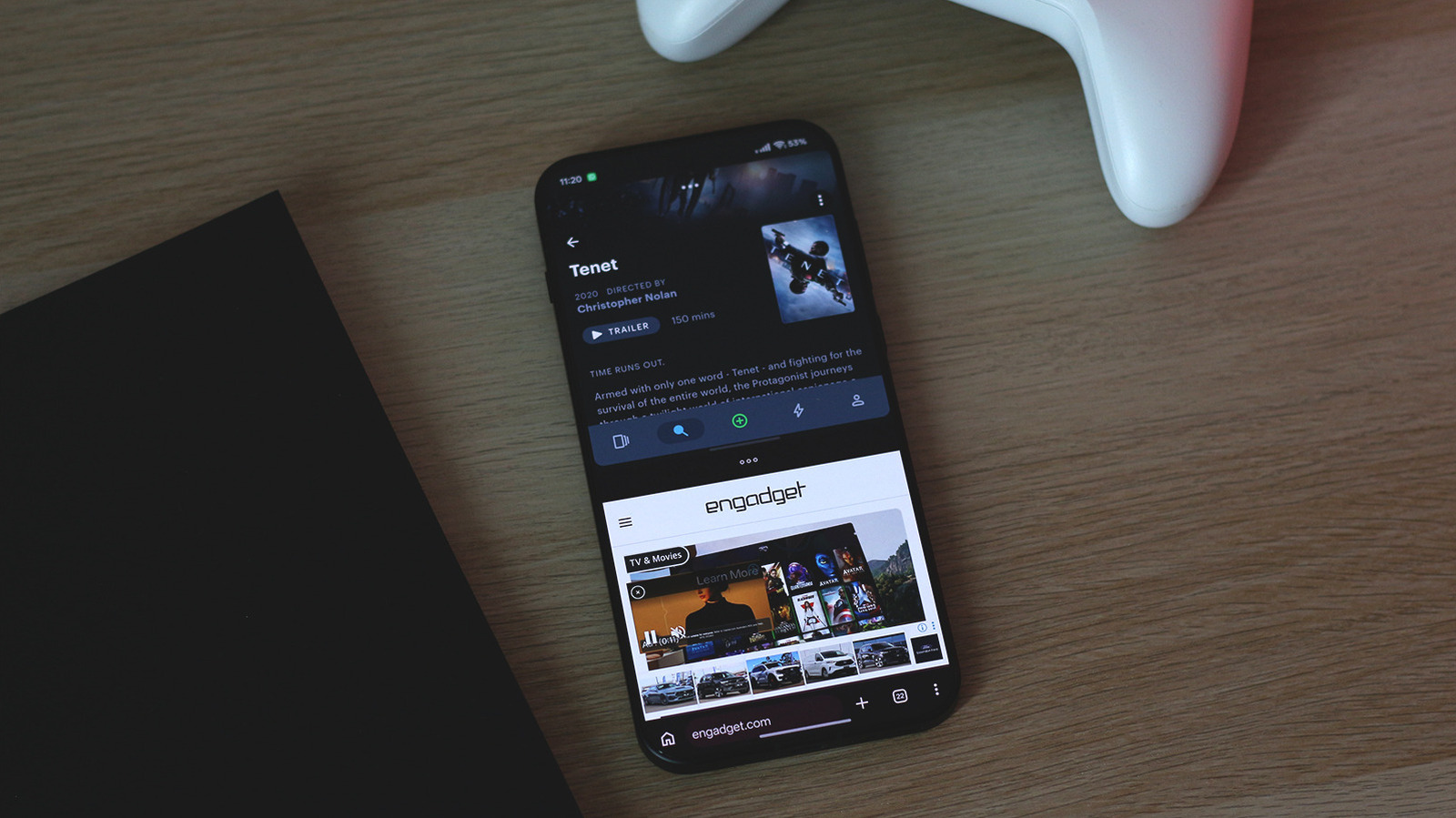
Foldable devices are often marketed as ultimate productivity machines because of their large screens and split-screen capabilities, but consumers do not need to spend close to $2,000 to run multiple applications simultaneously. Standard slab-style Android smartphones have supported split-screen multitasking natively since Android 7.0 Nougat launched in 2016, and the feature remains readily available on modern handsets.
How to Activate Split-Screen and Floating Windows
Users can easily enable split-screen functionality through the recent apps switcher by swiping up and holding from the bottom of the screen or tapping the Recents navigation button. Tapping an app icon reveals the split-screen option, allowing another application to open alongside it with an adjustable dividing line. Furthermore, modern Android devices support floating windows that appear on top of current tasks. Manufacturers like Samsung, OnePlus, and Google implement this through features like Pop-up view, Floating Windows, or Bubbles.
Managing Unsupported Apps and Workarounds
While app compatibility has improved considerably, certain programs may still lack multi-window support, leaving the split view option greyed out. Users can often resolve this by updating apps through the Play Store or activating the hidden Developer Options menu. By tapping the build number seven times in settings, users can enable the 'Force activities to be resizable' toggle to attempt running unsupported apps in split-screen mode, though results may vary across different devices.
Source engadget.com — engadget.com/2319499/you-dont-need-foldable-phone-use-split-screen-… ↗
Read next
 📰Gadget News
Seiko Launches 7th Philippine Limited Edition Prospex Chronograph
Seiko has unveiled the HBJ006P1, a new limited-edition Prospex chronograph inspired by the Pan-Philippine Highway.
 🏠Smart Home
Modders Unlock Higher Frame Rates for GTA 6 on Jailbroken PS5 Consoles
Modders have successfully bypassed the 30 FPS limit in GTA 6 on jailbroken PlayStation 5 consoles, enabling higher frame rates on supported displays.
 📰Gadget News
Vivo X500s Leaks Point to Custom Dimensity 9600 Pro Chipset
The upcoming Vivo X500s is expected to debut with an enhanced version of the Dimensity 9600 Pro chipset and a high-refresh-rate display.
 📰Gadget News
Google Addresses Memory Issues Caused by Gemini in Chrome
Google has officially confirmed a fix for a bug that caused the Gemini web interface to consume excessive amounts of RAM in the Chrome browser.
 📰Gadget News
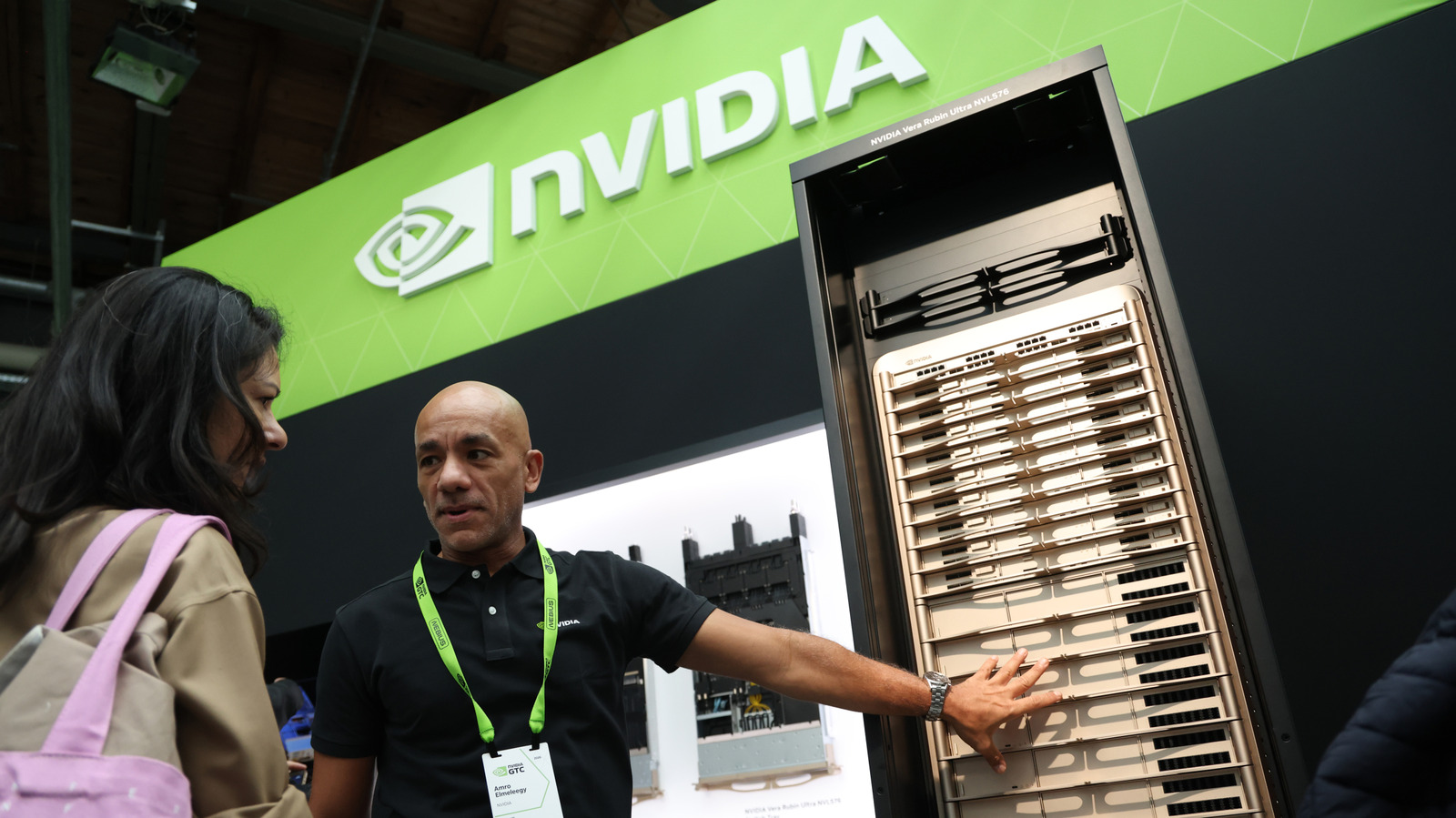
NVIDIA Halts AI Server Shipments to Key Southeast Asian Markets
NVIDIA has reportedly paused shipments of AI server hardware to Malaysia, Singapore, Thailand, and Indonesia amid tightening US export controls.
 ⌚Wearables
Roborock Announces 2026 Black Friday Promotions on Cleaning Lineup
Roborock has launched its annual Black Friday and Cyber Monday sales event, offering discounts and bundles across its 2026 smart cleaning product range.