How to use your smartphone camera to troubleshoot TV remote batteries
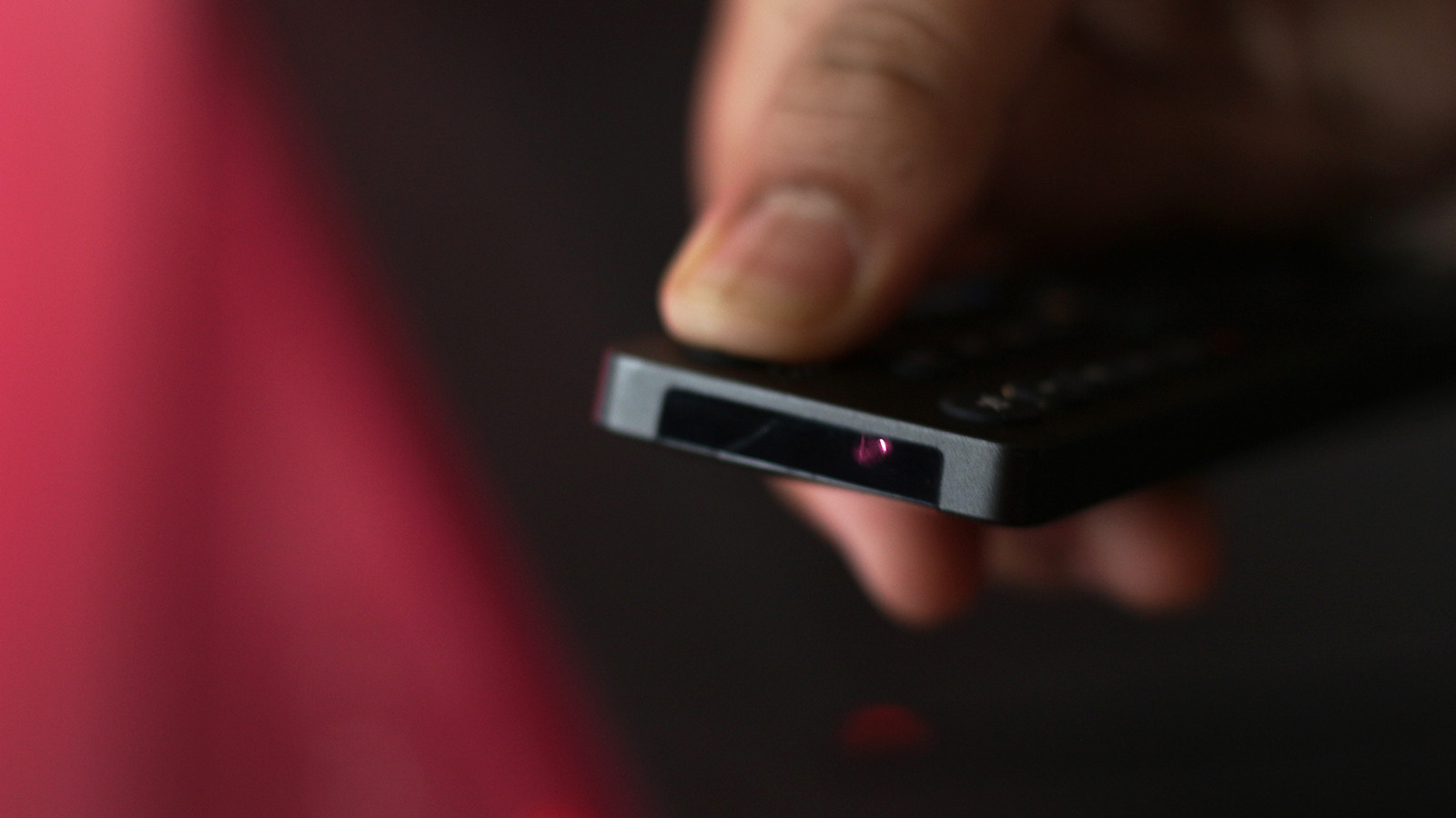
You can use your smartphone's camera to detect infrared light and determine if your TV remote's batteries are dead.
 🏠Smart Home
Photo: engadget.com
Key points
- Smartphone cameras can detect infrared light emitted by traditional TV remotes.
- A purple or white flash on the camera screen confirms the remote is sending a signal.
- Smartphones can function as permanent TV remotes via Wi-Fi and companion apps.
If your television remote stops responding, you might not need to rush out for new batteries immediately. Most standard remotes utilize infrared (IR) light to communicate with your TV, a spectrum invisible to the human eye but easily captured by the sensors in your smartphone camera. By opening your camera app and pointing it at the remote's emitter while pressing a button, you can often see a faint purple or white flash on your screen if the remote is still transmitting a signal.
This simple diagnostic method helps distinguish between a power issue and a hardware failure. If you see the light flash, your batteries are likely functional, suggesting the problem might lie with the remote's internal circuitry or the TV sensor itself. Conversely, if no light appears, it is a clear indicator that the batteries are drained and need replacement. Note that this trick only works for IR-based signals; modern remotes using Bluetooth for voice commands or advanced features will not produce a visible flash for those specific inputs.
For those looking to bypass physical remotes entirely, modern smart TVs offer robust software alternatives. Many Android devices and smart TV platforms like Google TV or Fire OS allow you to control your television directly through a companion app over Wi-Fi. By enabling network standby features like Wake-on-LAN, you can transform your smartphone into a permanent, battery-free replacement for your traditional remote.
Should you buy it? This isn't a product purchase, but it is a highly effective, free troubleshooting step that saves time and money before assuming your remote is broken.
Source engadget.com — engadget.com/2319533/how-to-use-phone-test-remote-control-battery/ ↗
Read next
 📰Gadget News
XPeng unveils IRON humanoid robot with plans for public launch by 2027
Electric vehicle manufacturer XPeng has introduced its new humanoid robot, IRON, targeting a commercial debut in 2027 with a price point comparable to an entry-level EV.
 📰Gadget News
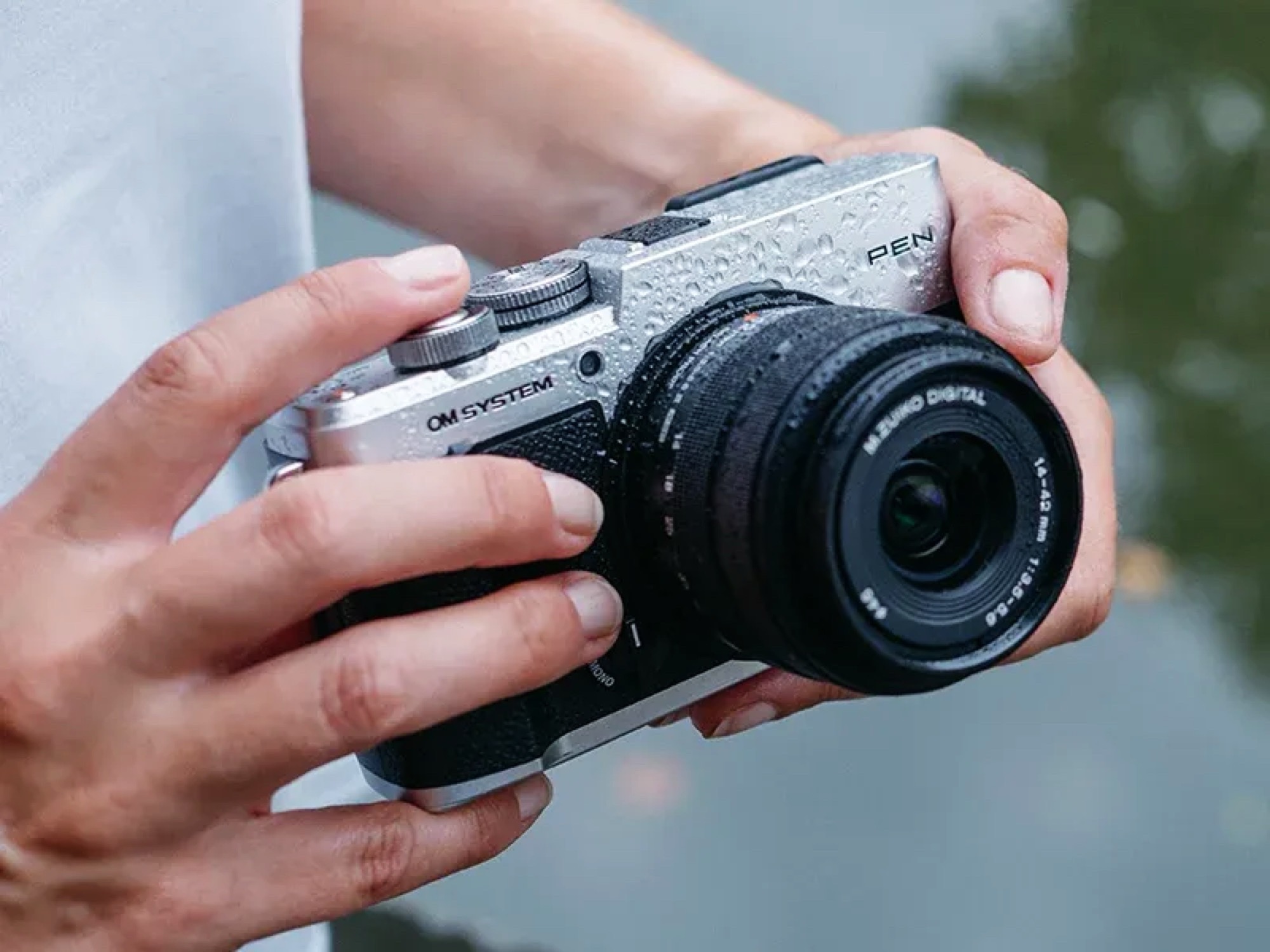
OM System Expected to Upgrade Micro Four Thirds Sensor Technology
Reports suggest OM System is moving toward higher-resolution sensors for its Micro Four Thirds lineup, potentially reaching up to 100 megapixels.
 📰Gadget News
Casio Expands Availability of Mesh-Band LA680 Vintage Watches
Casio has brought its refreshed LA680 vintage digital watch series to the Japanese market, featuring new stainless-steel mesh bands.
 📰Gadget News
Nvidia Reportedly Planning Further GPU Supply Reductions
Rumors suggest Nvidia may decrease gaming GPU shipments by up to 30% through early 2027, potentially driving up prices for consumers.
 📰Gadget News
WhatsApp to Integrate Travel eSIM Purchases Directly Within the App
WhatsApp is launching a new feature allowing users to buy and install international travel eSIMs without leaving the messaging platform.
 📰Gadget News
Seiko Launches 7th Philippine Limited Edition Prospex Chronograph
Seiko has unveiled the HBJ006P1, a new limited-edition Prospex chronograph inspired by the Pan-Philippine Highway.