Understanding Public vs. Private IP Addresses in Your Smart Home
Learn how public and private IP addresses function to keep your smart home devices connected and secure.
 🏠Smart Home
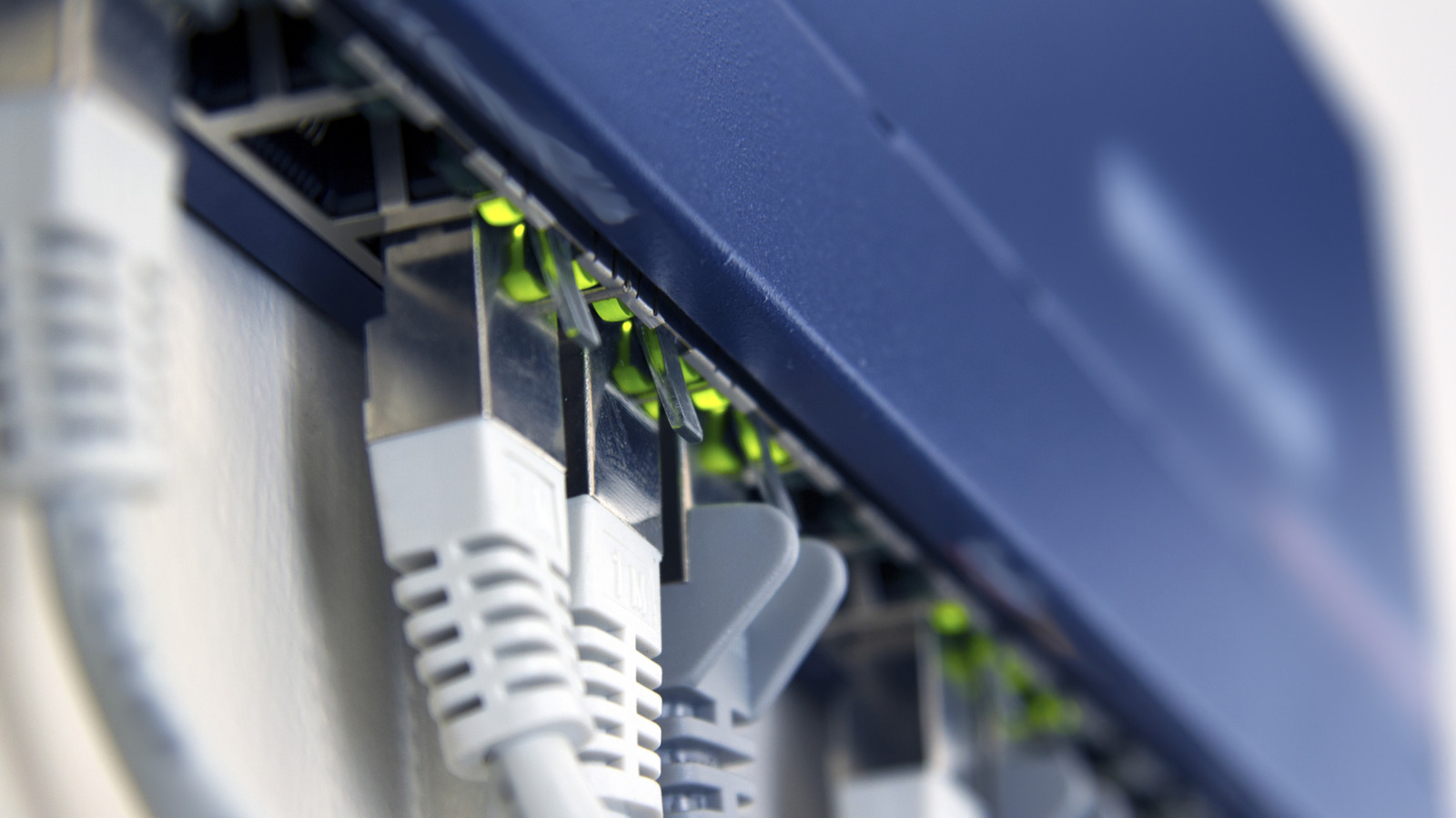
Photo: engadget.com
Key points
- Public IP addresses identify your network, while private IP addresses identify individual devices.
- Network Address Translation (NAT) allows multiple local devices to share one public internet connection.
- Troubleshooting network errors is easier when you can distinguish between local device issues and external ISP connectivity.
Every device in your smart home relies on a unique numerical label known as an IP address to communicate across your network. Your internet service provider assigns a single public IP address to your router, which acts as the primary gateway between your home and the internet. In contrast, every gadget connected to your Wi-Fi—from smartphones to smart bulbs—is assigned a private IP address by the router, allowing them to interact internally without being directly exposed to the outside world.
Think of your public IP as your home's mailing address, while private IP addresses function like individual apartment numbers. This distinction is maintained by Network Address Translation (NAT), a routing mechanism that enables multiple devices to share one public connection. Because private addresses are isolated, external users cannot access your local devices, such as printers or smart cameras, directly.
Troubleshooting network issues often requires identifying these addresses. You can find your public IP using web-based tools, while private addresses are typically listed in your router's control panel. For specific devices, you can check network settings on Windows, macOS, Android, or iOS to verify connectivity. If you notice a device displaying an address in the 169.254.X.X range, it indicates a failure to receive an IP from your router, helping you isolate the source of the connection problem.
Should you buy it? This is an educational guide, not a product review; however, understanding these network basics is essential for any smart home enthusiast managing multiple connected devices.
Source engadget.com — engadget.com/2310692/public-vs-private-ip-addresses-differences/ ↗
Read next
 📰Gadget News
XPeng unveils IRON humanoid robot with plans for public launch by 2027
Electric vehicle manufacturer XPeng has introduced its new humanoid robot, IRON, targeting a commercial debut in 2027 with a price point comparable to an entry-level EV.
 📰Gadget News
OM System Expected to Upgrade Micro Four Thirds Sensor Technology
Reports suggest OM System is moving toward higher-resolution sensors for its Micro Four Thirds lineup, potentially reaching up to 100 megapixels.
 📰Gadget News
Casio Expands Availability of Mesh-Band LA680 Vintage Watches
Casio has brought its refreshed LA680 vintage digital watch series to the Japanese market, featuring new stainless-steel mesh bands.
 📰Gadget News
Nvidia Reportedly Planning Further GPU Supply Reductions
Rumors suggest Nvidia may decrease gaming GPU shipments by up to 30% through early 2027, potentially driving up prices for consumers.
 📰Gadget News
WhatsApp to Integrate Travel eSIM Purchases Directly Within the App
WhatsApp is launching a new feature allowing users to buy and install international travel eSIMs without leaving the messaging platform.
 📰Gadget News
Seiko Launches 7th Philippine Limited Edition Prospex Chronograph
Seiko has unveiled the HBJ006P1, a new limited-edition Prospex chronograph inspired by the Pan-Philippine Highway.