Mastering Wi-Fi Router Placement for Maximum Speed and Range
A weak wireless signal is often caused by poor router positioning rather than hardware failure. Proper placement and band management can drastically improve home network performance.
 🧠AI Analysis
Photo: engadget.com
Key points
- Place routers in central, elevated, open locations away from corners and electronics.
- Adjust antenna orientation based on single-story layouts versus multi-story buildings.
- Separate devices between 2.4GHz and 5GHz bands based on speed needs and distance.
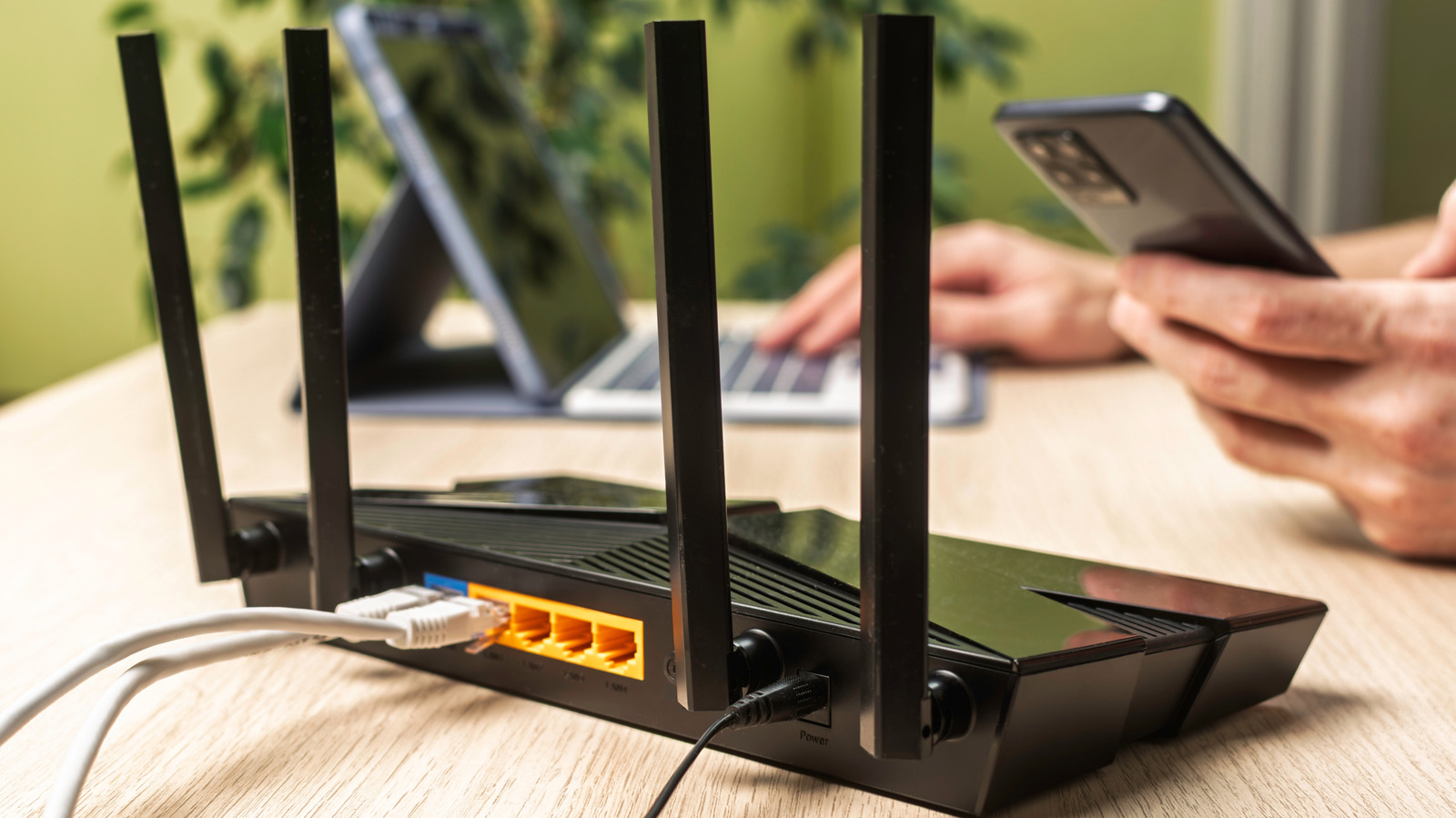
Many home network issues stem not from faulty internet service providers or failing hardware, but from poor router positioning. Because Wi-Fi routers broadcast signals outward in every direction, placing a device inside a corner cabinet or too close to competing electronics severely degrades signal quality and wastes coverage outside the property.
To achieve optimal performance, users should place their routers in central, elevated locations out in the open, such as on a desk or side table. For single-story homes and apartments, keeping antennas vertical ensures even distribution. In multi-story buildings, positioning the router closer to the ceiling on the ground floor—or closer to the floor on the second level—along with angling at least one antenna to roughly 30 degrees, helps bridge vertical gaps. Running speed tests during adjustments allows users to accurately map signal improvements.
Minimizing interference is equally vital. Routers should remain well clear of thick walls, metal objects, Bluetooth gadgets, and microwaves, which disrupt the 2.4GHz frequency band. Users should also strategically assign devices to frequencies: demanding hardware like gaming consoles and desktops benefit most from the faster, shorter-range 5GHz band, while distant or mobile devices function well on the longer-range 2.4GHz band. For sprawling properties or multi-story structures with persistent dead zones, deploying a mesh network or a Wi-Fi extender provides necessary coverage expansion.
Source engadget.com — engadget.com/2314221/where-to-place-wifi-router-best-internet/ ↗
Read next
 📰Gadget News
Readdle Documents App Integrates AI-Powered Voice Notes
Readdle has updated its Documents app for iOS and iPadOS with a new Voice Notes feature that provides automated transcriptions, summaries, and action items.
 📰Gadget News
Navigating Amazon's Updated Kindle Lineup for Black Friday
Amazon has refreshed its entire Kindle e-reader range with faster processors and new designs, though prices have increased across the board.
 📰Gadget News
AirPods Pro 3 Hit Record Low Price of $149 for Black Friday
Apple's premium AirPods Pro 3 have reached a new all-time low price of $149, marking a $100 discount during Amazon's Black Friday sales.
 📰Gadget News
1Password Confirms Security Breach Involving Employee GitHub Account
1Password has reported a security incident involving a compromised employee account, though the company maintains that user vaults remain secure.
 📰Gadget News
Google Play Store Policy Update May Expose Independent Developers' Home Addresses
Starting March 2027, Google will publicly display the physical addresses and phone numbers of developers classified as commercial traders, raising significant privacy con…
 📰Gadget News
Malicious Chrome Extension Disguised as Google Sheets Targets Gmail Data
Security researchers have identified a harmful Chrome extension masquerading as Google Sheets that exfiltrates Gmail messages from infected Windows PCs.