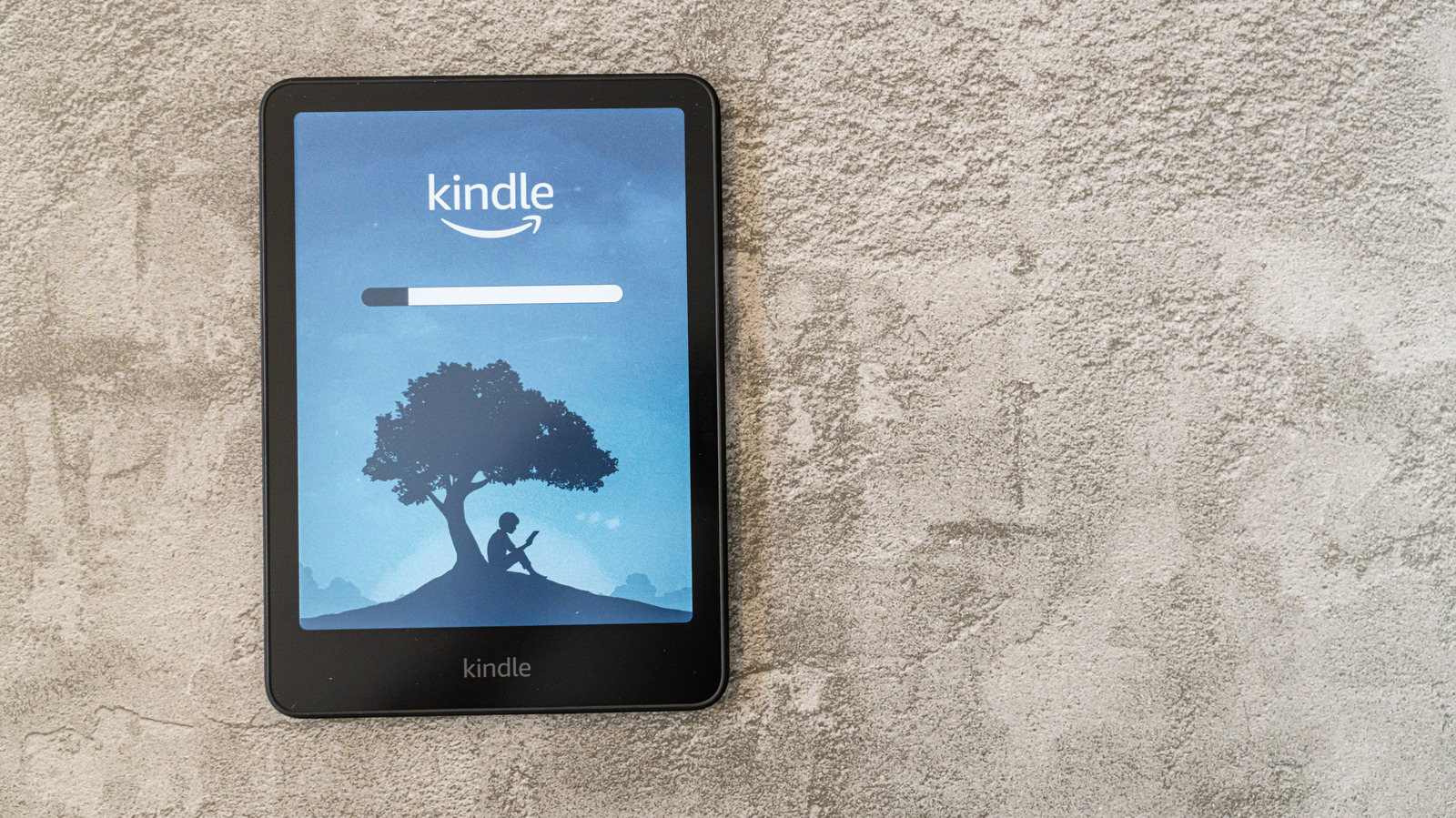
Simple Settings Changes Can Make Your Amazon Kindle Feel Like a Physical Book
Learn how to adjust fonts, margins, brightness, and layouts on your Amazon Kindle to recreate the cozy, tactile feel of reading a traditional print book.
 🧠AI Analysis
Photo: engadget.com
Key points
- Switch to serif fonts like Baskerville or Palatino for a print-like look
- Adjust margins, text weight, and warmth to mimic physical paper
- Enable page-turn animations on supported Kindle models for smoother transitions
E-readers have made literature more accessible than ever, yet many readers still miss the tactile comfort of holding a physical volume. For those who find the default digital interface a bit too sterile, Amazon's hardware includes several built-in customization options that can dramatically improve your daily reading sessions.
By opening an active book and tapping the top menu, users can access a variety of display tweaks. Switching the typeface to a traditional serif option like Baskerville or Palatino moves the experience away from a standard computer screen. Furthermore, adjusting text weight and widening the margins helps mimic the appearance of printed pages on paper.
Readers can also dial down the screen brightness and increase warmth settings through the Quick Actions menu to simulate the look of aged or cream-colored paper. For devices that support it, such as the Paperwhite, Colorsoft, and Scribe, enabling page-turn animations adds a subtle transition effect that mirrors flipping through a physical novel.
AI Analysis: This guide addresses a long-standing psychological barrier for traditional book lovers transitioning to digital formats. By highlighting underutilized software settings and physical accessories, it demonstrates how small personalization choices can improve user retention and comfort in the e-reader market.
Source engadget.com — engadget.com/2314792/improve-amazon-kindle-experience-doing-simple-… ↗
Read next
 🏠Smart Home
Modders Unlock Higher Frame Rates for GTA 6 on Jailbroken PS5 Consoles
Modders have successfully bypassed the 30 FPS limit in GTA 6 on jailbroken PlayStation 5 consoles, enabling higher frame rates on supported displays.
 📰Gadget News
Google Addresses Memory Issues Caused by Gemini in Chrome
Google has officially confirmed a fix for a bug that caused the Gemini web interface to consume excessive amounts of RAM in the Chrome browser.
 ⌚Wearables
Roborock Announces 2026 Black Friday Promotions on Cleaning Lineup
Roborock has launched its annual Black Friday and Cyber Monday sales event, offering discounts and bundles across its 2026 smart cleaning product range.
 📰Gadget News
Steam Festival Highlights Games Created Without Generative AI
A new Steam festival showcases games developed without generative AI, requiring creators to provide proof of their manual production processes.
 ⌚Wearables
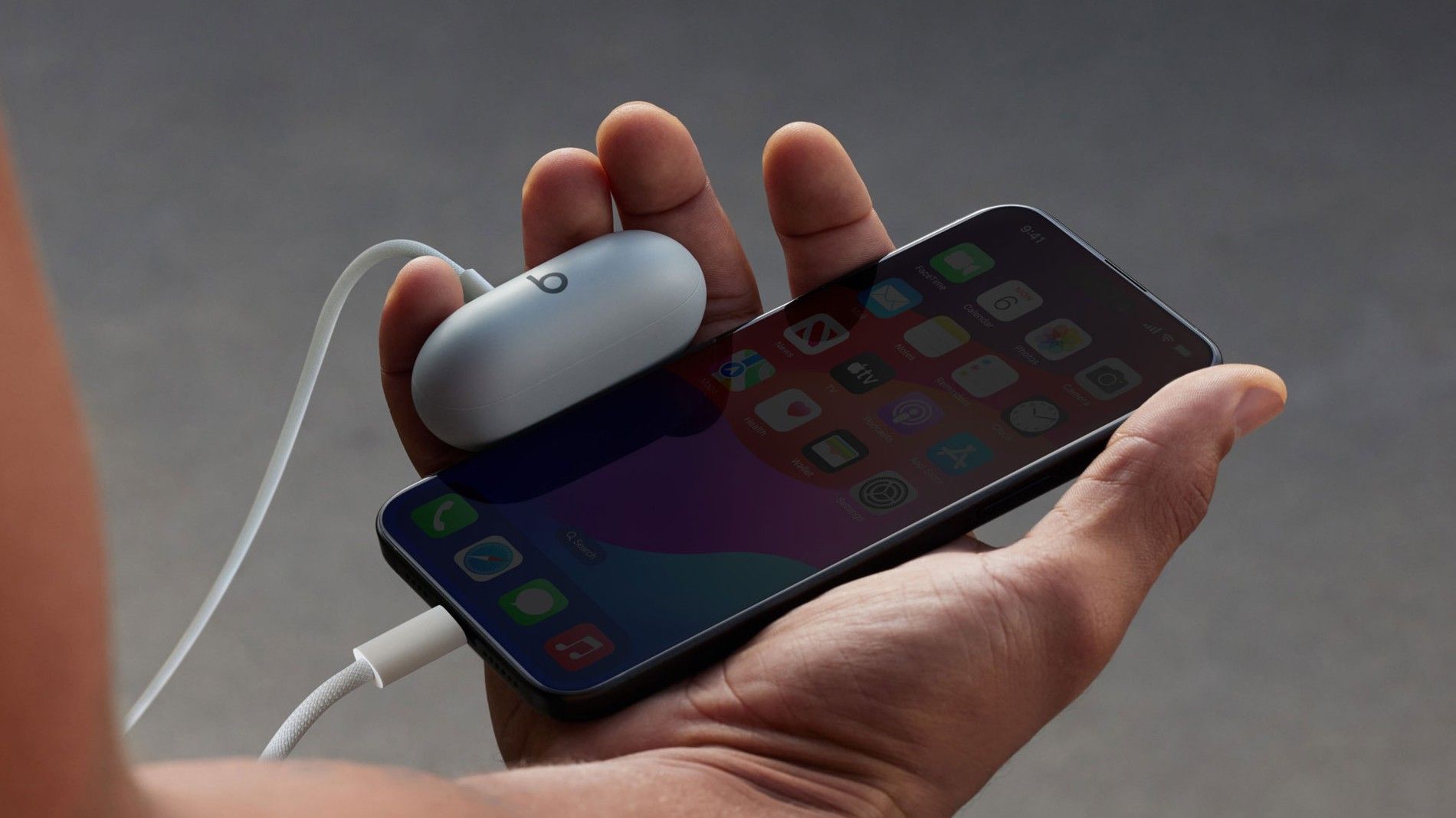
Beats Solo Buds See Significant Price Drop to £39
The Beats Solo Buds are currently available for £39, offering a portable design and cross-platform compatibility at a steep discount.
 🏠Smart Home
Apple Studio Display Sees $200 Price Drop for Black Friday
Amazon is offering a $200 discount on Apple's 27-inch Studio Display, bringing the entry-level price down to $1,399.