Googlebook OS Receives Practical Desktop Enhancements via Chrome 157
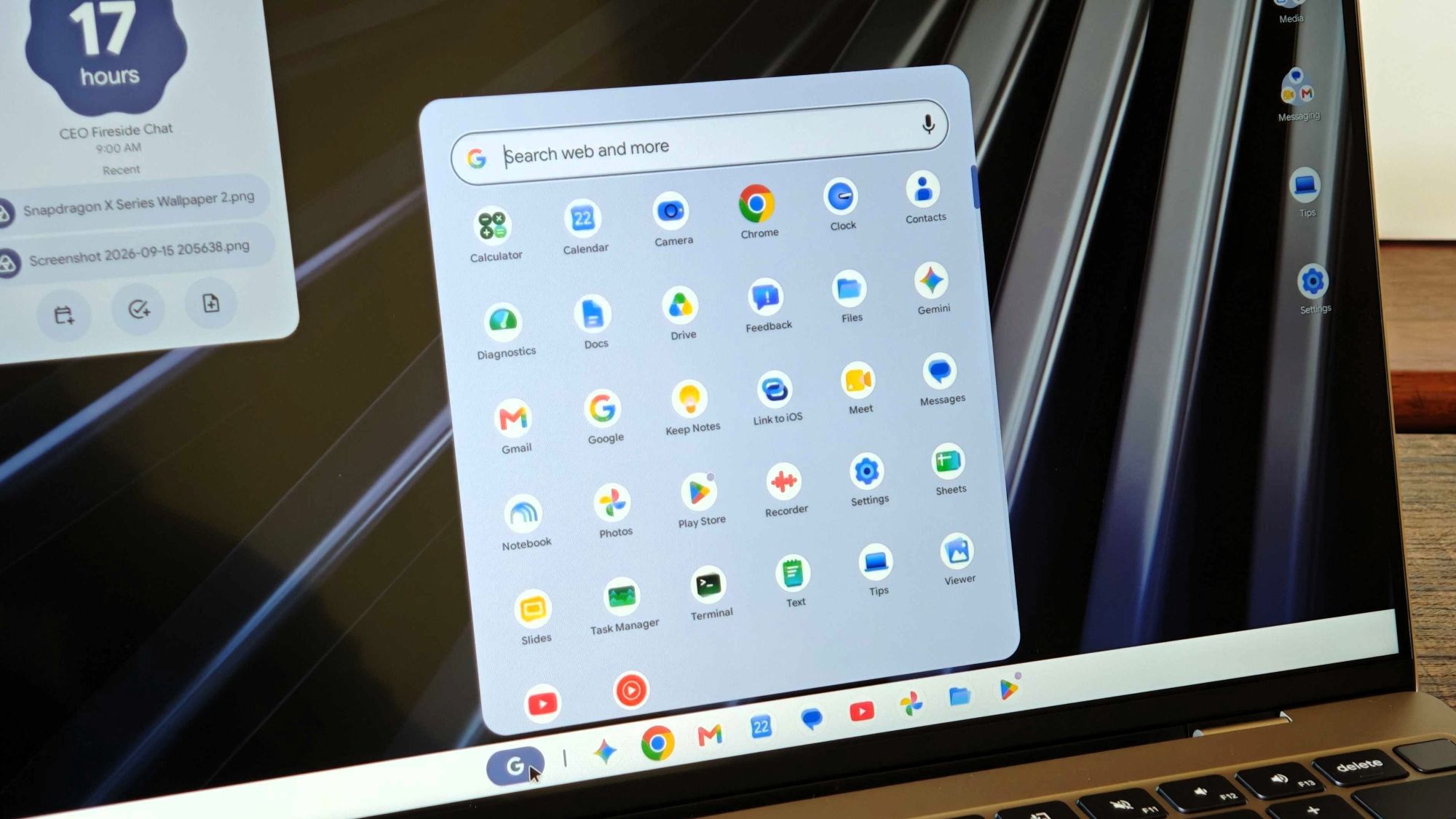
Google is rolling out Chrome 157 to refine the Googlebook OS experience with improved vertical tab controls, direct settings URLs, and numerous bug fixes.
 🧠AI Analysis
Photo: androidcentral.com
Key points
- Chrome 157 brings five major features and 22 fixes to Googlebook OS.
- New vertical tab features include hover auto-expansion and manual resizing.
- Settings pages now feature unique URLs for easier bookmarking and navigation.
Google has released Chrome 157, bringing a significant round of desktop refinements to the fledgling Googlebook operating system. Following its consumer launch earlier this fall, the platform has faced scrutiny over minor desktop quirks that disrupt daily productivity. This latest browser update targets these friction points directly, introducing five primary features alongside 22 under-the-hood stability patches.
Among the standout additions are major improvements for users who prefer vertical tabs over the traditional horizontal layout. The update introduces an auto-expand function that temporarily reveals the tab rail when hovering over it with a mouse or trackpad, solving previous visibility issues when the sidebar collapsed. Additionally, users can now manually resize the vertical tab bar, and the browser will remember these preferred dimensions across restarts. Navigation within the Settings menu has also been streamlined, assigning unique URLs to individual sections like Privacy and Appearance so users can easily bookmark, share, or use browser navigation buttons to move between them.
Other practical upgrades include a persistent control bar for video calls on platforms like Google Meet, enabling users to halt sharing or swap tabs instantly without menu digging. The system's native Save As dialog is now active by default, offering greater flexibility when saving files to Google Drive or external storage. Minor irritations—such as right-click menu behaviors in the address bar, PDF translation improvements, and cleaner URL copying via keyboard shortcuts—round out the patch.
AI Analysis: This update highlights Google's ongoing strategy to bridge the gap between mobile Android underpinnings and traditional desktop usability for its newer platforms. By focusing heavily on quality-of-life adjustments rather than flashy cosmetic overhauls, Google is directly addressing user fatigue tied to early-stage software friction. Over time, these incremental refinements will be crucial for establishing Googlebook OS as a viable daily driver for productivity-focused consumers.
Source androidcentral.com — androidcentral.com/googlebook/googlebook-gets-a-much-needed-desktop… ↗
Read next
 📰Gadget News
Casio Expands Availability of Mesh-Band LA680 Vintage Watches
Casio has brought its refreshed LA680 vintage digital watch series to the Japanese market, featuring new stainless-steel mesh bands.
 📰Gadget News
Seiko Launches 7th Philippine Limited Edition Prospex Chronograph
Seiko has unveiled the HBJ006P1, a new limited-edition Prospex chronograph inspired by the Pan-Philippine Highway.
 🏠Smart Home
Modders Unlock Higher Frame Rates for GTA 6 on Jailbroken PS5 Consoles
Modders have successfully bypassed the 30 FPS limit in GTA 6 on jailbroken PlayStation 5 consoles, enabling higher frame rates on supported displays.
 📰Gadget News
Vivo X500s Leaks Point to Custom Dimensity 9600 Pro Chipset
The upcoming Vivo X500s is expected to debut with an enhanced version of the Dimensity 9600 Pro chipset and a high-refresh-rate display.
 📰Gadget News
Google Addresses Memory Issues Caused by Gemini in Chrome
Google has officially confirmed a fix for a bug that caused the Gemini web interface to consume excessive amounts of RAM in the Chrome browser.
 📰Gadget News
NVIDIA Halts AI Server Shipments to Key Southeast Asian Markets
NVIDIA has reportedly paused shipments of AI server hardware to Malaysia, Singapore, Thailand, and Indonesia amid tightening US export controls.