How to Configure EV Routing on Apple CarPlay and Android Auto
A practical guide on setting up dedicated electric vehicle navigation features within Apple Maps and Google Maps to automatically manage charging stops.
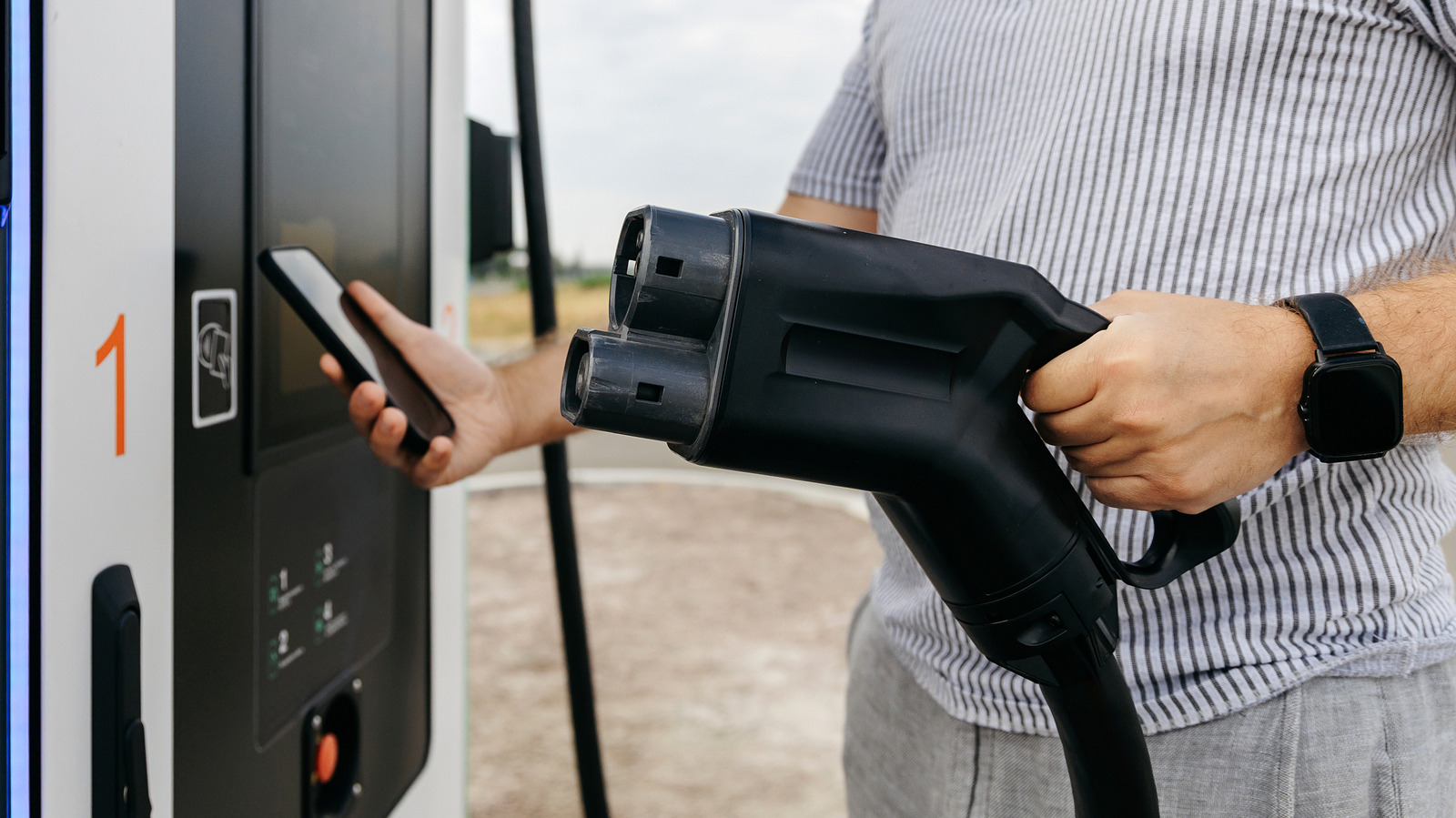 🧠AI Analysis
Photo: engadget.com
Key points
- Apple Maps and Google Maps both offer automated EV routing features for CarPlay and Android Auto.
- Vehicle compatibility varies, often requiring specific manufacturer apps or manual plug configurations.
- Navigation tools estimate battery usage and suggest charging stops, though live driving conditions affect accuracy.
Transitioning to an electric vehicle changes how drivers approach long journeys, shifting the focus from fuel stops to locating compatible charging stations. While manually mapping out chargers is possible, both Apple Maps and Google Maps offer automated EV routing for CarPlay and Android Auto to remove the guesswork by forecasting remaining battery levels and suggesting necessary charging intervals along the way.
Compatibility remains a primary hurdle because simply having CarPlay or Android Auto does not guarantee native support. Specific models like Ford's Mustang Mach-E and F-150 Lightning support Apple Maps EV routing, alongside Toyota EVs from 2023 onward in the United States. Meanwhile, Google expanded Android Auto charging recommendations to encompass more than 350 US electric vehicle models as of March 2026. Drivers using Apple Maps may need to link their vehicle via a companion manufacturer application, while Google Maps requires users to manually input their vehicle make, model, year, trim, and plug type within the application settings before connecting to the dashboard.
Once properly linked, both navigation platforms provide estimated arrival battery percentages and prompt drivers to add charging stops when planning long-distance trips. However, external factors such as weather conditions, driving speed, and overall vehicle health can influence actual energy consumption, meaning these predictions should serve as a helpful guide rather than an absolute guarantee.
Source engadget.com — engadget.com/2319928/how-to-set-up-ev-routing-carplay-android-auto/ ↗
Read next
 📰Gadget News
XPeng unveils IRON humanoid robot with plans for public launch by 2027
Electric vehicle manufacturer XPeng has introduced its new humanoid robot, IRON, targeting a commercial debut in 2027 with a price point comparable to an entry-level EV.
 📰Gadget News
OM System Expected to Upgrade Micro Four Thirds Sensor Technology
Reports suggest OM System is moving toward higher-resolution sensors for its Micro Four Thirds lineup, potentially reaching up to 100 megapixels.
 📰Gadget News
Casio Expands Availability of Mesh-Band LA680 Vintage Watches
Casio has brought its refreshed LA680 vintage digital watch series to the Japanese market, featuring new stainless-steel mesh bands.
 📰Gadget News
Nvidia Reportedly Planning Further GPU Supply Reductions
Rumors suggest Nvidia may decrease gaming GPU shipments by up to 30% through early 2027, potentially driving up prices for consumers.
 📰Gadget News
WhatsApp to Integrate Travel eSIM Purchases Directly Within the App
WhatsApp is launching a new feature allowing users to buy and install international travel eSIMs without leaving the messaging platform.
 📰Gadget News
Seiko Launches 7th Philippine Limited Edition Prospex Chronograph
Seiko has unveiled the HBJ006P1, a new limited-edition Prospex chronograph inspired by the Pan-Philippine Highway.