How to Troubleshoot and Recover a Non-Responsive External Hard Drive
A practical guide on resolving common hardware and software issues when your PC or Mac fails to read an external hard drive.
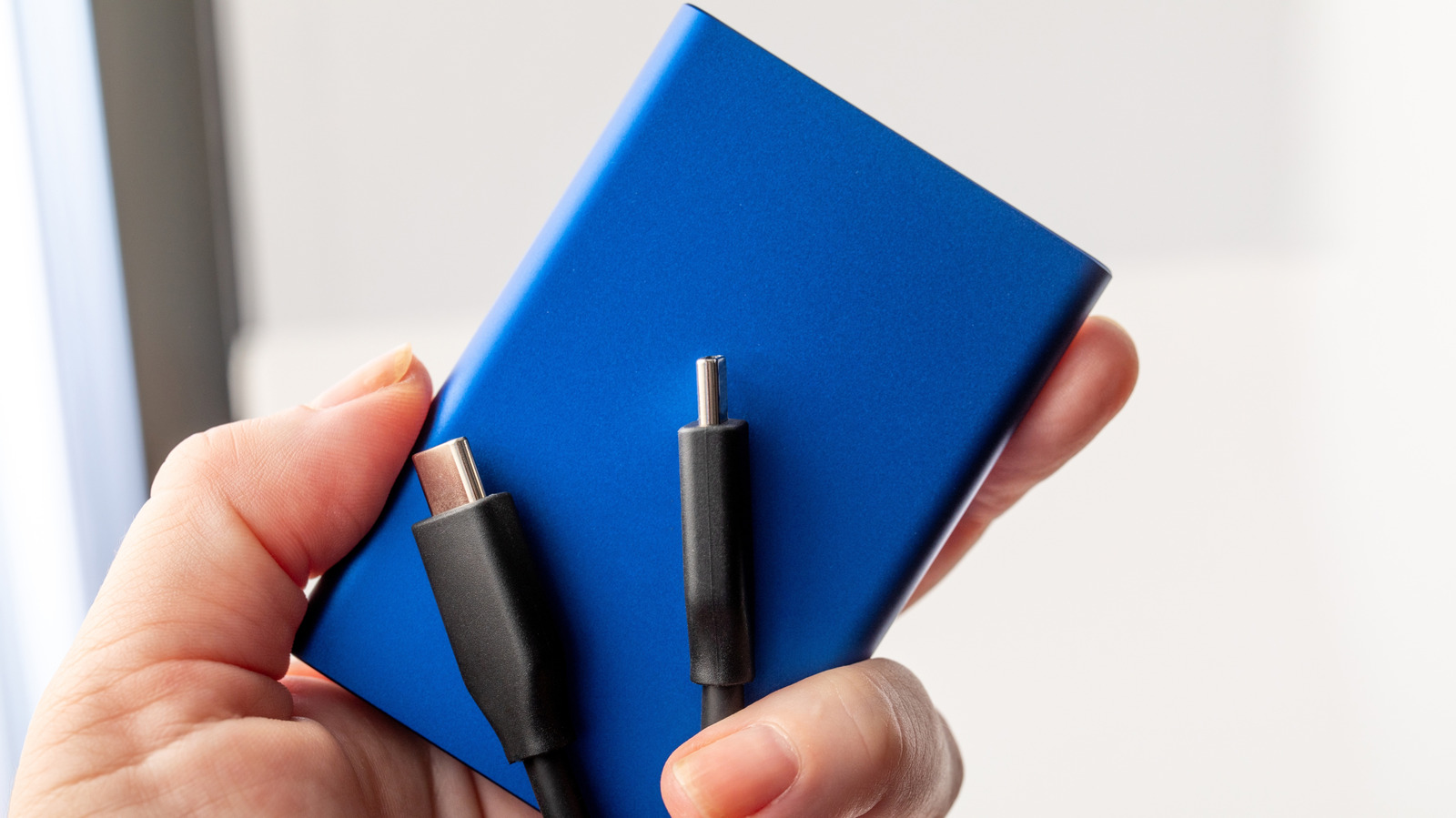 🧠AI Analysis
Photo: engadget.com
Key points
- Check all physical connections, cables, and power supplies first.
- Use Windows Device Manager and Disk Management or macOS Disk Utility to diagnose software issues.
- Attempt error-fixing utilities like CHKDSK or First Aid before considering a destructive reformat.
External portable storage drives have become essential tools for managing large media libraries, moving files between devices, and backing up important data. However, hardware and software glitches can occasionally cause these drives to stop responding or fail to mount altogether. Before panicking or paying for professional data recovery, users can follow a structured series of troubleshooting steps to diagnose and potentially fix the problem.
The first phase involves checking all physical connections. Users should try swapping out USB or Thunderbolt cables, testing alternative ports, and verifying that external power supplies are properly connected. Underpowered USB ports can prevent a drive from spinning up correctly. Testing the storage medium on a second computer can quickly determine whether the issue stems from the drive itself or the host machine.
If the hardware checks out, the issue may require built-in operating system tools. On Windows 11, checking Device Manager and Disk Management can help assign missing drive letters or reveal formatting conflicts. Running the CHKDSK utility via the Terminal app can repair bad sectors without wiping data. Meanwhile, Mac users can rely on macOS Disk Utility to manually mount the drive or run First Aid to repair disk errors before resorting to a full reformat.
Should you buy it? While this troubleshooting advice applies to existing hardware rather than a new purchase, keeping a reliable backup strategy—such as the 3-2-1 rule—remains vital when dealing with local storage.
Source engadget.com — engadget.com/2315721/pc-wont-read-external-hard-drive-fixes/ ↗
Read next
 📰Gadget News
XPeng unveils IRON humanoid robot with plans for public launch by 2027
Electric vehicle manufacturer XPeng has introduced its new humanoid robot, IRON, targeting a commercial debut in 2027 with a price point comparable to an entry-level EV.
 📰Gadget News
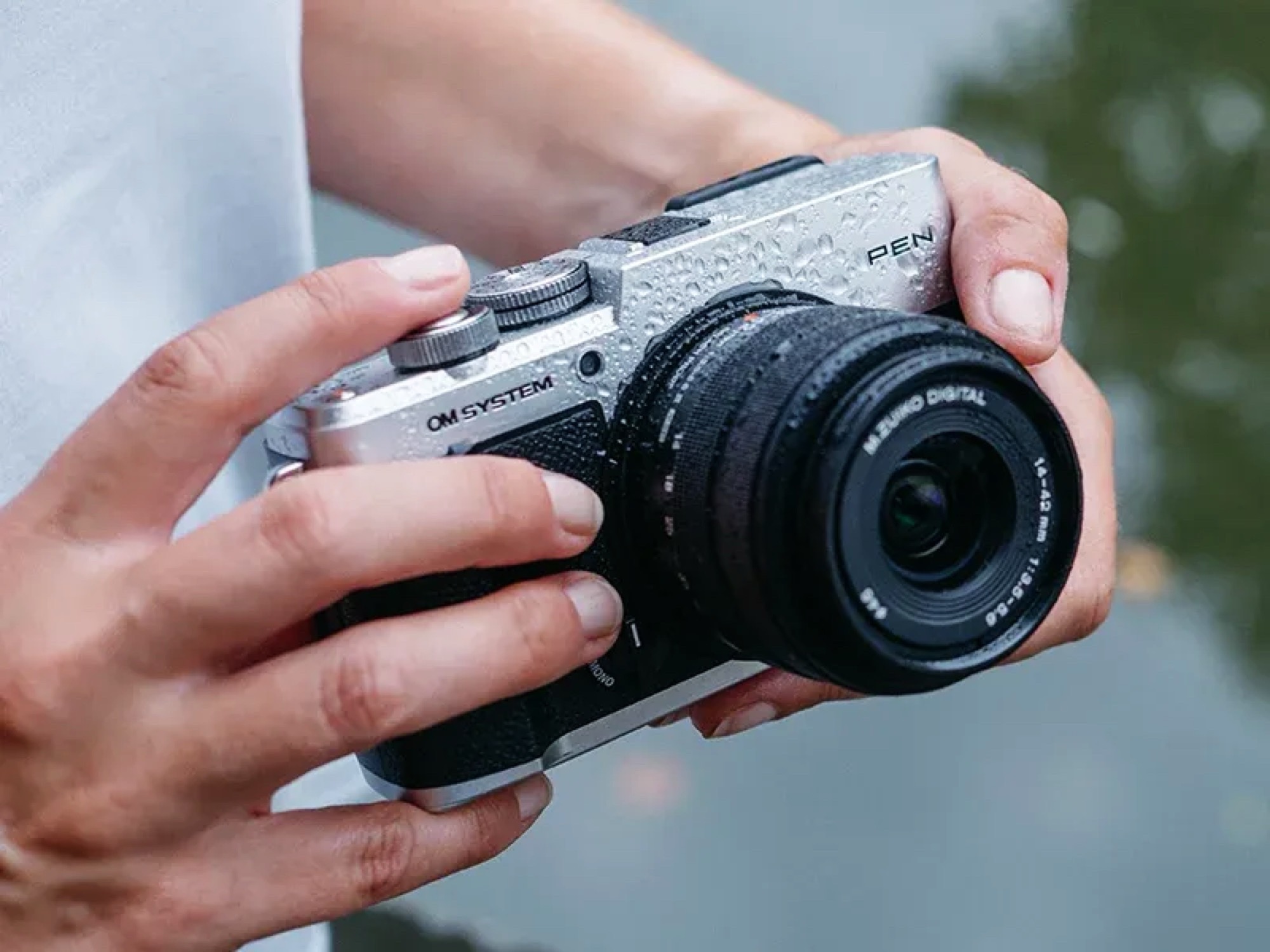
OM System Expected to Upgrade Micro Four Thirds Sensor Technology
Reports suggest OM System is moving toward higher-resolution sensors for its Micro Four Thirds lineup, potentially reaching up to 100 megapixels.
 📰Gadget News
Casio Expands Availability of Mesh-Band LA680 Vintage Watches
Casio has brought its refreshed LA680 vintage digital watch series to the Japanese market, featuring new stainless-steel mesh bands.
 📰Gadget News
Nvidia Reportedly Planning Further GPU Supply Reductions
Rumors suggest Nvidia may decrease gaming GPU shipments by up to 30% through early 2027, potentially driving up prices for consumers.
 📰Gadget News
WhatsApp to Integrate Travel eSIM Purchases Directly Within the App
WhatsApp is launching a new feature allowing users to buy and install international travel eSIMs without leaving the messaging platform.
 📰Gadget News
Seiko Launches 7th Philippine Limited Edition Prospex Chronograph
Seiko has unveiled the HBJ006P1, a new limited-edition Prospex chronograph inspired by the Pan-Philippine Highway.