Tame Your Windows 11 Desktop in Five Minutes Using Built-In Tools
Discover three built-in Windows 11 features that organize cluttered screens and restore missing taskbar controls without needing extra productivity software.
 🧠AI Analysis
Photo: PCWorld
Key points
- Use Windows + Z to quickly trigger Snap layouts for side-by-side multitasking.
- Create isolated workspaces with virtual desktops using Windows + Ctrl + D.
- Reposition the taskbar to the left or right edge of widescreen displays to maximize vertical space.
A cluttered desktop can quickly derail your workflow, forcing you to waste valuable time hunting for buried browser tabs, documents, and messaging apps. Fortunately, you do not need to download third-party software to restore order. Microsoft’s operating system includes powerful native utilities designed to streamline your workspace in roughly five minutes.
The first major tool is Snap layouts, which eliminates the tedious process of manually resizing windows. By pressing the Windows key alongside 'Z' while an application is active, users can access preset arrangements and instantly snap multiple apps into place. A particularly efficient configuration dedicates two-thirds of the display to a primary writing tool like Word while reserving the remaining space for reference materials. Furthermore, Windows groups these snapped applications together in the taskbar and the Alt + Tab menu for effortless switching.
For projects that require total separation, virtual desktops let you compartmentalize different tasks without closing open windows. Executing the Windows + Ctrl + D shortcut creates a fresh desktop environment where you can isolate email and chat apps from heavy research documents. Users can cycle through these spaces using keyboard shortcuts, rename individual desktops, and even assign unique wallpapers to each setup. Configuring the system settings to hide unrelated windows from the taskbar ensures your workflows remain entirely distinct.
Finally, Microsoft has reintroduced a heavily requested feature that allows users to reposition the taskbar. After years of absence following the launch of Windows 11, you can now move the taskbar to the top, bottom, left, or right edge of the screen through the Taskbar behaviors menu. Shifting the taskbar to a vertical edge on widescreen monitors preserves precious vertical display real estate, giving modern workflows significantly more breathing room.
Source PCWorld — pcworld.com/article/3288629/your-windows-desktop-is-a-mess-fix-it-i… ↗
Read next
 📰Gadget News
XPeng unveils IRON humanoid robot with plans for public launch by 2027
Electric vehicle manufacturer XPeng has introduced its new humanoid robot, IRON, targeting a commercial debut in 2027 with a price point comparable to an entry-level EV.
 📰Gadget News
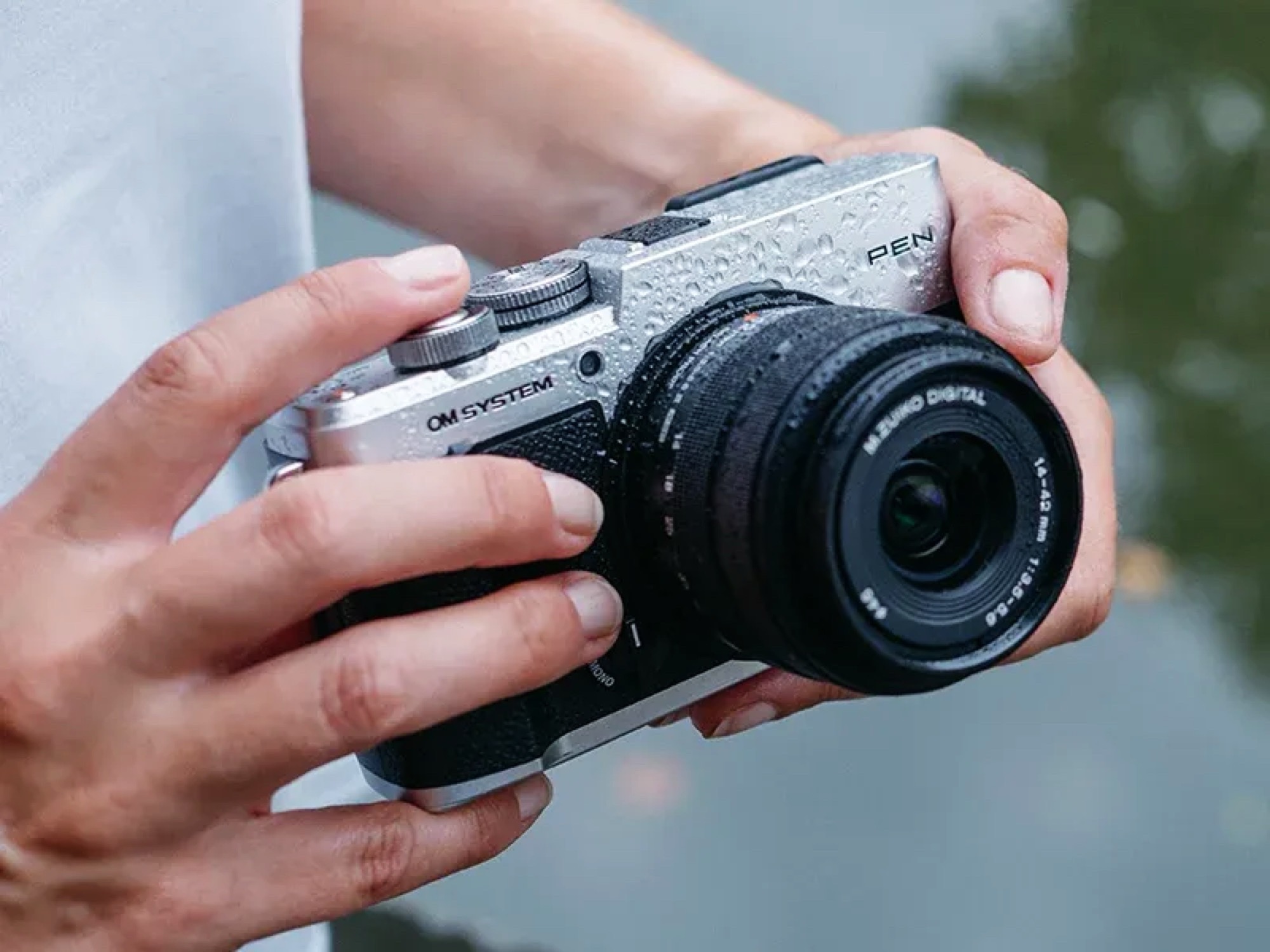
OM System Expected to Upgrade Micro Four Thirds Sensor Technology
Reports suggest OM System is moving toward higher-resolution sensors for its Micro Four Thirds lineup, potentially reaching up to 100 megapixels.
 📰Gadget News
Casio Expands Availability of Mesh-Band LA680 Vintage Watches
Casio has brought its refreshed LA680 vintage digital watch series to the Japanese market, featuring new stainless-steel mesh bands.
 📰Gadget News
Nvidia Reportedly Planning Further GPU Supply Reductions
Rumors suggest Nvidia may decrease gaming GPU shipments by up to 30% through early 2027, potentially driving up prices for consumers.
 📰Gadget News
WhatsApp to Integrate Travel eSIM Purchases Directly Within the App
WhatsApp is launching a new feature allowing users to buy and install international travel eSIMs without leaving the messaging platform.
 📰Gadget News
Seiko Launches 7th Philippine Limited Edition Prospex Chronograph
Seiko has unveiled the HBJ006P1, a new limited-edition Prospex chronograph inspired by the Pan-Philippine Highway.