Windows 11 November Update Failing to Install? Here Is How to Fix It
Users trying to install the November Patch Tuesday update on Windows 11 are encountering installation failures if they previously installed the October preview build.
 💻Laptops & PCs
Photo: ZDNet Reviews
Key points
- November Patch Tuesday update KB5132061 fails for users with the October 28 preview build installed.
- Error codes like 0x80070306 and 0x800f0989 indicate the installation conflict.
- Microsoft rolled out fixes within 24 to 48 hours via standard Windows Update channels.
A recent glitch is preventing certain Windows 11 users from successfully installing the November Patch Tuesday update, designated as KB5132061. The issue specifically impacts systems that previously downloaded the optional November preview update rolled out on October 28. Affected machines may experience repeated installation loops accompanied by error codes such as 0x80070306, 0x800f0989, or 0x800f0993.
Microsoft has addressed the compatibility conflict and confirmed that automated fixes are deploying to impacted computers. Users simply need to ensure their PCs remain connected to the internet to receive the resolution.
Should you buy it? Not applicable, but if you are experiencing this glitch, head over to the Windows Update section in your settings to check if the security update is available again for manual download.
To resolve the issue manually, navigate to your system settings and check the Windows Update tab. Microsoft states that the rollout for the patched installation began on November 11. If errors persist, visiting the official Microsoft support page for update troubleshooting is recommended.
Source ZDNet Reviews — zdnet.com/tech/microsoft-windows-november-update-fails-install-some… ↗
Read next
 📰Gadget News
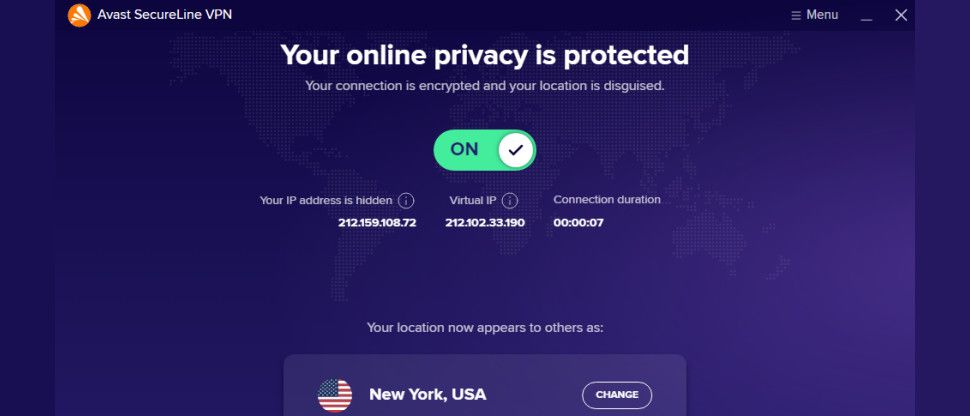
Avast SecureLine VPN Review: Fast Speeds and Low Prices Impress, But Privacy Concerns Remain
Avast SecureLine VPN delivers fast speeds and budget-friendly pricing starting at $4.59 a month, but inconsistency in features and privacy drawbacks keep it behind indust…
 📰Gadget News
Nintendo to Discontinue Apple and Google Account Sign-In Options by 2027
Nintendo has announced that users will no longer be able to log in or create accounts using Apple or Google credentials starting January 26, 2027. Players will need to us…
 📰Gadget News
OneRep Privacy Service Review: Features, Pricing, and Data Broker Removal
An in-depth look at OneRep, a digital privacy service that automates the removal of personal information from data-broker websites through dashboards and monthly rescans.
 📰Gadget News
Full GTA 6 Collector's Edition Map Leaks Online, Exposing New Leonida Regions
An Instagram leak reveals the most complete map of GTA 6 yet, spotted inside the pricey Vice City Collection collector's box.
 ⌚Wearables
Google Launches AI Smart Glasses with iPhone Compatibility
Google has opened preorders for its new Intelligent Eyewear collection, featuring AI capabilities and cross-platform support for iOS devices.
 🏠Smart Home
Apple Debuts $299 HomeView Smart Display with Siri AI Controls
Apple has entered the smart display market with the $299 HomeView, featuring tabletop and wall-mounted options driven by Siri AI capabilities.