Why Your Ethernet Connection Might Actually Be Slower Than Wi-Fi
While wired networks are typically faster, hardware bottlenecks, outdated cabling, and software settings can cause Ethernet speeds to lag behind modern wireless connections.
 🧠AI Analysis
Photo: engadget.com
Key points
- Modern Wi-Fi protocols like Wi-Fi 7 can sometimes outpace degraded wired connections.
- Outdated cables, copper-clad aluminum, and damaged ports limit Ethernet throughput.
- Energy-saving settings and malware can artificially throttle wired network speeds.
Conventional wisdom dictates that plugging your device directly into a router using a network cable yields significantly faster speeds than relying on wireless signals. However, real-world performance does not always follow this rule. Modern advancements like Wi-Fi 7 have pushed wireless speeds to impressive heights, and various issues can cause a wired connection to slow down.
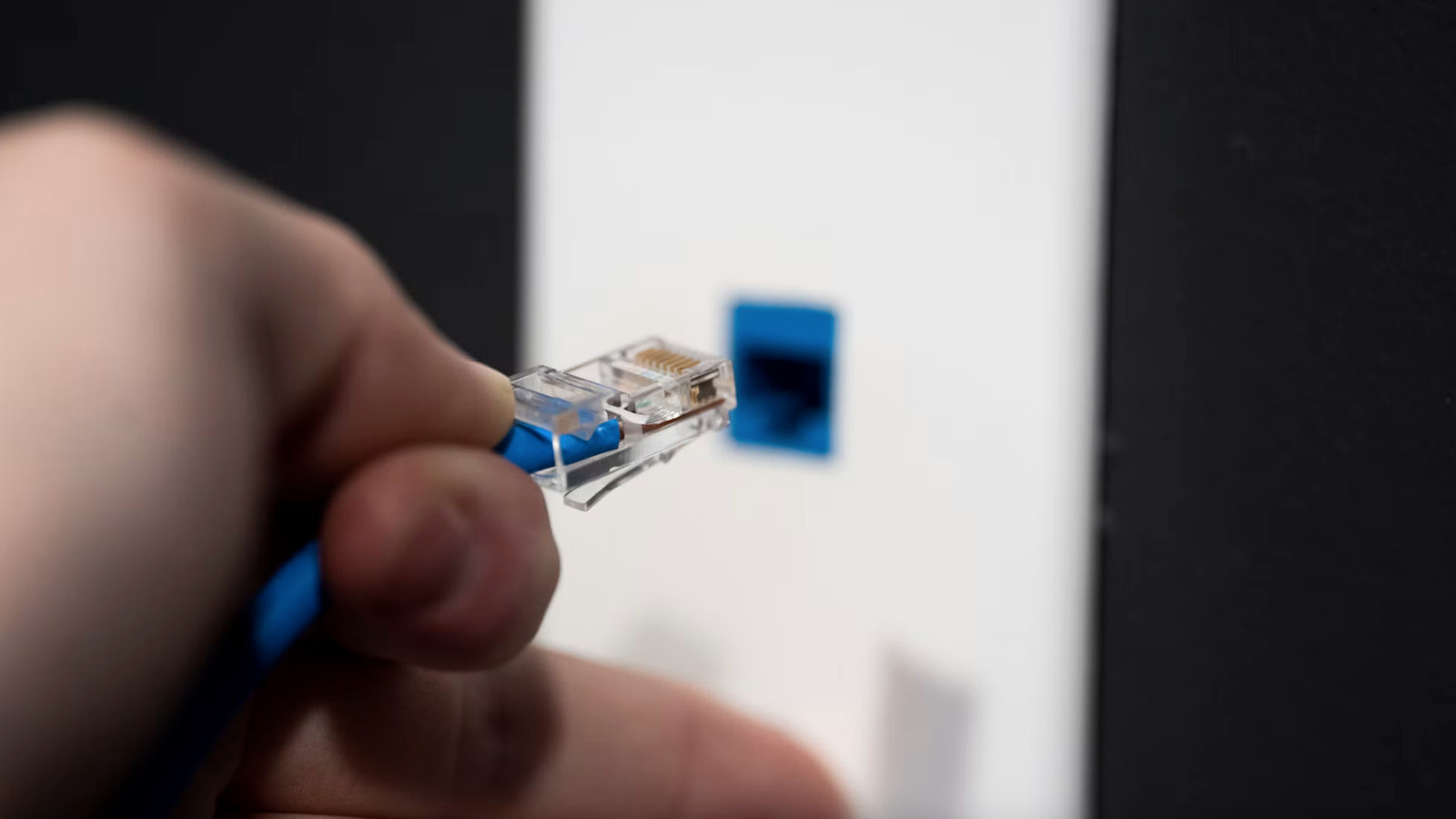
One major culprit is outdated or low-quality hardware. Using ancient cables or cheap copper-clad aluminum cords rather than pure copper alternatives can severely throttle your data rates. Checking the outer plastic sheath for category ratings and TIE/EIA certifications helps ensure proper performance. Additionally, internal damage to the cable's twisted pairs, faulty router ports, or outdated network card and router drivers can heavily degrade throughput.
Software settings also play a surprising role in wired network performance. Features like Energy-Efficient Ethernet, enabled by default on many Mac and Windows systems, can hamper speeds, while aggressive power management settings might turn off network adapters unexpectedly. Furthermore, hidden malware and background spyware can consume bandwidth, making it appear as though the physical connection is failing.
Always inspect your cable categories, check link speeds in your operating system settings, and update your network drivers before assuming your hardware is broken.
Source engadget.com — engadget.com/2311140/reason-why-ethernet-cable-slower-than-wifi/ ↗
Read next
 ⌚Wearables
Apple Launches Health AI Study App for iPhone and Apple Watch Users
Apple has rolled out a dedicated application for its new Health AI Study, inviting US users to examine how people interact with conversational medical tools.
 💻Laptops & PCs
How to clear app caches on your Mac to free up storage and fix glitches
Learn when and how to manually clear application caches on your macOS device to reclaim valuable storage space and troubleshoot software glitches.
 🏠Smart Home
Area Launches Stakuri Plus: A Compact Phone Stand Packed With 17 Cleaning Tools
Japanese brand Area has released the Stakuri Plus, a portable smartphone stand that doubles as a comprehensive 17-in-1 electronics cleaning kit for roughly $16.
 🧭Buying Guides
Cloud vs. Local Storage: Which Backup Method Fits Your Gadgets Best?
A detailed comparison of cloud storage services like iCloud and Google Drive versus physical local drives, weighing access, costs, and reliability.
 🧭Buying Guides
Zelda: Ocarina of Time Remake Review Sparks Metacritic Debate
A single mixed review for the upcoming Zelda: Ocarina of Time remake on the Switch 2 has dropped its Metascore from 96 to 95, igniting backlash from fans.
 📱Phones
Understanding Sudden Phone Battery Drops: Causes and Fixes
Experiencing rapid battery percentage drops on your phone can be frustrating, but the issue usually stems from aging lithium-ion cells, background software processes, or …