What Actually Happens When Your Laptop Battery Drains to Zero
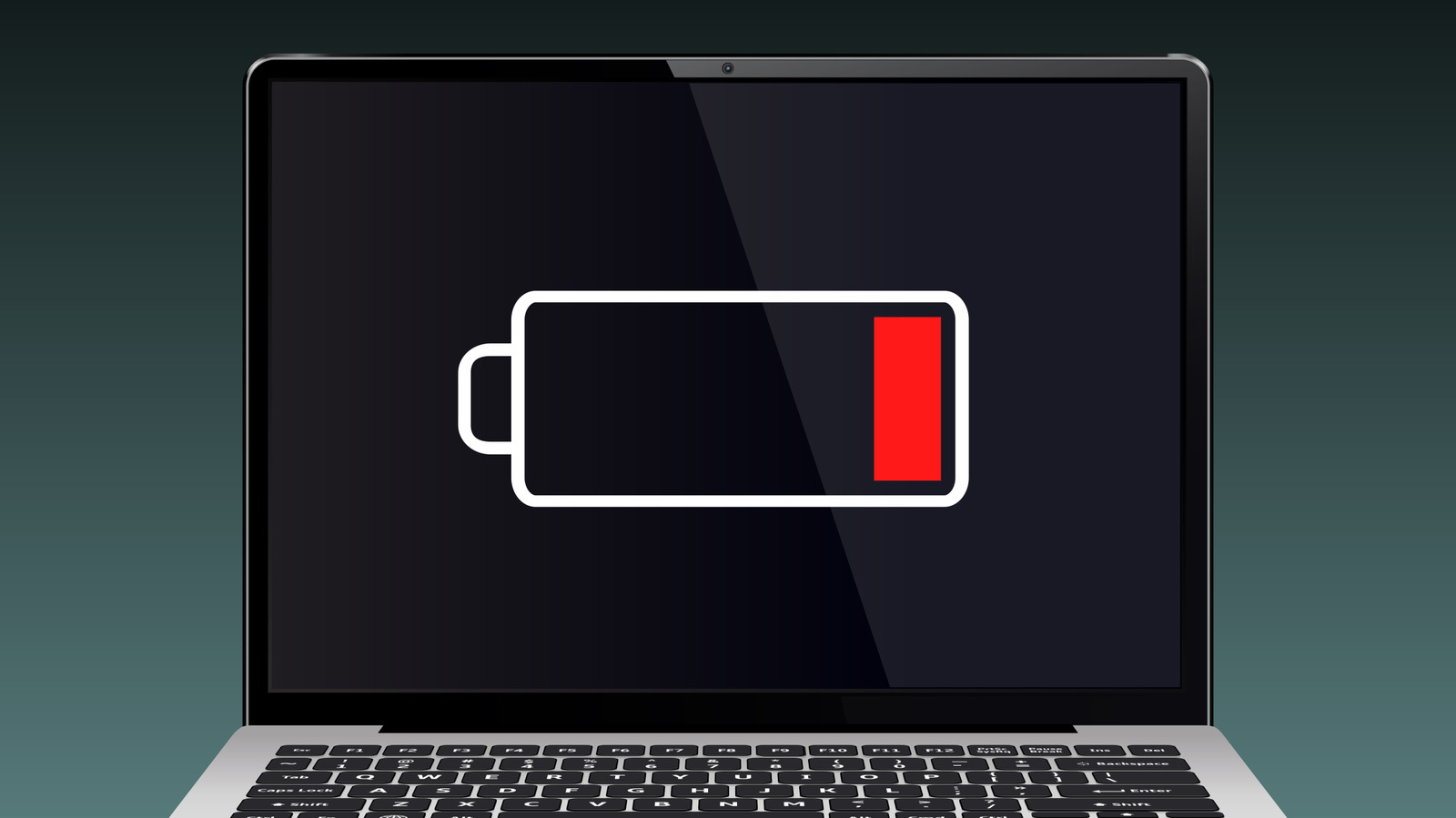
Allowing your laptop battery to completely drain can cause gradual degradation over time, though occasional depletion will not instantly ruin your device.
 💻Laptops & PCs
Photo: engadget.com
Key points
- Lithium-ion batteries perform best when kept between 20% and 80% charge.
- Repeatedly draining a laptop to absolute zero accelerates battery wear and reduces capacity.
- Background applications, high temperatures, and gaming workloads contribute to faster battery drain.
While running out of power on the go is usually just an inconvenient interruption to your workflow, regularly letting your laptop battery hit empty can introduce long-term risks to its overall health. Modern portable computers typically rely on lithium-ion cells, which are generally low maintenance but sensitive to extreme charge cycles.
According to hardware manufacturer guidance, keeping your laptop charged within a sweet spot of 20% to 80%—or 40% to 80% depending on the source—helps preserve battery longevity and debunk the old myth that you should fully drain a battery before recharging it. Operating systems like Windows often trigger an automatic hibernation or shutdown before hitting absolute zero, but repeatedly grazing the empty mark destabilizes the lithium ions and gradually diminishes the maximum charging capacity.
Standard portable machines generally deliver between 4 and 12 hours of runtime per charge, though power-hungry activities like gaming or running unneeded background apps will accelerate power consumption. Should your hardware drain faster than expected, inspecting your power settings, closing idle software, or checking operating temperatures can help prevent unnecessary strain.
Should you buy it? This guidance applies broadly to all modern laptops rather than a specific new model, making healthy charging habits essential for extending the lifespan of any portable computer you choose.
Source engadget.com — engadget.com/2313936/what-happens-drained-laptop-battery/ ↗
Read next
 🏠Smart Home
Area Launches Stakuri Plus: A Compact Phone Stand Packed With 17 Cleaning Tools
Japanese brand Area has released the Stakuri Plus, a portable smartphone stand that doubles as a comprehensive 17-in-1 electronics cleaning kit for roughly $16.
 🧭Buying Guides
Cloud vs. Local Storage: Which Backup Method Fits Your Gadgets Best?
A detailed comparison of cloud storage services like iCloud and Google Drive versus physical local drives, weighing access, costs, and reliability.
 🧭Buying Guides
Zelda: Ocarina of Time Remake Review Sparks Metacritic Debate
A single mixed review for the upcoming Zelda: Ocarina of Time remake on the Switch 2 has dropped its Metascore from 96 to 95, igniting backlash from fans.
 📱Phones
Understanding Sudden Phone Battery Drops: Causes and Fixes
Experiencing rapid battery percentage drops on your phone can be frustrating, but the issue usually stems from aging lithium-ion cells, background software processes, or …
 ⌚Wearables
Seiko Launches Limited-Edition Touch Chronograph Featuring Unique Baseball-Themed Dial
Seiko has released a 45th-anniversary chronograph celebrating the baseball manga Touch, limited to 4,500 pieces and priced at roughly $412.
 📱Phones
Apple Continues Refining the iPhone Messages App with New Software Updates
Apple has rolled out a series of enhancements to the iPhone Messages app across recent software cycles, including improved RCS support and performance upgrades.