Why Your SD Card Blocks Large Transfers and How to Fix It
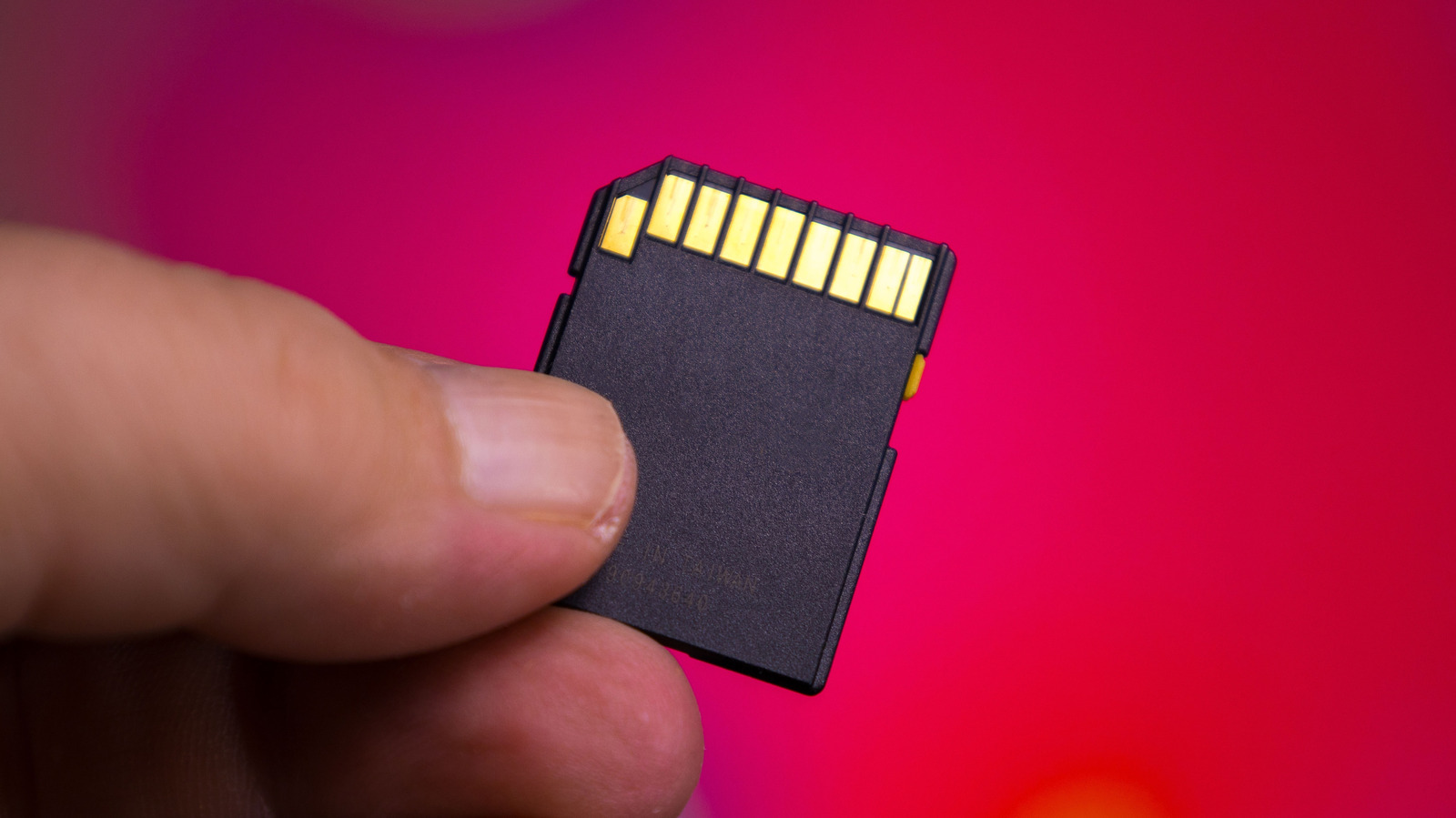
Many users encounter a frustrating 4GB file transfer limit on high-capacity SD cards due to an outdated file system. Reformatting the drive to exFAT solves the problem, provided your hardware supports it.
 🧠AI Analysis
Photo: engadget.com
Key points
- FAT32 file systems impose a strict 4GB limit on individual files regardless of total card capacity.
- Switching the card format to exFAT successfully removes the transfer restriction for large files.
- Users must back up data before formatting, as the process erases all existing files on the card.
Modern microSD cards offer massive storage spaces ranging from 128GB up to 1TB, yet users frequently run into an unexpected wall when trying to copy single files larger than 4GB. Even when the drive has ample free space, the transfer fails. The issue stems entirely from the FAT32 file format, a legacy system dating back to Windows 95 that remains widely used for its broad device compatibility.
The restriction exists because FAT32 relies on a 32-bit number to track file sizes, capping individual files just below the 4GB threshold. While documents and basic photos fit comfortably within this limit, modern use cases like 4K video recording quickly trigger the block. To bypass this restriction, users must reformat their storage cards to exFAT, a newer file system built specifically to handle files well beyond 4GB.
Before proceeding, users must back up all stored data since the formatting process erases everything on the card. Older hardware built more than a decade ago may lack exFAT support, as Microsoft and Apple introduced compatibility later through Windows Vista SP1 and OS X Snow Leopard. On Windows, users can complete the reformatting via File Explorer by right-clicking the drive, while Mac owners should use the Disk Utility application to erase and reset the format to exFAT.
Source engadget.com — engadget.com/2313042/sd-card-4-gb-file-transfer-limit-fat32-explain… ↗
Read next
 ⌚Wearables
Apple Launches Health AI Study App for iPhone and Apple Watch Users
Apple has rolled out a dedicated application for its new Health AI Study, inviting US users to examine how people interact with conversational medical tools.
 💻Laptops & PCs
How to clear app caches on your Mac to free up storage and fix glitches
Learn when and how to manually clear application caches on your macOS device to reclaim valuable storage space and troubleshoot software glitches.
 🏠Smart Home
Area Launches Stakuri Plus: A Compact Phone Stand Packed With 17 Cleaning Tools
Japanese brand Area has released the Stakuri Plus, a portable smartphone stand that doubles as a comprehensive 17-in-1 electronics cleaning kit for roughly $16.
 🧭Buying Guides
Cloud vs. Local Storage: Which Backup Method Fits Your Gadgets Best?
A detailed comparison of cloud storage services like iCloud and Google Drive versus physical local drives, weighing access, costs, and reliability.
 🧭Buying Guides
Zelda: Ocarina of Time Remake Review Sparks Metacritic Debate
A single mixed review for the upcoming Zelda: Ocarina of Time remake on the Switch 2 has dropped its Metascore from 96 to 95, igniting backlash from fans.
 📱Phones
Understanding Sudden Phone Battery Drops: Causes and Fixes
Experiencing rapid battery percentage drops on your phone can be frustrating, but the issue usually stems from aging lithium-ion cells, background software processes, or …