Examining the Limits of External GPUs Versus Built-In Laptop Graphics
External desktop graphics cards can boost a laptop's performance, but bandwidth caps, cable limits, and extra costs often complicate the setup.
 🧠AI Analysis
Photo: engadget.com
Key points
- eGPUs connect via Thunderbolt or USB4, creating a data bandwidth bottleneck.
- Mobile GPUs operate within strict power and cooling limits compared to desktop cards.
- Additional hardware costs include the enclosure, power supply, and the desktop GPU itself.
Pairing an external graphics card with a portable computer offers an appealing hybrid setup, promising lightweight travel for daily tasks alongside high-powered graphics at home. However, routing a desktop-class graphics card through Thunderbolt or USB4 introduces distinct hardware hurdles compared to the direct internal connections found in traditional laptop designs.
Internal mobile GPUs, such as the RTX 5090 Laptop GPU, feature significantly different specifications than their desktop counterparts. While the mobile version operates within strict power budgets of 95W to 150W, desktop editions require vastly more power and wider data pathways. Modern eGPUs rely on Thunderbolt 4 or Thunderbolt 5 connections, which max out at specific PCIe throughput limits like 32 Gbps or 64 Gbps. This constraint creates a bandwidth bottleneck, preventing high-end desktop hardware from operating at its full capacity.
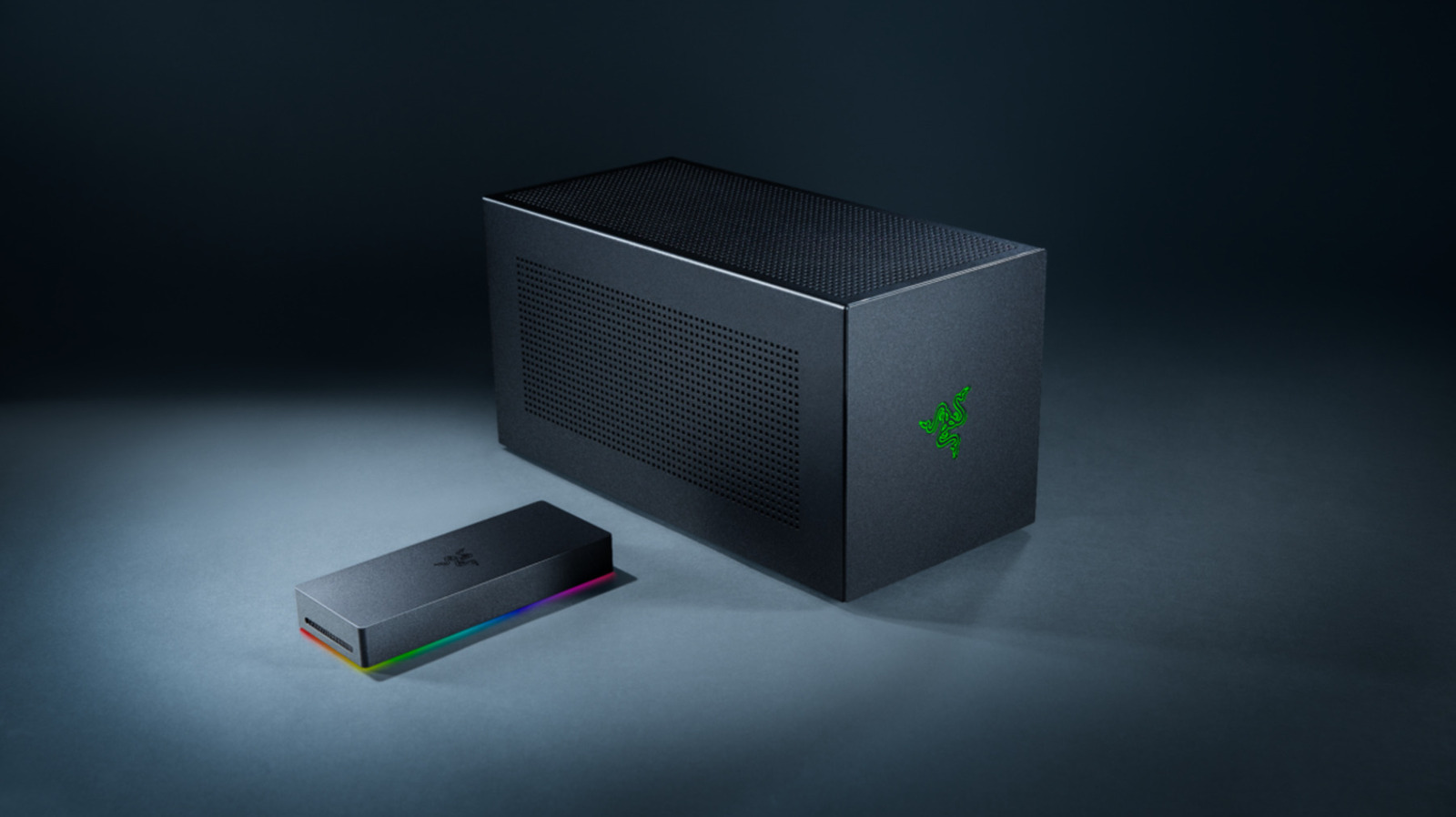
Performance drops can also occur when using the laptop's built-in display, as rendered video frames must travel backward across the same restricted external cable. Manufacturers often recommend plugging an external monitor directly into the eGPU enclosure to mitigate this issue. Beyond technical limitations, financial barriers remain high; for instance, enclosures like the Razer Thunderbolt 5 Core X V2 cost around $350 and require separate purchases for both the graphics card and power supply.
AI Analysis: This architectural comparison highlights the ongoing tension between thermal/power efficiency and raw computing potential in mobile computing. While eGPUs offer a viable upgrade path for users recycling older desktop hardware, the high total cost and connection bottlenecks make them less practical than buying a dedicated gaming laptop or desktop rig for most consumers.
Source engadget.com — engadget.com/2313636/limitations-egpu-vs-onboard-graphics-card-lapt… ↗
Read next
 ⌚Wearables
Apple Launches Health AI Study App for iPhone and Apple Watch Users
Apple has rolled out a dedicated application for its new Health AI Study, inviting US users to examine how people interact with conversational medical tools.
 💻Laptops & PCs
How to clear app caches on your Mac to free up storage and fix glitches
Learn when and how to manually clear application caches on your macOS device to reclaim valuable storage space and troubleshoot software glitches.
 🏠Smart Home
Area Launches Stakuri Plus: A Compact Phone Stand Packed With 17 Cleaning Tools
Japanese brand Area has released the Stakuri Plus, a portable smartphone stand that doubles as a comprehensive 17-in-1 electronics cleaning kit for roughly $16.
 🧭Buying Guides
Cloud vs. Local Storage: Which Backup Method Fits Your Gadgets Best?
A detailed comparison of cloud storage services like iCloud and Google Drive versus physical local drives, weighing access, costs, and reliability.
 🧭Buying Guides
Zelda: Ocarina of Time Remake Review Sparks Metacritic Debate
A single mixed review for the upcoming Zelda: Ocarina of Time remake on the Switch 2 has dropped its Metascore from 96 to 95, igniting backlash from fans.
 📱Phones
Understanding Sudden Phone Battery Drops: Causes and Fixes
Experiencing rapid battery percentage drops on your phone can be frustrating, but the issue usually stems from aging lithium-ion cells, background software processes, or …