How to Use Your Android Phone as a Computer Speaker
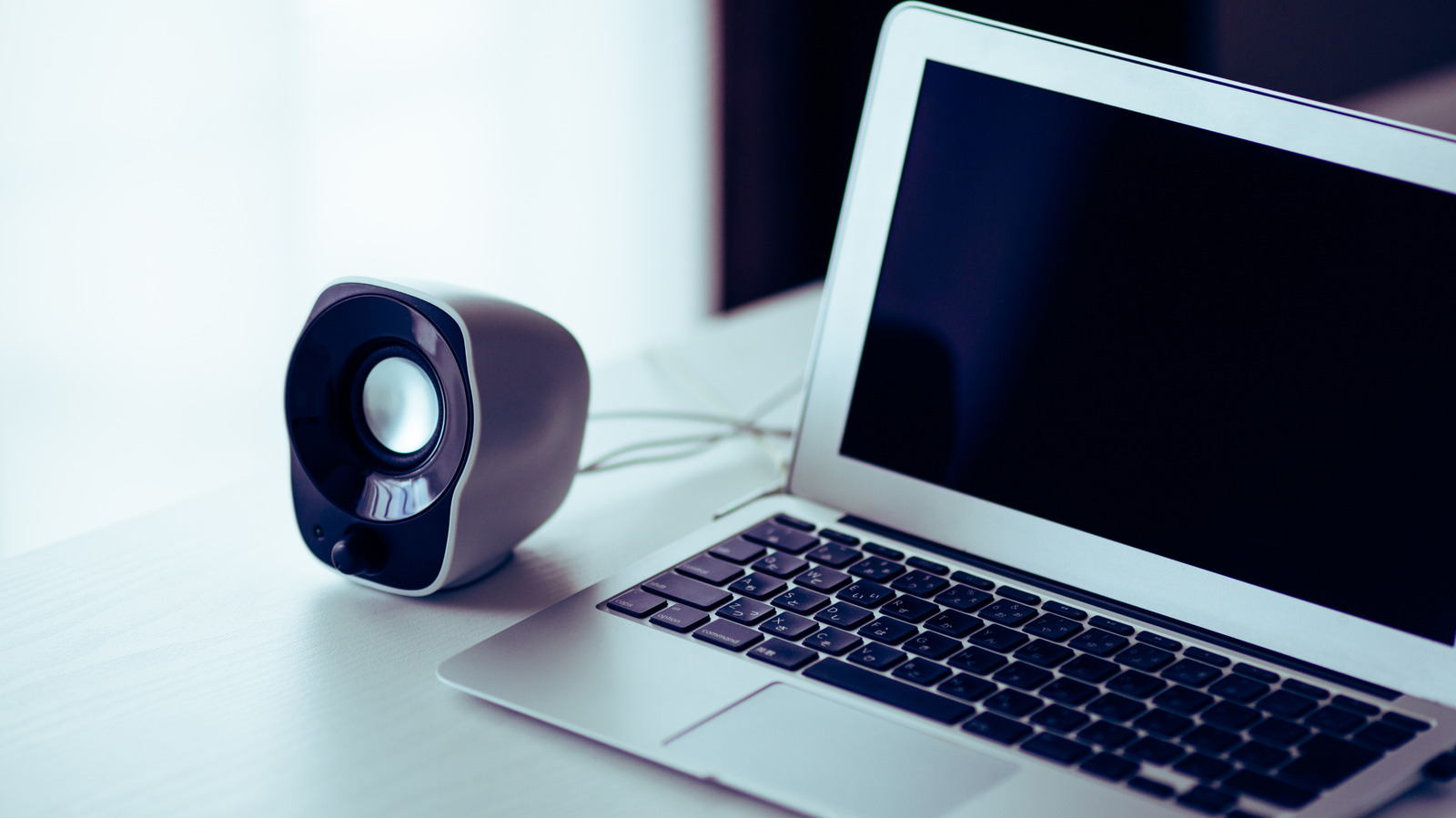
A guide detailing how to transform an old or spare Android phone into a temporary wireless speaker for Windows, Mac, or Linux computers.
 🧠AI Analysis
Photo: engadget.com
Key points
- Use third-party apps like AudioRelay to stream PC audio to Android over Wi-Fi
- Mac users require a virtual audio device like BlackHole to capture system sounds
- USB tethering and buffer adjustments help resolve audio lag and latency issues
Transforming an idle Android smartphone into a functional computer speaker provides a practical alternative when traditional desktop audio hardware fails. Rather than letting unused devices collect dust in a drawer, users can leverage utility software to repurpose them. Standard Bluetooth pairing typically fails because mobile hardware is engineered to function as an audio source rather than a receiver, necessitating a local network solution instead.
Setting Up AudioRelay
The process relies on cross-platform applications such as AudioRelay, which streams system sound from a PC to a mobile device over a shared Wi-Fi network. Installation requires downloading the client on both the computer and the smartphone. While Windows and Linux systems handle this natively, macOS users must also install a free virtual audio device like BlackHole to capture system audio correctly. Once both gadgets are connected to the same network, selecting the computer's server name within the mobile app establishes the audio link instantly.
Optimization and Wired Connections
Wireless audio streaming can occasionally introduce lag or choppy playback, which is managed through buffer adjustments within the application settings. Users seeking a more stable, low-latency connection can utilize USB tethering by linking the devices with a cable and enabling the feature in the mobile app. Additional troubleshooting steps include switching to a 5GHz Wi-Fi band or disabling Bluetooth to avoid 2.4GHz frequency interference.
The application is available with an ad-supported free tier, while a premium upgrade removes advertisements, lifts connection time limits, and unlocks uncompressed audio alongside custom buffer controls.
Source engadget.com — engadget.com/2313706/use-android-phone-as-computer-speaker/ ↗
Read next
 ⌚Wearables
Apple Launches Health AI Study App for iPhone and Apple Watch Users
Apple has rolled out a dedicated application for its new Health AI Study, inviting US users to examine how people interact with conversational medical tools.
 💻Laptops & PCs
How to clear app caches on your Mac to free up storage and fix glitches
Learn when and how to manually clear application caches on your macOS device to reclaim valuable storage space and troubleshoot software glitches.
 🏠Smart Home
Area Launches Stakuri Plus: A Compact Phone Stand Packed With 17 Cleaning Tools
Japanese brand Area has released the Stakuri Plus, a portable smartphone stand that doubles as a comprehensive 17-in-1 electronics cleaning kit for roughly $16.
 🧭Buying Guides
Cloud vs. Local Storage: Which Backup Method Fits Your Gadgets Best?
A detailed comparison of cloud storage services like iCloud and Google Drive versus physical local drives, weighing access, costs, and reliability.
 🧭Buying Guides
Zelda: Ocarina of Time Remake Review Sparks Metacritic Debate
A single mixed review for the upcoming Zelda: Ocarina of Time remake on the Switch 2 has dropped its Metascore from 96 to 95, igniting backlash from fans.
 📱Phones
Understanding Sudden Phone Battery Drops: Causes and Fixes
Experiencing rapid battery percentage drops on your phone can be frustrating, but the issue usually stems from aging lithium-ion cells, background software processes, or …