Exploring Customization Options on Samsung Galaxy Devices
A look at how Samsung Galaxy owners can personalize their smartphones using native themes, the Good Lock suite, and One UI features.
 🧠AI Analysis
Photo: engadget.com
Key points
- Access the Themes app from the Galaxy home screen to download and apply new icon packs.
- Use the Good Lock suite and Theme Park add-on for granular control over system colors and animations.
- Apply system-wide color palettes through the Settings menu to unify the device's visual interface.
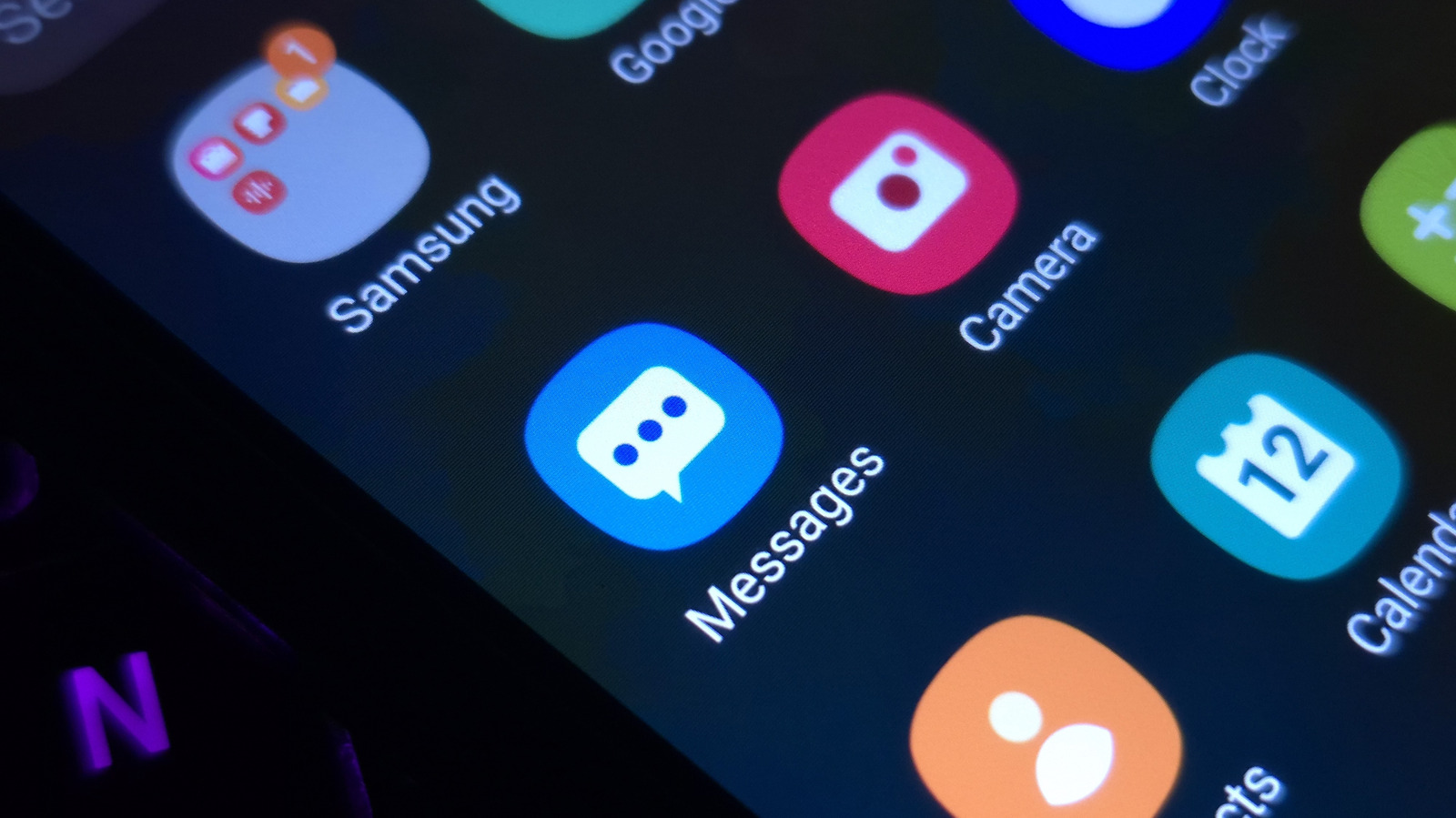
Samsung Galaxy smartphones offer extensive personalization features that go beyond standard wallpaper changes. Users can refresh the look of their devices by accessing the built-in Themes app from the home screen, allowing them to download distinct icon packs and visual styles that also alter system applications like Messages and Settings.
For deeper personalization, Samsung provides the official Good Lock suite via the Play Store. Add-ons like Theme Park let users alter individual keyboard keys, notification elements, and Quick Panel toggles. Additionally, the Home Up application introduces flexible placement for widgets and apps, along with custom gesture animations and granular controls for vibration and speed.
Users running updated One UI software can also utilize the Color palette tool within the Settings menu to unify the device's aesthetic. By selecting from wallpaper or basic color options, the interface updates system-wide switches, buttons, and even many app icons to match the chosen palette without requiring a separate downloaded theme.
Source engadget.com — engadget.com/2313837/change-customize-app-icons-samsung-galaxy/ ↗
Read next
 ⌚Wearables
Apple Launches Health AI Study App for iPhone and Apple Watch Users
Apple has rolled out a dedicated application for its new Health AI Study, inviting US users to examine how people interact with conversational medical tools.
 💻Laptops & PCs
How to clear app caches on your Mac to free up storage and fix glitches
Learn when and how to manually clear application caches on your macOS device to reclaim valuable storage space and troubleshoot software glitches.
 🏠Smart Home
Area Launches Stakuri Plus: A Compact Phone Stand Packed With 17 Cleaning Tools
Japanese brand Area has released the Stakuri Plus, a portable smartphone stand that doubles as a comprehensive 17-in-1 electronics cleaning kit for roughly $16.
 🧭Buying Guides
Cloud vs. Local Storage: Which Backup Method Fits Your Gadgets Best?
A detailed comparison of cloud storage services like iCloud and Google Drive versus physical local drives, weighing access, costs, and reliability.
 🧭Buying Guides
Zelda: Ocarina of Time Remake Review Sparks Metacritic Debate
A single mixed review for the upcoming Zelda: Ocarina of Time remake on the Switch 2 has dropped its Metascore from 96 to 95, igniting backlash from fans.
 📱Phones
Understanding Sudden Phone Battery Drops: Causes and Fixes
Experiencing rapid battery percentage drops on your phone can be frustrating, but the issue usually stems from aging lithium-ion cells, background software processes, or …