Windows Virtual Desktop Helper: Free Open-Source Tool Solves Taskbar Confusion
A free, open-source utility called Windows Virtual Desktop Helper addresses taskbar confusion by displaying your current desktop space directly in the system tray.
 🧠AI Analysis
Photo: PCWorld
Key points
- Displays active virtual desktop number or initial in the taskbar
- Free and open-source utility designed for Microsoft Windows
- Allows quick navigation between desktops using arrow keys
Managing Multiple Windows Desktops
Microsoft Windows lets users set up multiple desktop environments to separate work tasks, gaming setups, and personal projects. However, running applications in full-screen mode frequently makes it difficult to remember which space is currently active. While native workarounds like setting unique desktop wallpapers exist, Windows applies solid background colors universally, and background images remain hidden when apps occupy the entire screen.
To overcome this limitation, the open-source utility Windows Virtual Desktop Helper places a clear indicator directly into the taskbar corner. Once launched via the Start menu's recommended items, the program displays a number or initial letter representing the active workspace. Users can also navigate between different desktops effortlessly using the keyboard's arrow keys.
Accessing the configuration menu requires simply right-clicking the tray icon and selecting settings. Should you install it? For anyone heavily reliant on multiple virtual workspaces who frequently loses track during full-screen tasks, this lightweight free utility provides a straightforward, highly effective fix.
Source PCWorld — pcworld.com/article/3277776/lost-track-of-which-windows-desktop-you… ↗
Read next
 🧠AI Analysis
Microsoft Expands PC Library With 21 Classic Original Xbox Titles
Microsoft is bringing 21 classic original Xbox games to Windows PCs via its Xbox app, featuring a heavy emphasis on retro Star Wars titles and vintage RPGs.
 📰Gadget News
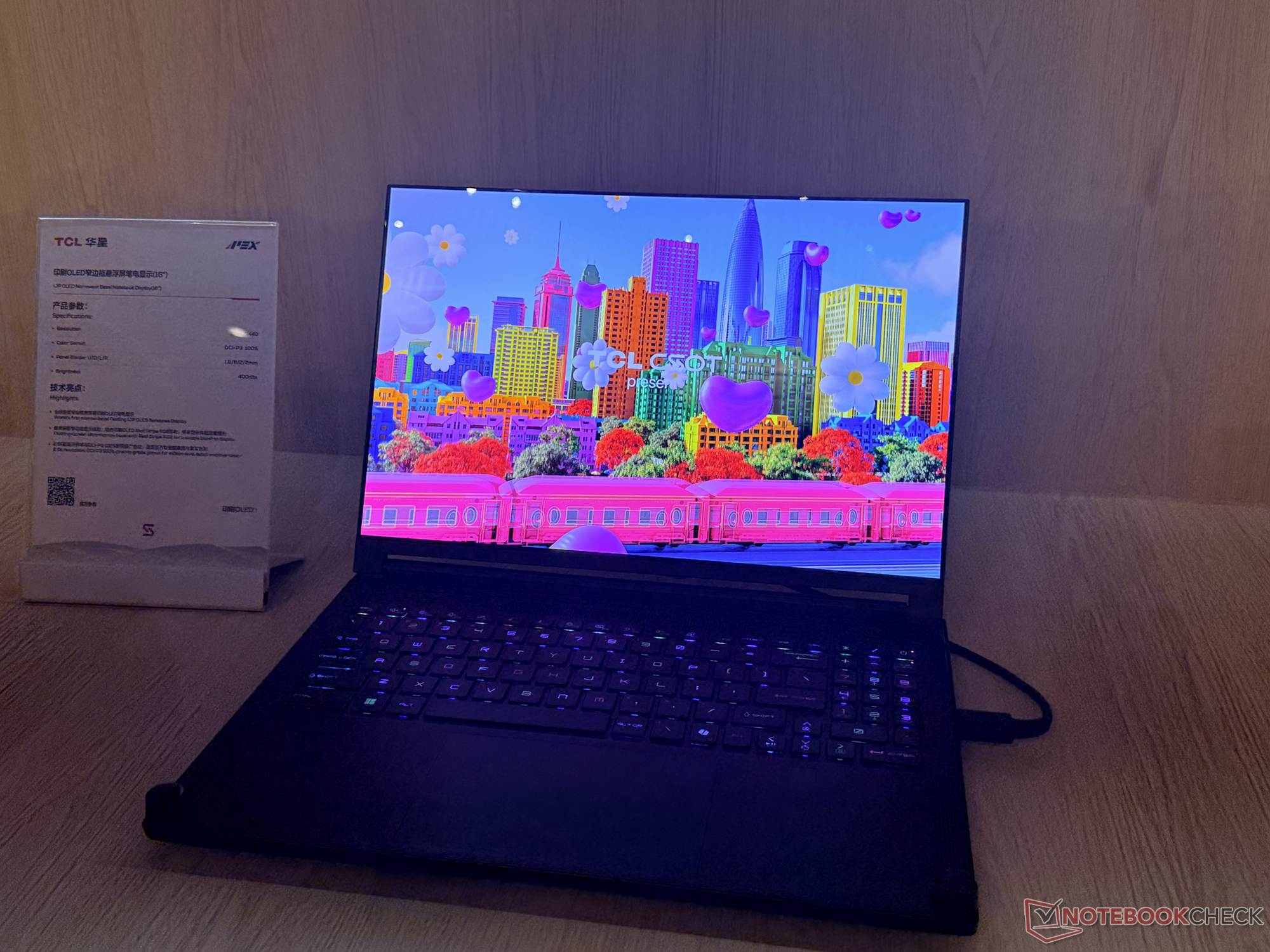
TCL Debuts 16-Inch IJP OLED Laptop Panel with Ultra-Slim Bezels
TCL CSOT has unveiled a next-generation 16-inch Inkjet Printed OLED laptop display prototype featuring exceptionally narrow bezels and robust color accuracy.
 🧠AI Analysis
Managing AI Memory: How ChatGPT, Gemini, and Claude Track Your Data
Major artificial intelligence platforms including ChatGPT, Gemini, and Claude now feature persistent memory systems, raising new questions about data privacy and user con…
 🧠AI Analysis
Xiaomi Redmi Note 18 Series Appears in 3C Certification with 67W Charging
A forthcoming Xiaomi smartphone bearing the model number M841EE has surfaced on China's 3C certification platform, revealing 67W wired charging support.
 🧠AI Analysis
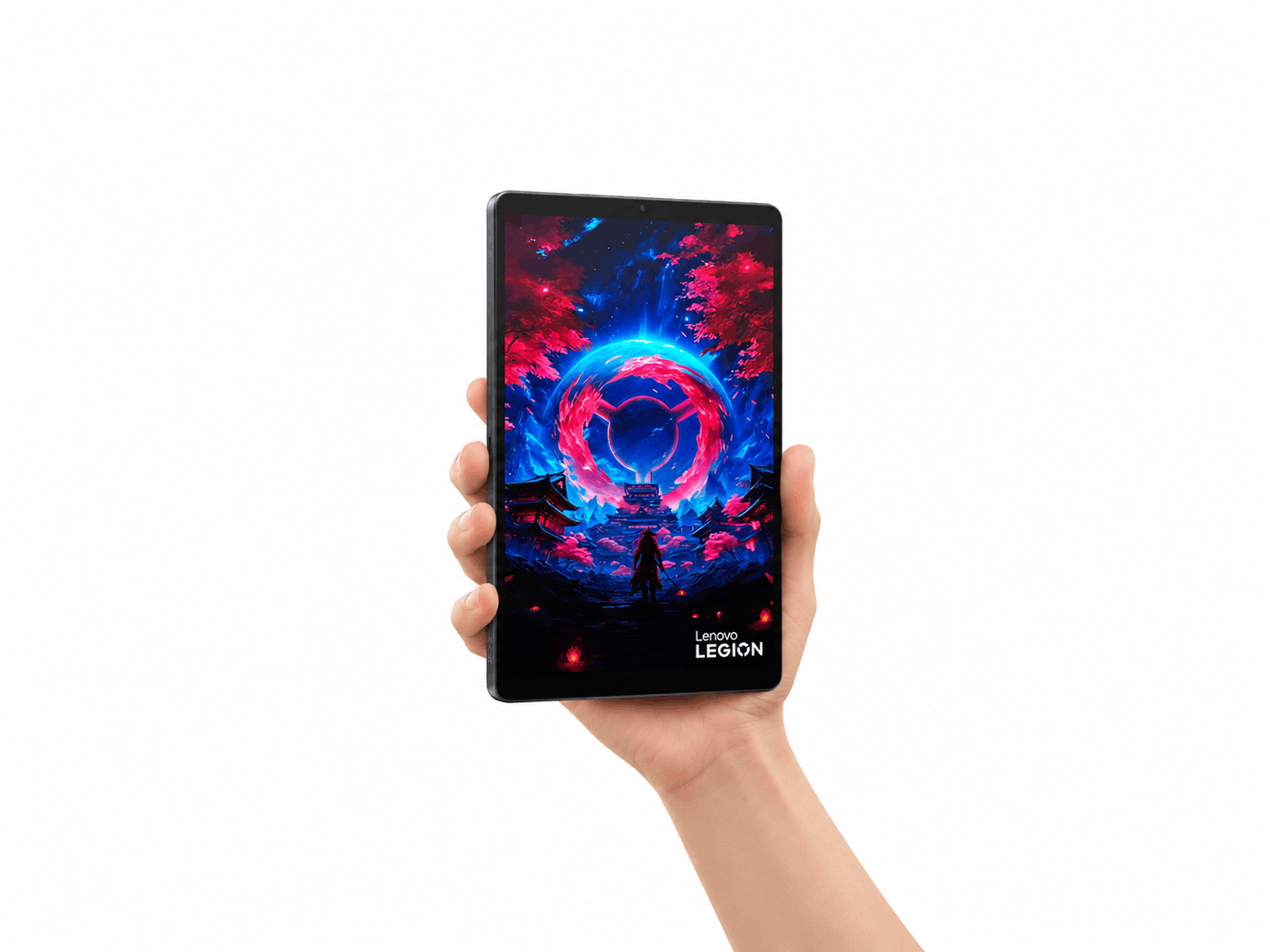
Lenovo Unveils Special-Edition Where Winds Meet Gaming Tablet
Lenovo has revealed a custom Where Winds Meet edition of its compact gaming tablet, featuring unique artistic elements inspired by the game.
🧠AI AnalysisLenovo Reveals Where Winds Meet Custom Edition of the Legion Y700 Gen 5 Gaming Tablet
Lenovo has previewed a specialized gaming tablet variant themed after the game Where Winds Meet, following its previous Dungeon Fighter Online collaboration.