Windows 11 Home vs. Pro: Determining the Right Version for Your Needs
Choosing between Windows 11 Home and Pro depends primarily on your need for advanced security features like BitLocker and enterprise-grade management tools.
 🧠AI Analysis
Photo: PCWorld
Key points
- Windows 11 Home uses basic Device Encryption, while Pro offers full-featured BitLocker with external drive support.
- Pro includes Windows Sandbox, an isolated environment for testing software safely.
- Most business-oriented features in Pro, such as domain joining and Group Policy, are unnecessary for typical home users.
When setting up a new PC, users must decide between Windows 11 Home and the more expensive Windows 11 Pro. While Home is sufficient for most personal computing tasks, Pro is tailored for users who require advanced data protection and professional networking capabilities. The most significant differentiator is the implementation of BitLocker drive encryption, which offers more granular control and support for external storage devices in the Pro version, whereas Home relies on a simplified, automated Device Encryption feature.
Beyond security, the Pro edition includes specialized tools such as Windows Sandbox, which provides an isolated environment for testing potentially unsafe software without risking the integrity of the host operating system. Other Pro-exclusive features, including Hyper-V for virtual machines, Remote Desktop hosting, and Local Group Policy Editor, are primarily designed for business environments. For the average consumer, these tools are often redundant or can be replaced by free third-party software.
Should you buy it? If you are a standard home user, Windows 11 Home is likely more than enough. Upgrade to Pro only if you specifically require full-featured BitLocker encryption for external drives, need to host a Remote Desktop, or frequently test software in an isolated Sandbox environment.
Source PCWorld — pcworld.com/article/2533392/windows-11-home-vs-pro-which-one-compar… ↗
Read next
 🧠AI Analysis
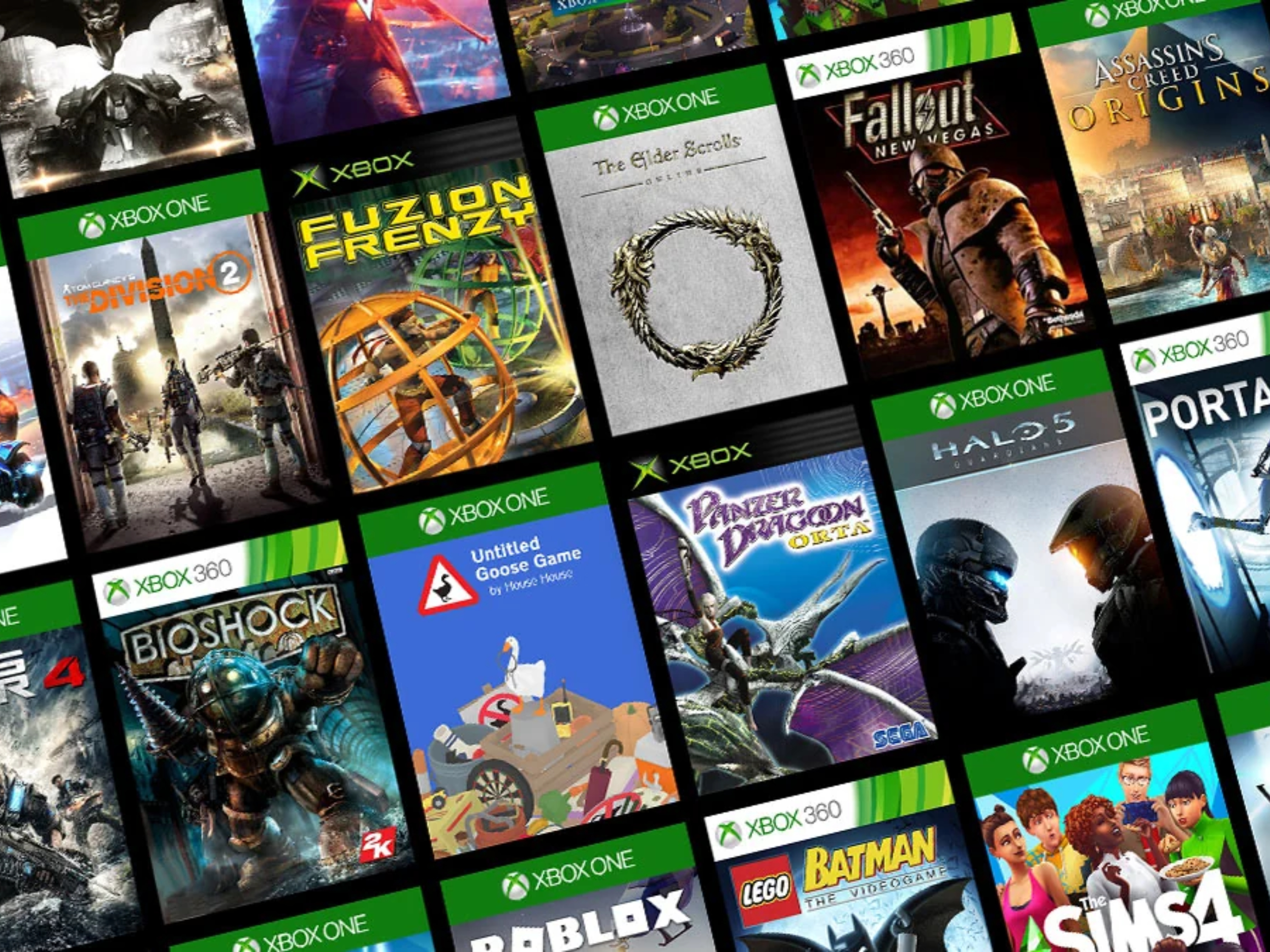
Microsoft Expands PC Library With 21 Classic Original Xbox Titles
Microsoft is bringing 21 classic original Xbox games to Windows PCs via its Xbox app, featuring a heavy emphasis on retro Star Wars titles and vintage RPGs.
 📰Gadget News
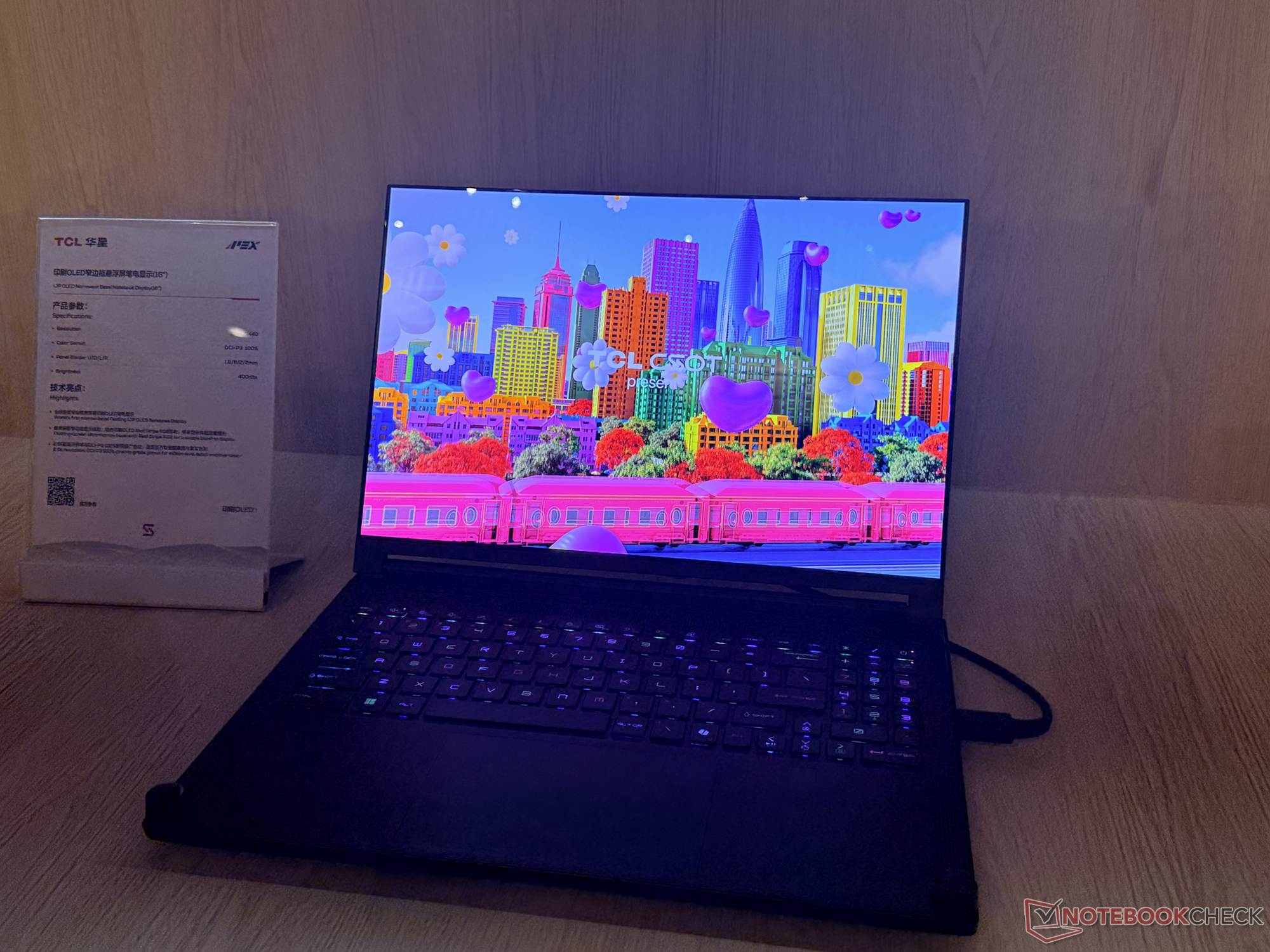
TCL Debuts 16-Inch IJP OLED Laptop Panel with Ultra-Slim Bezels
TCL CSOT has unveiled a next-generation 16-inch Inkjet Printed OLED laptop display prototype featuring exceptionally narrow bezels and robust color accuracy.
 🧠AI Analysis
Managing AI Memory: How ChatGPT, Gemini, and Claude Track Your Data
Major artificial intelligence platforms including ChatGPT, Gemini, and Claude now feature persistent memory systems, raising new questions about data privacy and user con…
 🧠AI Analysis
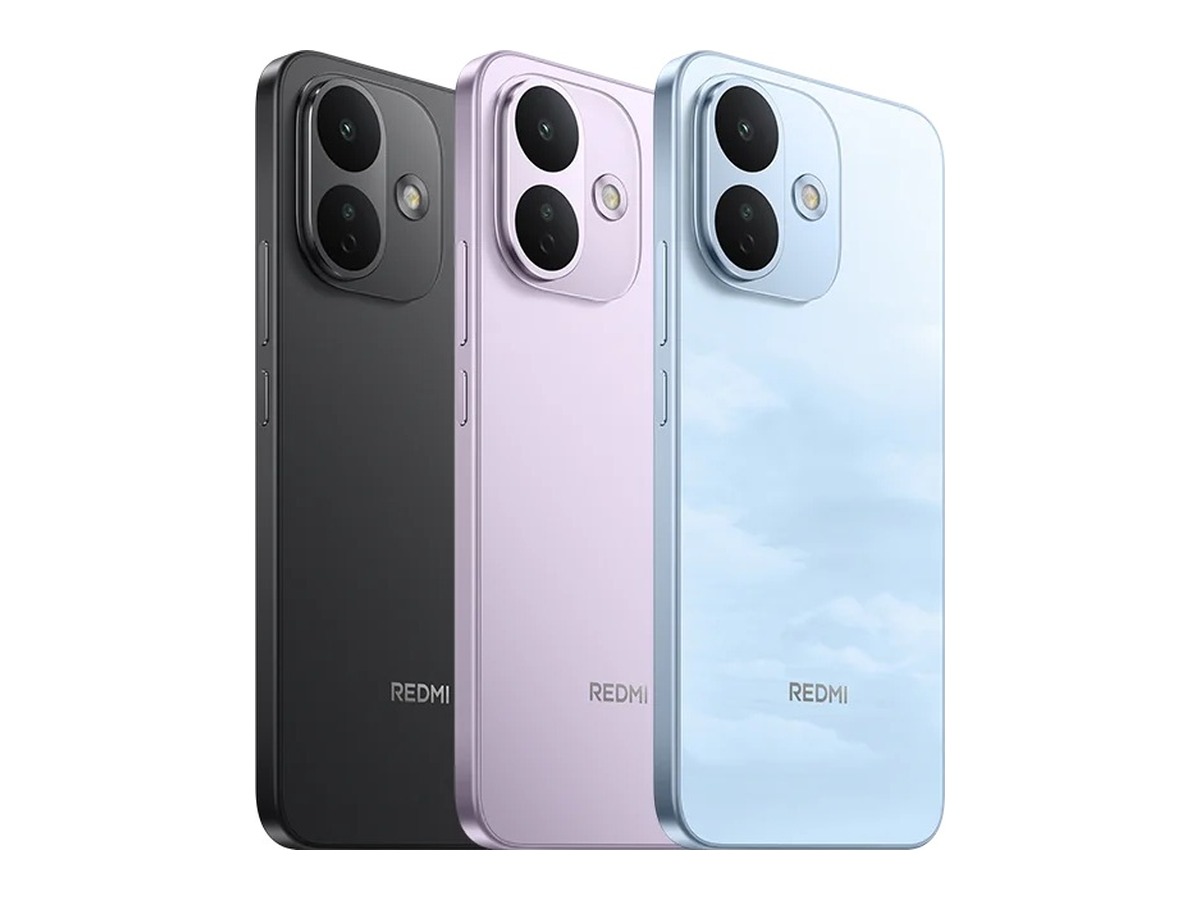
Xiaomi Redmi Note 18 Series Appears in 3C Certification with 67W Charging
A forthcoming Xiaomi smartphone bearing the model number M841EE has surfaced on China's 3C certification platform, revealing 67W wired charging support.
 🧠AI Analysis
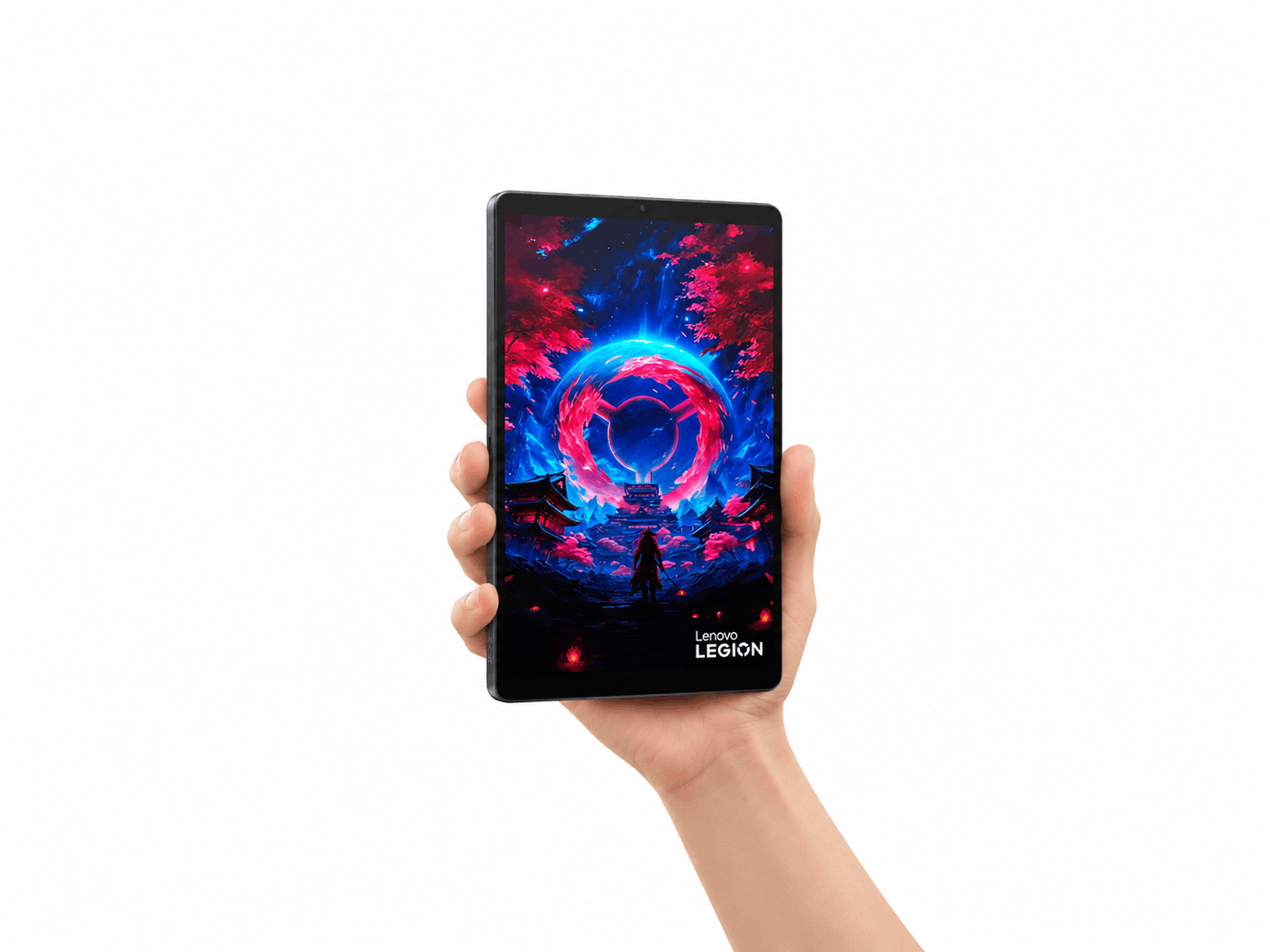
Lenovo Unveils Special-Edition Where Winds Meet Gaming Tablet
Lenovo has revealed a custom Where Winds Meet edition of its compact gaming tablet, featuring unique artistic elements inspired by the game.
🧠AI AnalysisLenovo Reveals Where Winds Meet Custom Edition of the Legion Y700 Gen 5 Gaming Tablet
Lenovo has previewed a specialized gaming tablet variant themed after the game Where Winds Meet, following its previous Dungeon Fighter Online collaboration.