How to spot and test fake SD cards to protect your files
With memory prices climbing, counterfeit SD cards are a growing risk. Here is how to identify fraudulent storage and verify capacity before losing your data.
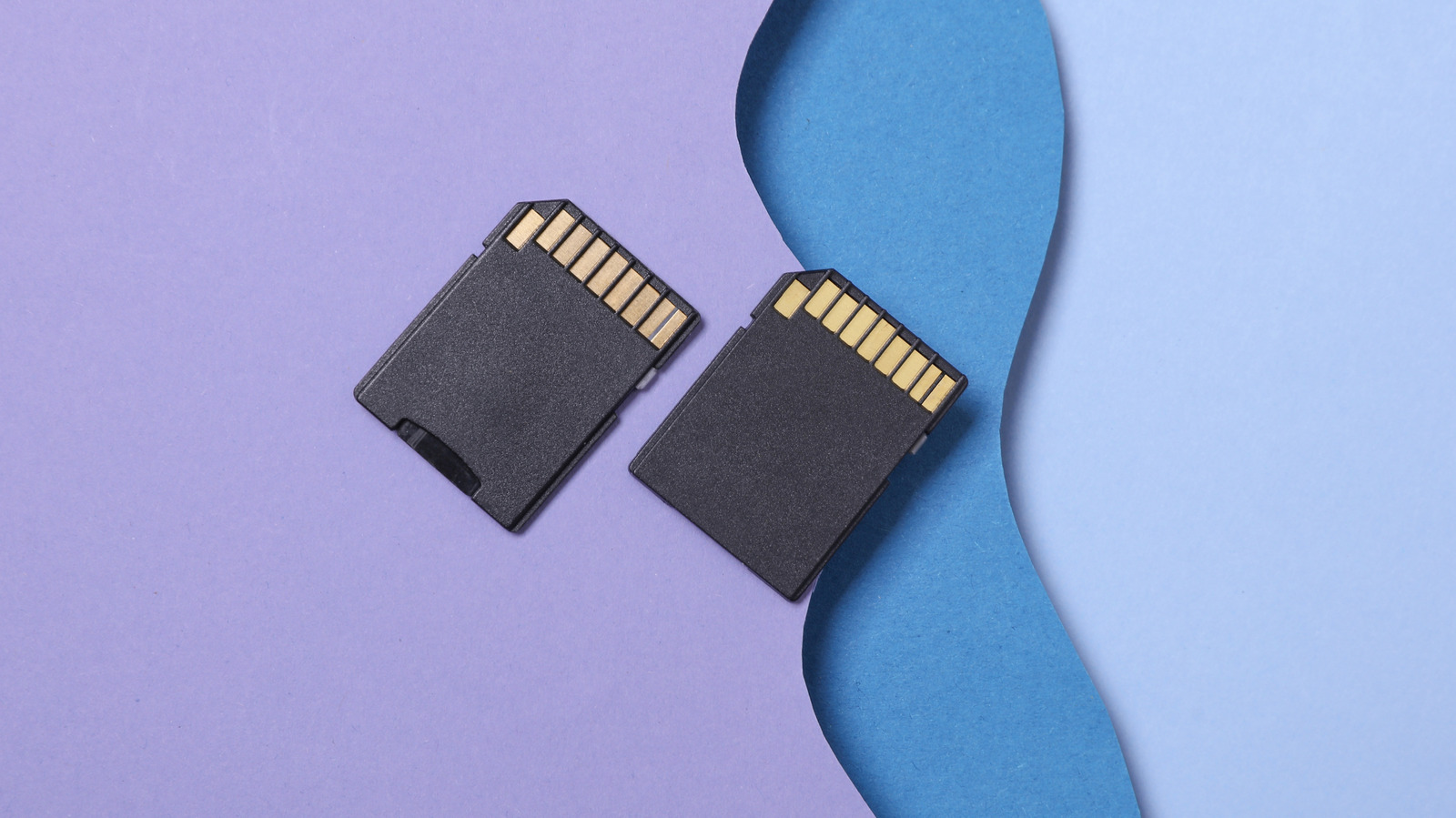 🧭Buying Guides
Photo: engadget.com
Key points
- Counterfeit SD cards falsely report larger capacities, leading to data corruption and loss.
- Rising hardware prices make buyers more vulnerable to overly cheap online listings.
- Free tools like H2testw, F3, and CrystalDiskMark verify actual capacity and speeds.
Purchasing flash storage online requires extra vigilance as memory component shortages drive up hardware expenses. Fraudulent memory cards often tempt buyers with bargain prices, yet these counterfeit units frequently corrupt, overwrite, or permanently lose valuable files due to falsified capacity reports.
Warning signs before you buy
Before purchasing, watch out for suspicious pricing, unfamiliar brands, and unauthorized third-party resellers operating on major online marketplaces like Amazon and eBay. Inspecting packaging for missing warranty information or absent labels can also prevent purchasing a counterfeit. For maximum safety, purchasing media directly from physical retail stores reduces the risk of encountering scams.
How to test your SD card
- H2testw: A free Windows utility designed specifically to check both the actual memory capacity and read/write speeds of questionable storage media.
- F3 (Fight Flash Fraud): An open-source multi-platform tool that writes pseudorandom data across the drive to confirm whether the reported capacity is genuine.
- CrystalDiskMark: A benchmarking utility useful for verifying if real-world read and write speeds match the baseline performance numbers printed on the retail packaging.
Taking a chance on heavily discounted storage for the sake of saving money rarely justifies the risk of losing irreplaceable files and documents.
Source engadget.com — engadget.com/2313899/how-to-spot-fake-sd-cards/ ↗
Read next
 🏠Smart Home
Area Launches Stakuri Plus: A Compact Phone Stand Packed With 17 Cleaning Tools
Japanese brand Area has released the Stakuri Plus, a portable smartphone stand that doubles as a comprehensive 17-in-1 electronics cleaning kit for roughly $16.
 📱Phones
Understanding Sudden Phone Battery Drops: Causes and Fixes
Experiencing rapid battery percentage drops on your phone can be frustrating, but the issue usually stems from aging lithium-ion cells, background software processes, or …
 💻Laptops & PCs
What Actually Happens When Your Laptop Battery Drains to Zero
Allowing your laptop battery to completely drain can cause gradual degradation over time, though occasional depletion will not instantly ruin your device.
 ⌚Wearables
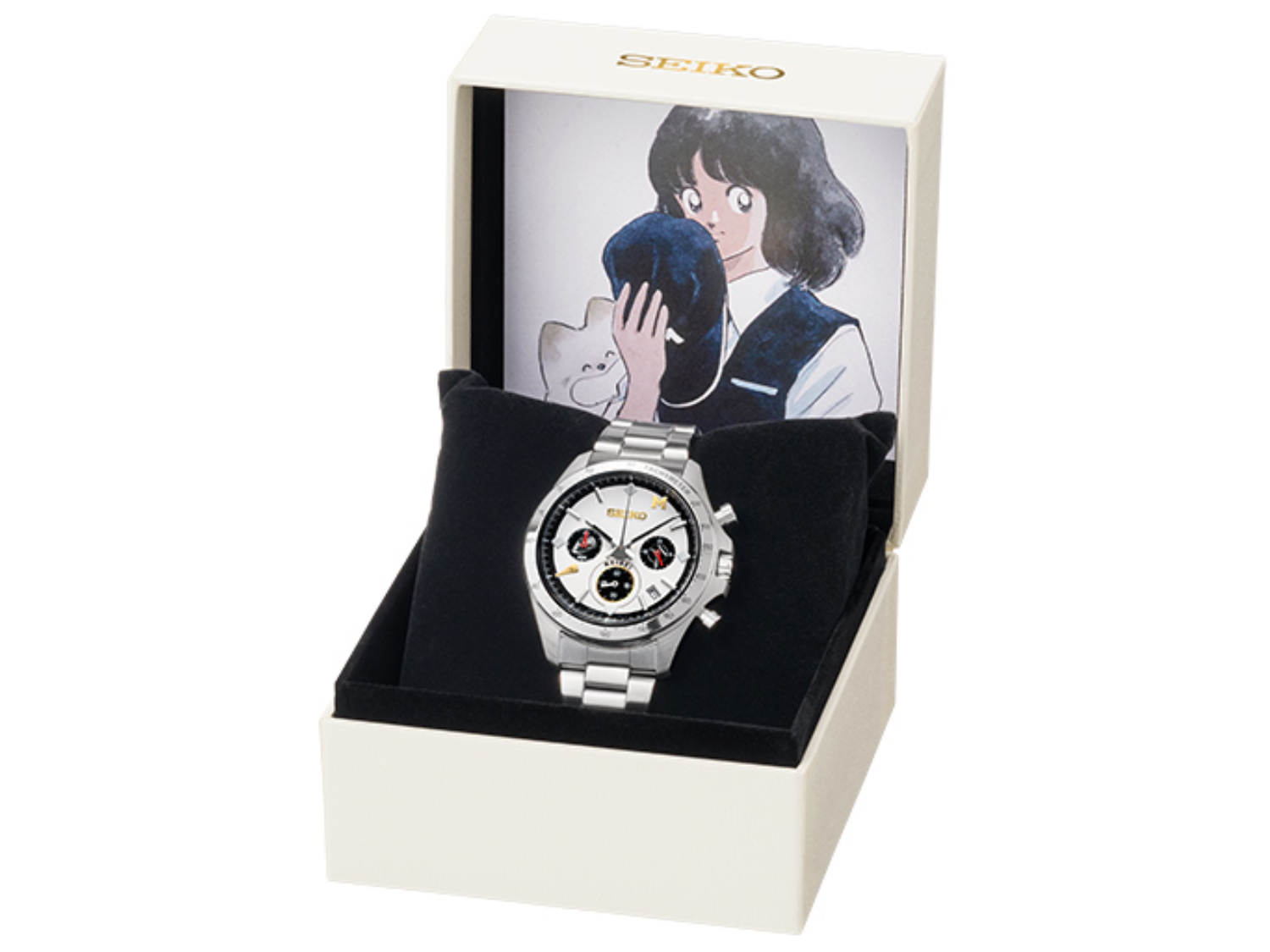
Seiko Launches Limited-Edition Touch Chronograph Featuring Unique Baseball-Themed Dial
Seiko has released a 45th-anniversary chronograph celebrating the baseball manga Touch, limited to 4,500 pieces and priced at roughly $412.
 💻Laptops & PCs
Microsoft Details Project Helix, Emphasizing Console Simplicity Over PC Complexity
Microsoft has shared fresh details on its upcoming Project Helix hardware, stressing that the next-generation machine will function primarily as a console while running P…
 📱Phones
Apple Continues Refining the iPhone Messages App with New Software Updates
Apple has rolled out a series of enhancements to the iPhone Messages app across recent software cycles, including improved RCS support and performance upgrades.