How to Check If Your Vehicle Supports Apple CarPlay
A comprehensive guide on identifying Apple CarPlay compatibility in your car and exploring aftermarket options for unsupported vehicles.
 🧭Buying Guides
Photo: engadget.com
Key points
- Apple maintains an official online catalog of all vehicle models supporting CarPlay compatibility.
- Wireless and wired testing methods on your iPhone can instantly confirm built-in dashboard support.
- Aftermarket dashboard screens and replacement head units provide budget-friendly retrofits for unsupported cars.
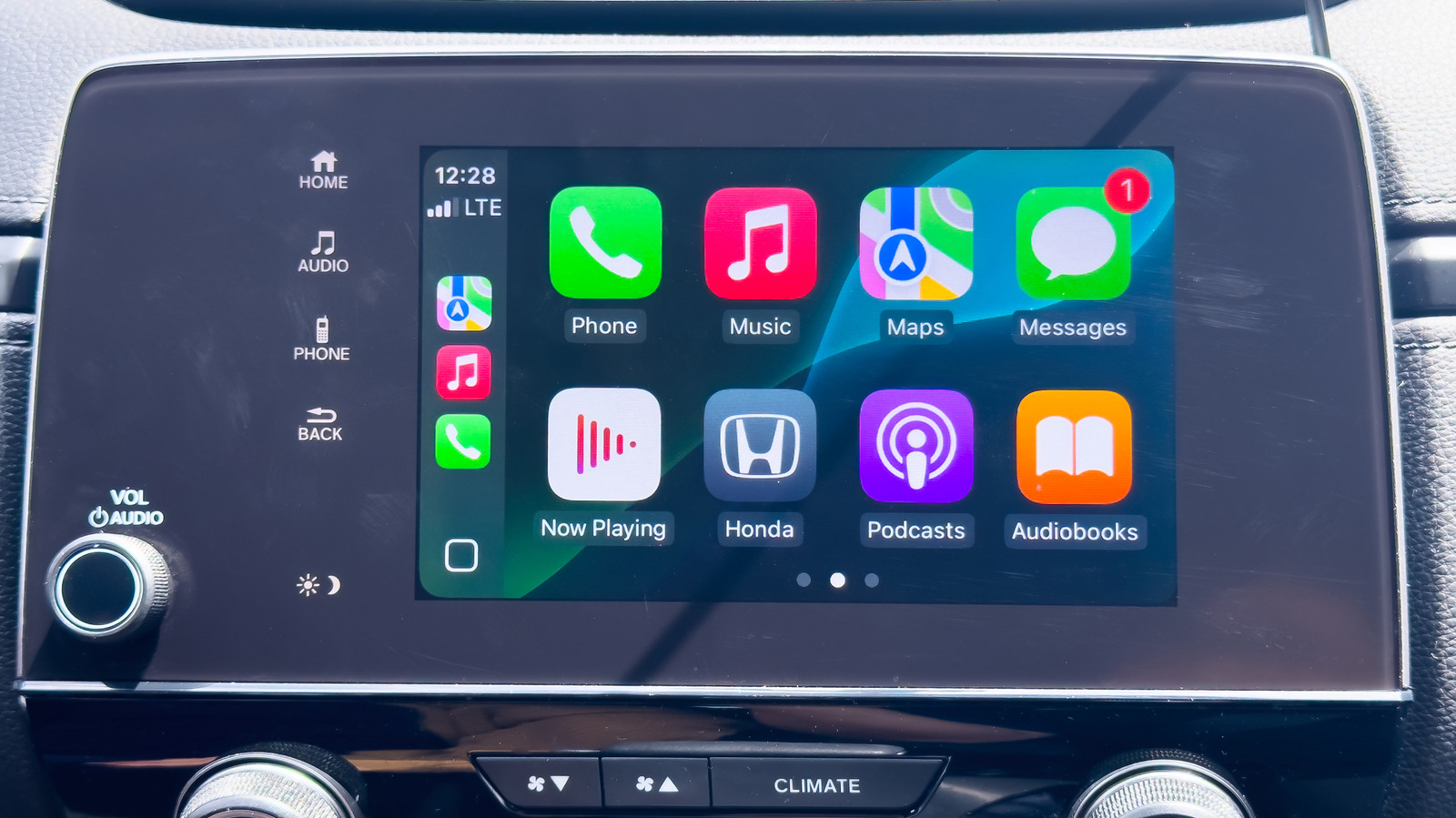
Apple CarPlay has become an essential in-car ecosystem, seamlessly merging navigation and media tools from your iPhone into the dashboard display. For drivers shopping for a new vehicle or checking their current ride, determining compatibility is remarkably straightforward, though notable exceptions like Tesla and Rivian continue to omit the software entirely. Meanwhile, mainstream manufacturers routinely include the platform, and brands like General Motors have reversed earlier decisions to drop support on newer models.
Verifying wireless connectivity is as simple as enabling your iPhone's Wi-Fi and Bluetooth, configuring the dashboard to wireless mode, and activating the steering wheel voice command button while checking the iOS CarPlay settings menu. For wired setups, plugging your phone directly into a USB port will typically trigger an activation prompt, while some consoles feature a dedicated CarPlay icon near the port itself. Should your vehicle lack factory integration, third-party dashboard displays priced around $100 offer an affordable, portable workaround that supports both Apple and Android alternatives.
Alternatively, drivers can opt for a permanent head unit replacement to swap out the factory stereo receiver entirely. Should you buy it? If your current vehicle lacks native support and you rely heavily on iOS navigation, investing in a portable third-party screen is a cost-effective upgrade, whereas head unit swaps require professional installation but deliver a cleaner aesthetic.
Source engadget.com — engadget.com/2313909/how-to-tell-if-car-supports-apple-carplay/ ↗
Read next
 🏠Smart Home
Area Launches Stakuri Plus: A Compact Phone Stand Packed With 17 Cleaning Tools
Japanese brand Area has released the Stakuri Plus, a portable smartphone stand that doubles as a comprehensive 17-in-1 electronics cleaning kit for roughly $16.
 📱Phones
Understanding Sudden Phone Battery Drops: Causes and Fixes
Experiencing rapid battery percentage drops on your phone can be frustrating, but the issue usually stems from aging lithium-ion cells, background software processes, or …
 💻Laptops & PCs
What Actually Happens When Your Laptop Battery Drains to Zero
Allowing your laptop battery to completely drain can cause gradual degradation over time, though occasional depletion will not instantly ruin your device.
 ⌚Wearables
Seiko Launches Limited-Edition Touch Chronograph Featuring Unique Baseball-Themed Dial
Seiko has released a 45th-anniversary chronograph celebrating the baseball manga Touch, limited to 4,500 pieces and priced at roughly $412.
 💻Laptops & PCs
Microsoft Details Project Helix, Emphasizing Console Simplicity Over PC Complexity
Microsoft has shared fresh details on its upcoming Project Helix hardware, stressing that the next-generation machine will function primarily as a console while running P…
 📱Phones
Apple Continues Refining the iPhone Messages App with New Software Updates
Apple has rolled out a series of enhancements to the iPhone Messages app across recent software cycles, including improved RCS support and performance upgrades.