Why your laptop fans spin loudly even when idle and how to fix it
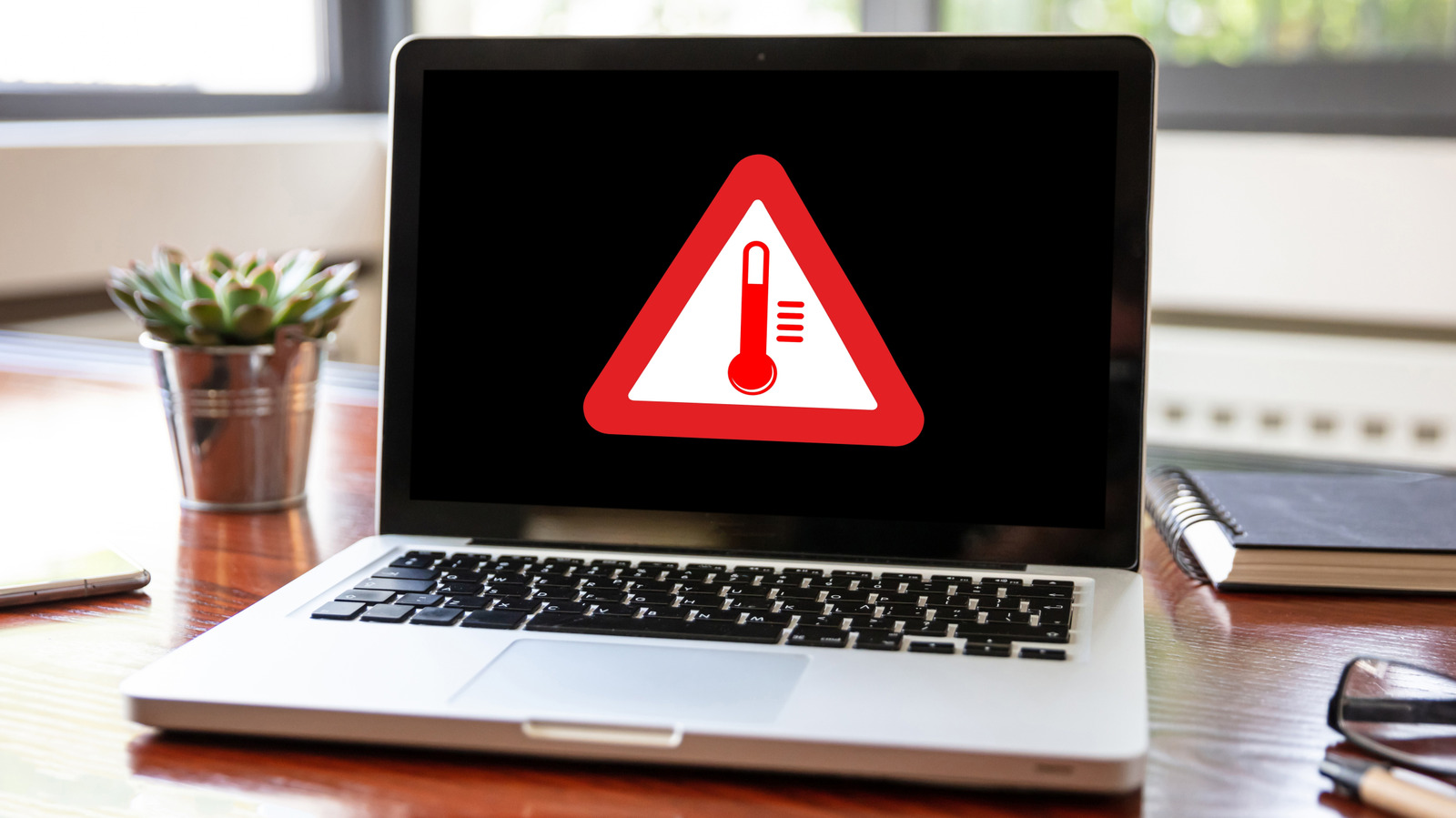
Laptop fans can run at high speeds even when all applications are closed, often due to background processes, power profiles, or restricted airflow.
 💻Laptops & PCs
Photo: engadget.com
Key points
- Background apps and maintenance tasks drive up processor demands and fan activity
- Power profiles significantly impact heat generation and cooling behavior
- Poor ventilation and dust buildup restrict airflow, causing fans to run constantly
Modern laptops generate heat naturally, and cooling fans are designed to activate during demanding tasks like gaming to maintain safe temperatures. However, hearing your laptop fans spin up aggressively while all applications are closed points to other underlying issues. Even when your desktop is clear, hidden tasks, system maintenance, and power profiles continue to demand processing power, RAM, and storage, which drives up heat and forces fans to work harder.
Background activity is a major culprit for unexpected fan noise. Essential maintenance routines like Windows Update or search indexing place heavy demands on your hardware, with initial indexing taking several hours. Dell recommends auditing your startup apps via the Task Manager to disable non-essential processes, while MacBook users can check the Activity Monitor. Additionally, aggressive power modes on Windows prioritize maximum performance over energy efficiency, causing higher power consumption and heat generation.
Environmental factors and physical placement heavily influence thermal performance. Operating a computer in a warm room or blocking ventilation by working on a bed restricts airflow, forcing the cooling system to compensate by running fans faster. Manufacturers advise using a hard, flat desk and elevating the device slightly to keep side and rear vents clear. Dust and debris accumulation inside the chassis can also block cooling channels, requiring physical maintenance to restore normal fan behavior.
Source engadget.com — engadget.com/2313693/laptop-fans-spin-up-not-doing-anything-why/ ↗
Read next
 ⌚Wearables
Apple Launches Health AI Study App for iPhone and Apple Watch Users
Apple has rolled out a dedicated application for its new Health AI Study, inviting US users to examine how people interact with conversational medical tools.
 🏠Smart Home
Area Launches Stakuri Plus: A Compact Phone Stand Packed With 17 Cleaning Tools
Japanese brand Area has released the Stakuri Plus, a portable smartphone stand that doubles as a comprehensive 17-in-1 electronics cleaning kit for roughly $16.
 🧭Buying Guides
Cloud vs. Local Storage: Which Backup Method Fits Your Gadgets Best?
A detailed comparison of cloud storage services like iCloud and Google Drive versus physical local drives, weighing access, costs, and reliability.
 🧭Buying Guides
Zelda: Ocarina of Time Remake Review Sparks Metacritic Debate
A single mixed review for the upcoming Zelda: Ocarina of Time remake on the Switch 2 has dropped its Metascore from 96 to 95, igniting backlash from fans.
 📱Phones
Understanding Sudden Phone Battery Drops: Causes and Fixes
Experiencing rapid battery percentage drops on your phone can be frustrating, but the issue usually stems from aging lithium-ion cells, background software processes, or …
 ⌚Wearables
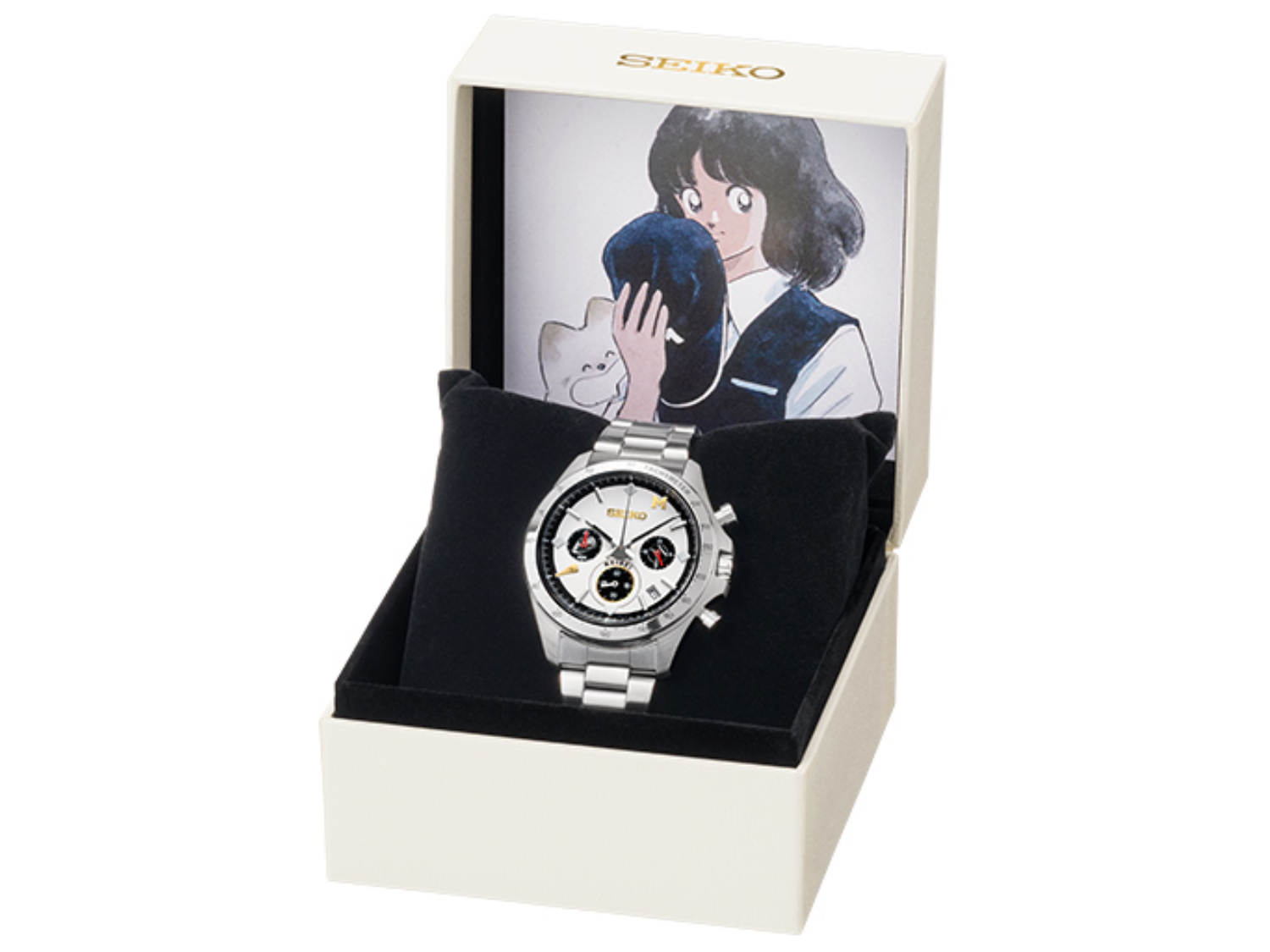
Seiko Launches Limited-Edition Touch Chronograph Featuring Unique Baseball-Themed Dial
Seiko has released a 45th-anniversary chronograph celebrating the baseball manga Touch, limited to 4,500 pieces and priced at roughly $412.