Testing Local AI on the Surface Laptop Ultra: What Went Wrong
A hands-on test of local AI agents on Windows hardware reveals major setup hurdles, unexpected automation quirks, and frustrating configuration limits.
 💻Laptops & PCs
Photo: PCWorld
Key points
- Tested local AI agents including Nous Research Hermes on Windows hardware.
- Encountered extreme friction with permission prompts and unexpected full automation.
- Hit roadblocks with expired API credits and failing plugin installations.
When looking for productivity gains, turning to local AI models on Windows hardware like the Surface Laptop Ultra can seem like a logical alternative to cloud solutions. Equipped with 32GB and 64GB RAM configurations respectively across test machines, these setups ran into immediate roadblocks when handling tasks using the Nous Research Hermes agent.
During initial testing, default settings proved overly restrictive, requiring manual approval for nearly every mouse movement and click, effectively negating any productivity boost. Subsequent tests on a higher-spec machine with 64GB of RAM shifted drastically to unprompted autonomous behavior due to hidden settings, while a cloud-hybrid configuration stalled entirely once API credits expired. Eventually, downloading a local 27 billion parameter Qwen 3.8 model allowed testing to resume, though basic plugin installations still triggered persistent error loops.
Should you buy it? For users seeking seamless out-of-the-box local AI productivity tools, current software iterations still require significant patience and troubleshooting.
Source PCWorld — pcworld.com/article/3280321/local-ai-productivity-is-it-more-troubl… ↗
Read next
 🧠AI Analysis
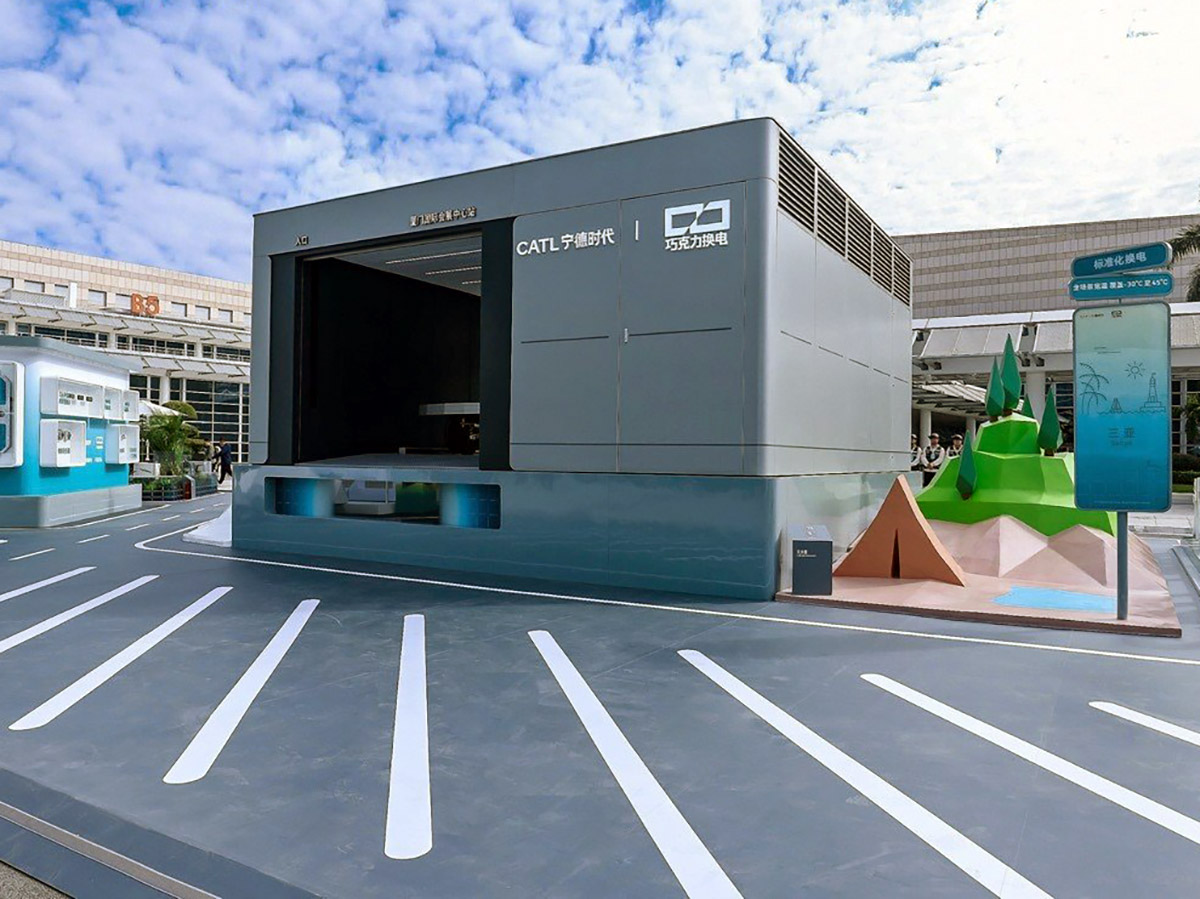
CATL Targets Battery Swap Stations to Overcome Sodium-Ion Range Limitations
CATL plans to pair sodium-ion batteries with an expanding battery swap network to mitigate range anxiety, targeting over 3,000 passenger car stations by the end of 2026.
 🧠AI Analysis
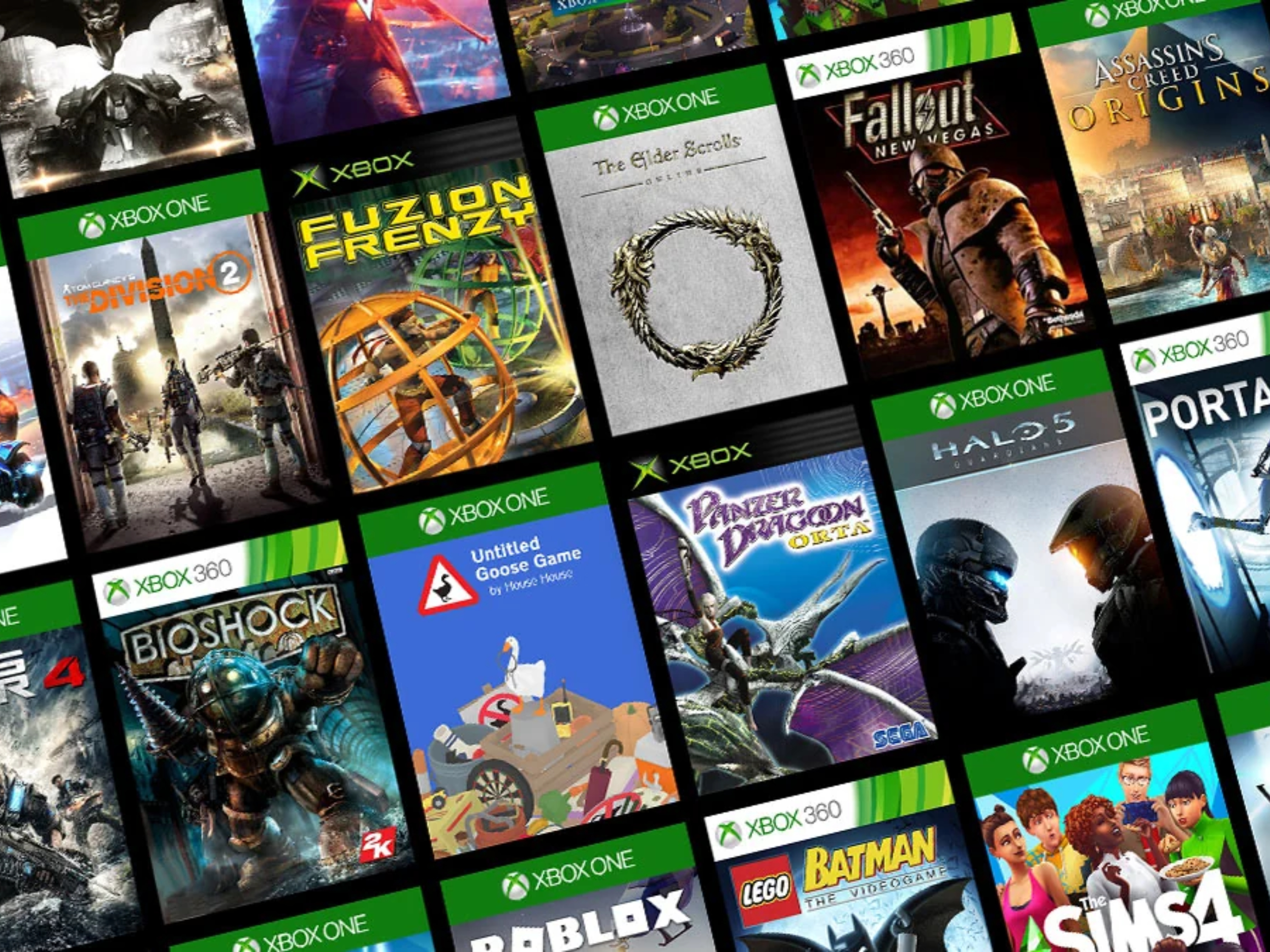
Microsoft Expands PC Library With 21 Classic Original Xbox Titles
Microsoft is bringing 21 classic original Xbox games to Windows PCs via its Xbox app, featuring a heavy emphasis on retro Star Wars titles and vintage RPGs.
 📰Gadget News
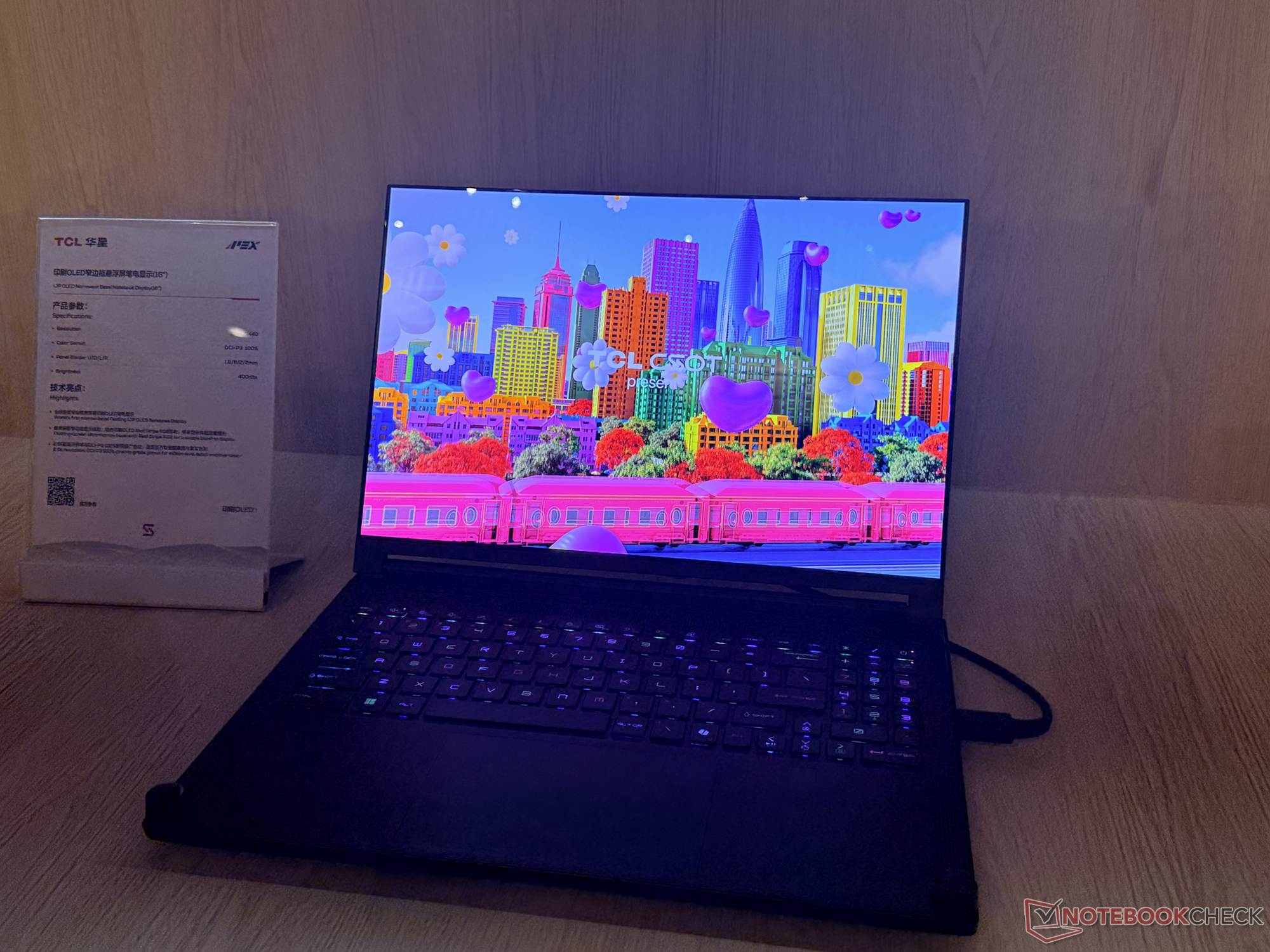
TCL Debuts 16-Inch IJP OLED Laptop Panel with Ultra-Slim Bezels
TCL CSOT has unveiled a next-generation 16-inch Inkjet Printed OLED laptop display prototype featuring exceptionally narrow bezels and robust color accuracy.
 🧠AI Analysis
Managing AI Memory: How ChatGPT, Gemini, and Claude Track Your Data
Major artificial intelligence platforms including ChatGPT, Gemini, and Claude now feature persistent memory systems, raising new questions about data privacy and user con…
 🧠AI Analysis
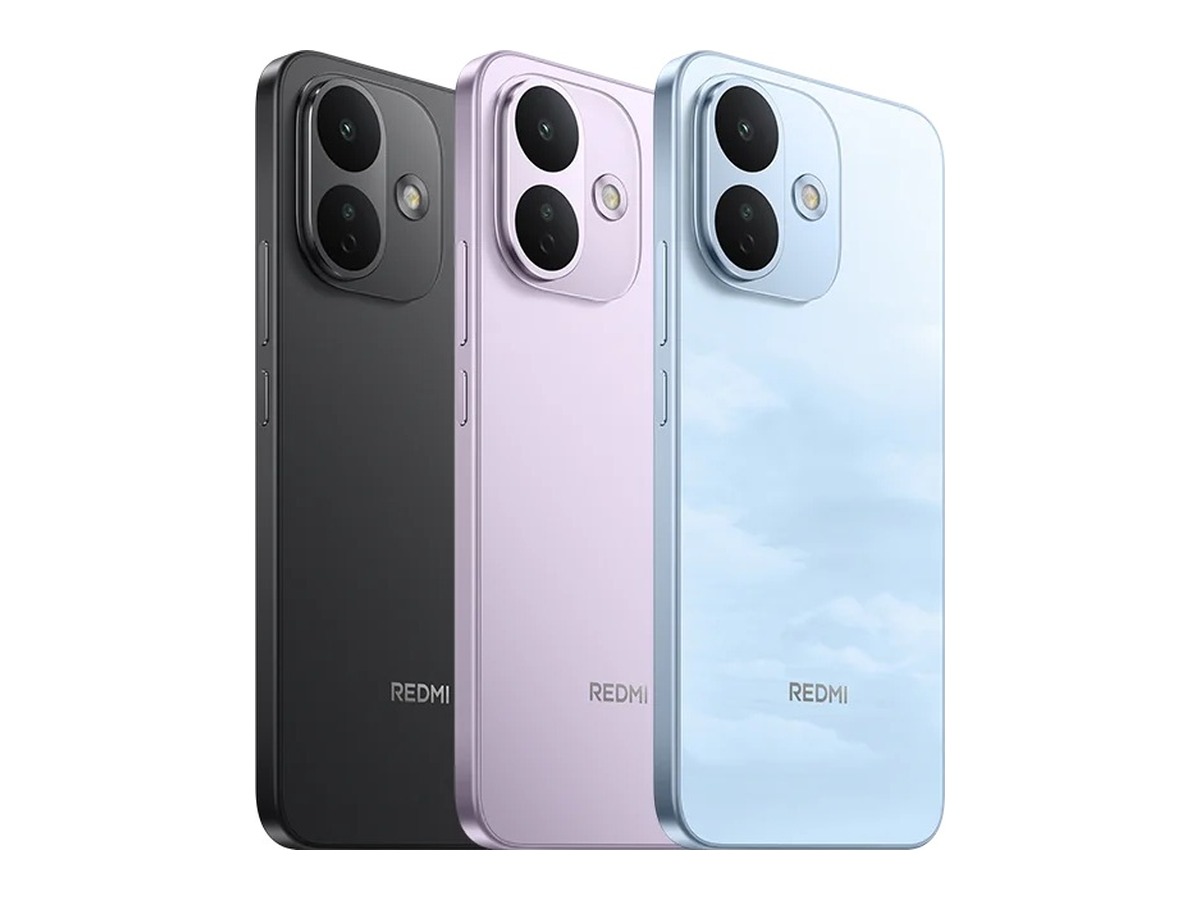
Xiaomi Redmi Note 18 Series Appears in 3C Certification with 67W Charging
A forthcoming Xiaomi smartphone bearing the model number M841EE has surfaced on China's 3C certification platform, revealing 67W wired charging support.
 🧠AI Analysis
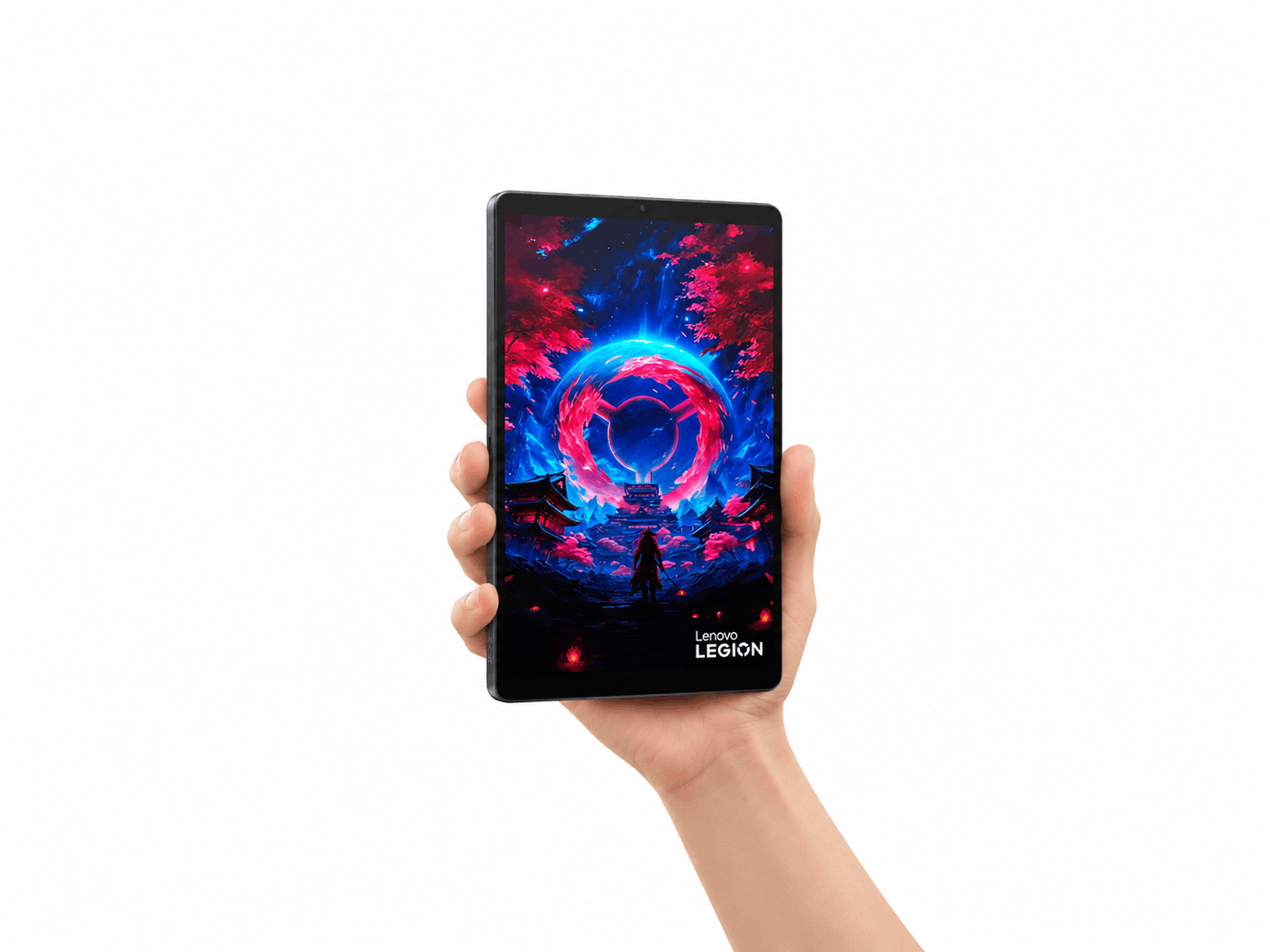
Lenovo Unveils Special-Edition Where Winds Meet Gaming Tablet
Lenovo has revealed a custom Where Winds Meet edition of its compact gaming tablet, featuring unique artistic elements inspired by the game.