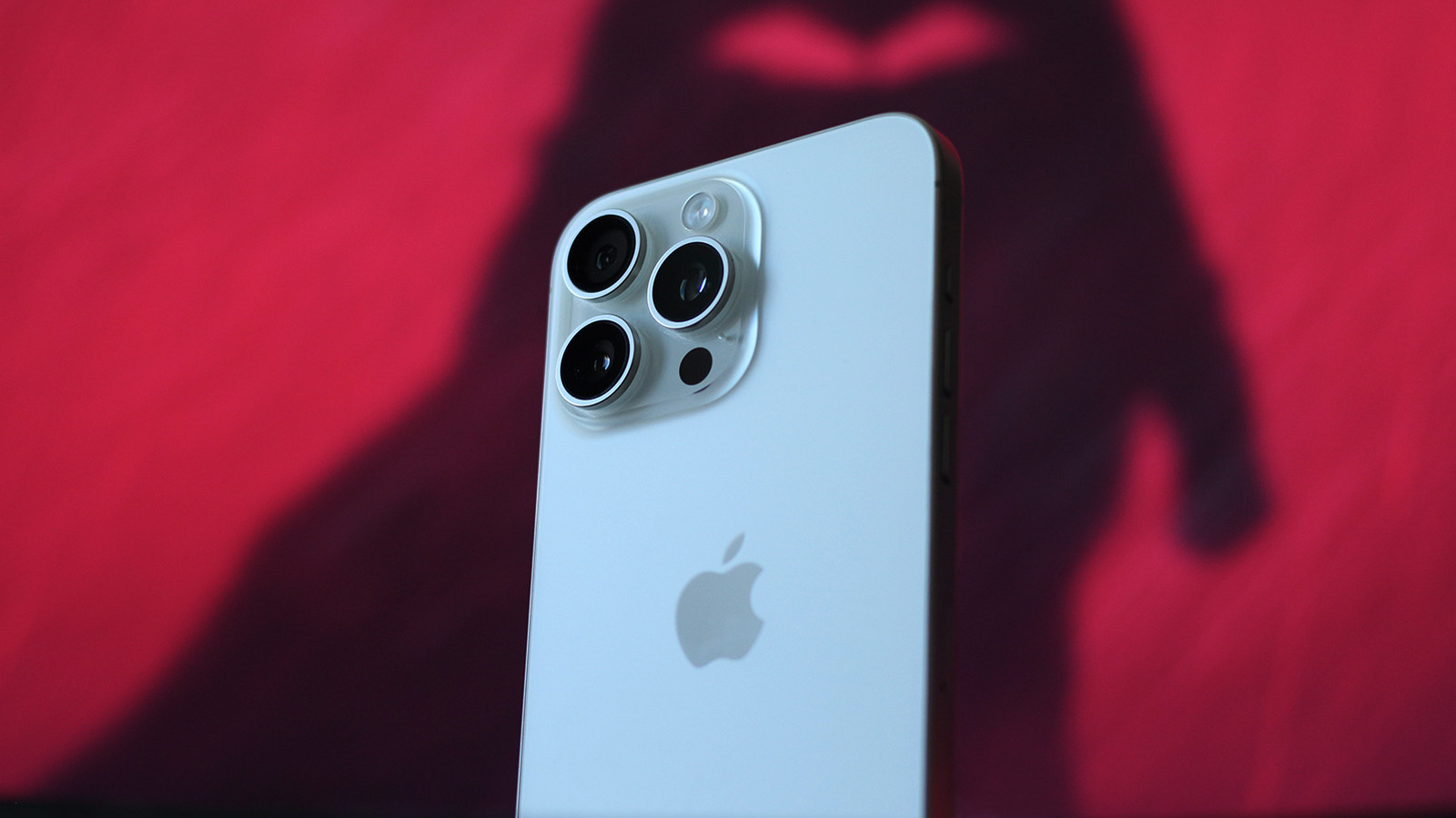
iOS 27 Update Boosts iPhone Performance and Speeds Up Older Models
Apple's iOS 27 release prioritizes system stability over major visual overhauls, offering up to 30 percent faster app launch speeds and performance fixes for older hardware.
 📱Phones
Photo: engadget.com
Key points
- iOS 27 introduces an optimized CPU scheduler that speeds up app loading by up to 30 percent.
- The update addresses sluggish performance on older hardware like the iPhone 15 Pro caused by iOS 26's Liquid Glass redesign.
- Manual software updates require at least 20 percent battery capacity and can be completed directly on the device or via a connected computer.
Apple’s iOS 27 operating system update focuses heavily on responsiveness and underlying stability, featuring an optimized CPU scheduler that launches applications up to 30 percent faster. While Apple continues to sell entry-level handsets featuring 60Hz screens for $700, its extended software longevity remains a key highlight, with legacy devices like the 2019 iPhone 11 still maintaining compatibility with modern iOS builds.
The latest software release addresses performance issues introduced in iOS 26, which featured a resource-intensive "Liquid Glass" interface redesign that caused sluggish behavior on devices such as the iPhone 15 Pro. iOS 27 also opens access to the Siri AI beta for Apple Intelligence-supported models via Settings > Siri, delivering refined conversational response capabilities following the buggy Siri iterations found in iOS 18 and iOS 26.
Users looking to update can navigate to Settings > General > Software Update, which requires a minimum of 20 percent battery charge for manual installations. Multi-gigabyte upgrades can also be installed using a Mac running macOS 10.15 or later through Finder, or via a Windows PC utilizing the Apple Devices app or iTunes. Apple advises backing up device data to iCloud or a desktop computer before proceeding with any system update.
Should you update? If your iPhone experienced slowdowns on iOS 26, installing iOS 27 offers substantial stability improvements, quicker app responsiveness, and critical security patches.
Source engadget.com — engadget.com/2311762/how-to-check-iphone-ios-version/ ↗
Read next
 ⌚Wearables
Apple Launches Health AI Study App for iPhone and Apple Watch Users
Apple has rolled out a dedicated application for its new Health AI Study, inviting US users to examine how people interact with conversational medical tools.
 💻Laptops & PCs
How to clear app caches on your Mac to free up storage and fix glitches
Learn when and how to manually clear application caches on your macOS device to reclaim valuable storage space and troubleshoot software glitches.
 🏠Smart Home
Area Launches Stakuri Plus: A Compact Phone Stand Packed With 17 Cleaning Tools
Japanese brand Area has released the Stakuri Plus, a portable smartphone stand that doubles as a comprehensive 17-in-1 electronics cleaning kit for roughly $16.
 🧭Buying Guides
Cloud vs. Local Storage: Which Backup Method Fits Your Gadgets Best?
A detailed comparison of cloud storage services like iCloud and Google Drive versus physical local drives, weighing access, costs, and reliability.
 🧭Buying Guides
Zelda: Ocarina of Time Remake Review Sparks Metacritic Debate
A single mixed review for the upcoming Zelda: Ocarina of Time remake on the Switch 2 has dropped its Metascore from 96 to 95, igniting backlash from fans.
 💻Laptops & PCs
What Actually Happens When Your Laptop Battery Drains to Zero
Allowing your laptop battery to completely drain can cause gradual degradation over time, though occasional depletion will not instantly ruin your device.