Sleep Versus Shutdown: Optimizing Power Modes for Mini PCs
A guide on when to use sleep, shutdown, or hibernation modes on compact desktop computers to balance convenience and energy efficiency.
 📰Gadget News
Photo: engadget.com
Key points
- Sleep mode is best for short breaks and quick resumption, drawing 1 to 4 watts.
- Full shutdowns allow users to completely unplug the machine and give the system a fresh start.
- Hibernation preserves open applications and documents while permitting a total power disconnect.
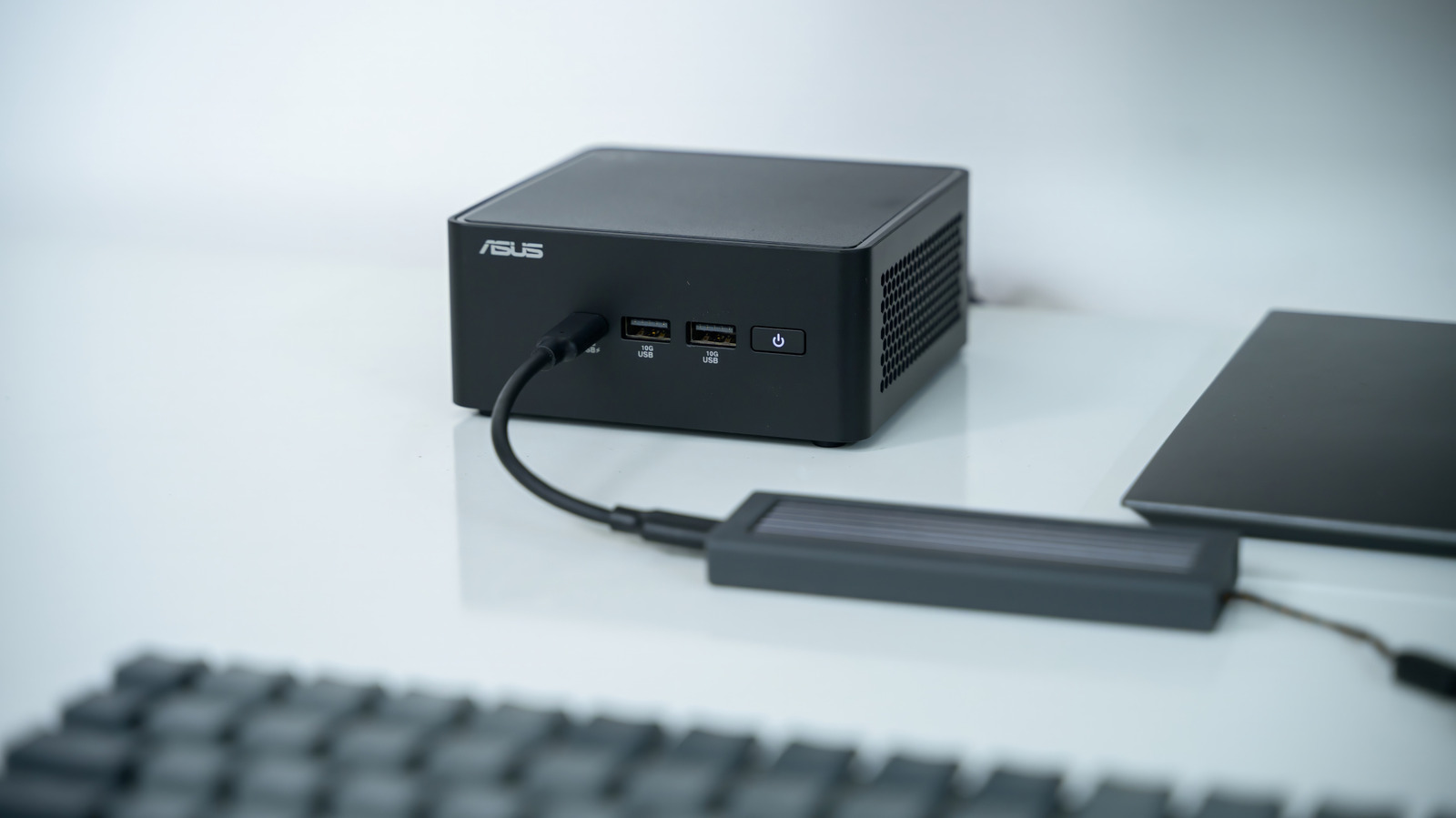
Compact desktop systems have grown increasingly popular as efficient alternatives to full-sized towers, often utilizing laptop-grade hardware combined with robust cooling solutions. However, unlike laptops that enter a low-power state simply by closing the lid, these small form factor computers require users to choose between sleep, shutdown, and hibernation modes when stepping away from the desk.
For brief intervals away from the computer, sleep mode is the ideal choice. It allows users to resume work within seconds without waiting through a full boot cycle. For extended absences, keeping the system in sleep preserves open applications and ongoing sessions, though the device continues drawing a minimal amount of electricity. Modern components handle continuous low-level current safely, meaning users do not need to worry about premature hardware degradation.
When maximum energy savings are the priority, or if the unit needs to be physically unplugged, a complete shutdown or the Windows hibernation feature serves best. Hibernation saves active sessions directly to the storage drive before powering down entirely, offering the benefit of a complete power cut without losing open files. At idle, typical compact systems draw between 10W and 15W, which translates to a modest annual electricity cost under standard residential utility rates.
Source engadget.com — engadget.com/2313768/when-to-use-sleep-vs-shutdown-mini-pc/ ↗
Read next
 🏠Smart Home
Area Launches Stakuri Plus: A Compact Phone Stand Packed With 17 Cleaning Tools
Japanese brand Area has released the Stakuri Plus, a portable smartphone stand that doubles as a comprehensive 17-in-1 electronics cleaning kit for roughly $16.
 🧭Buying Guides
Cloud vs. Local Storage: Which Backup Method Fits Your Gadgets Best?
A detailed comparison of cloud storage services like iCloud and Google Drive versus physical local drives, weighing access, costs, and reliability.
 🧭Buying Guides
Zelda: Ocarina of Time Remake Review Sparks Metacritic Debate
A single mixed review for the upcoming Zelda: Ocarina of Time remake on the Switch 2 has dropped its Metascore from 96 to 95, igniting backlash from fans.
 📱Phones
Understanding Sudden Phone Battery Drops: Causes and Fixes
Experiencing rapid battery percentage drops on your phone can be frustrating, but the issue usually stems from aging lithium-ion cells, background software processes, or …
 💻Laptops & PCs
What Actually Happens When Your Laptop Battery Drains to Zero
Allowing your laptop battery to completely drain can cause gradual degradation over time, though occasional depletion will not instantly ruin your device.
 ⌚Wearables
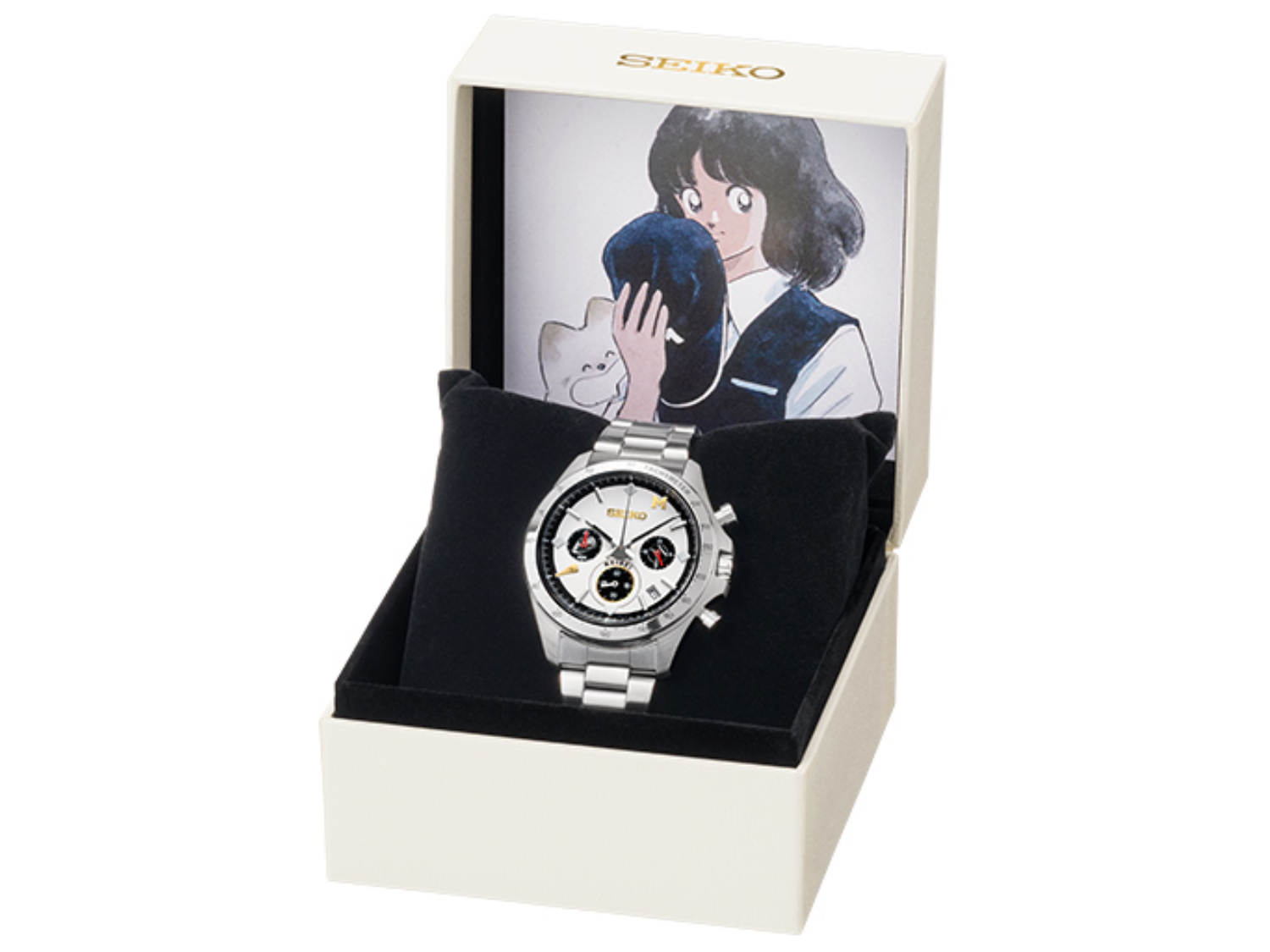
Seiko Launches Limited-Edition Touch Chronograph Featuring Unique Baseball-Themed Dial
Seiko has released a 45th-anniversary chronograph celebrating the baseball manga Touch, limited to 4,500 pieces and priced at roughly $412.