Decoding USB-A: What the Letter Means and Why the Standard Is Changing
A closer look at the history and meaning of the ubiquitous USB-A connector, and how it compares to the modern shift toward USB-C.
 📰Gadget News
Photo: engadget.com
Key points
- The letter A simply identifies the physical shape of the USB connector and does not indicate speed or power capabilities.
- Data transfer rates for USB-A ports can vary significantly, ranging from 480 Mbps up to 10 Gbps.
- Despite the ongoing industry shift toward USB-C, legacy USB-A accessories and ports remain fully functional and useful.
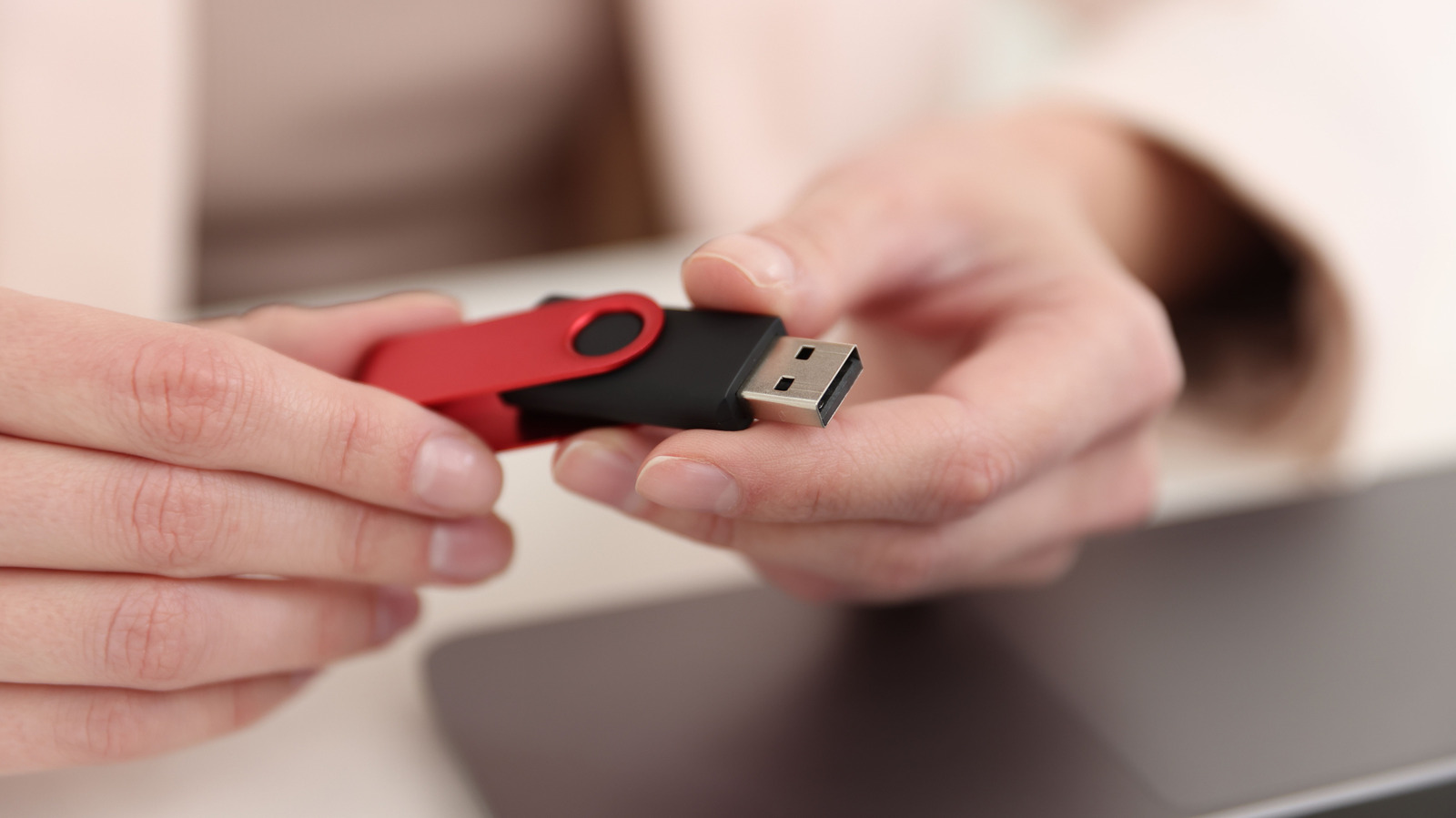
The letter "A" in the widely used USB-A standard carries no hidden meaning, simply serving as a physical identifier designated by the USB Implementers Forum for the rectangular plug found on countless charging cables and flash drives. Developed alongside the square Type-B connector, this naming convention historically helped users quickly understand which end of a cable plugged into a computer versus a peripheral device like a printer.
However, the familiar rectangular port does not inherently communicate its performance metrics, such as charging output or data transfer rates which can range from standard USB 2.0 speeds of 480 Mbps up to faster 5 Gbps and 10 Gbps implementations. While color-coding or the traditional trident symbol can sometimes offer clues regarding bandwidth, consumers often need to check device manuals or match specifications carefully, since even newer USB-C connections can occasionally be restricted to USB 2.0 limitations.
Although modern mid- to high-tier computers and smartphones heavily favor reversible and space-saving USB-C ports, legacy USB-A hardware remains entirely functional for peripherals like keyboards, mice, and older flash drives. Users do not need to replace their existing setup immediately, as USB-A adapters and ports continue to hold a practical place in everyday computing alongside the industry's broader transition toward newer standards.
Source engadget.com — engadget.com/2313849/usb-port-letter-a-meaning/ ↗
Read next
 🏠Smart Home
Area Launches Stakuri Plus: A Compact Phone Stand Packed With 17 Cleaning Tools
Japanese brand Area has released the Stakuri Plus, a portable smartphone stand that doubles as a comprehensive 17-in-1 electronics cleaning kit for roughly $16.
 🧭Buying Guides
Cloud vs. Local Storage: Which Backup Method Fits Your Gadgets Best?
A detailed comparison of cloud storage services like iCloud and Google Drive versus physical local drives, weighing access, costs, and reliability.
 🧭Buying Guides
Zelda: Ocarina of Time Remake Review Sparks Metacritic Debate
A single mixed review for the upcoming Zelda: Ocarina of Time remake on the Switch 2 has dropped its Metascore from 96 to 95, igniting backlash from fans.
 📱Phones
Understanding Sudden Phone Battery Drops: Causes and Fixes
Experiencing rapid battery percentage drops on your phone can be frustrating, but the issue usually stems from aging lithium-ion cells, background software processes, or …
 💻Laptops & PCs
What Actually Happens When Your Laptop Battery Drains to Zero
Allowing your laptop battery to completely drain can cause gradual degradation over time, though occasional depletion will not instantly ruin your device.
 ⌚Wearables
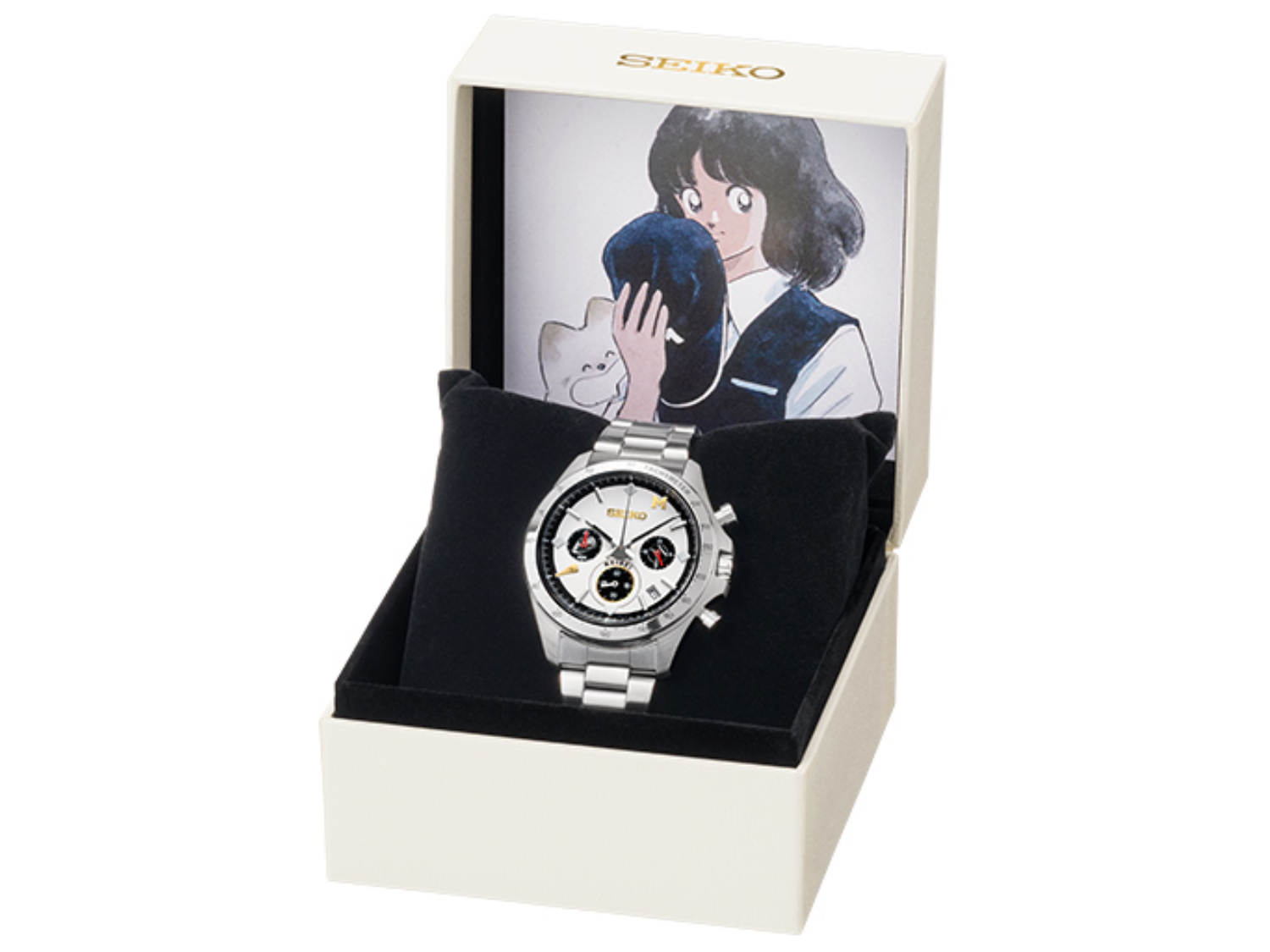
Seiko Launches Limited-Edition Touch Chronograph Featuring Unique Baseball-Themed Dial
Seiko has released a 45th-anniversary chronograph celebrating the baseball manga Touch, limited to 4,500 pieces and priced at roughly $412.