Why Your TV Soundbar Has an Audio Delay and How to Fix It
Experiencing out-of-sync audio between your smart TV and soundbar is a common frustration, but it can usually be resolved by tweaking your device settings or checking physical connections.
 🏠Smart Home
Photo: engadget.com
Key points
- Audio delay happens when TV and soundbar processing times do not match up.
- Fixes range from tightening HDMI cables and disabling extra video modes to using brand-specific AV sync controls.
- Direct routing sources through the soundbar's HDMI input can bypass TV processing lag entirely.
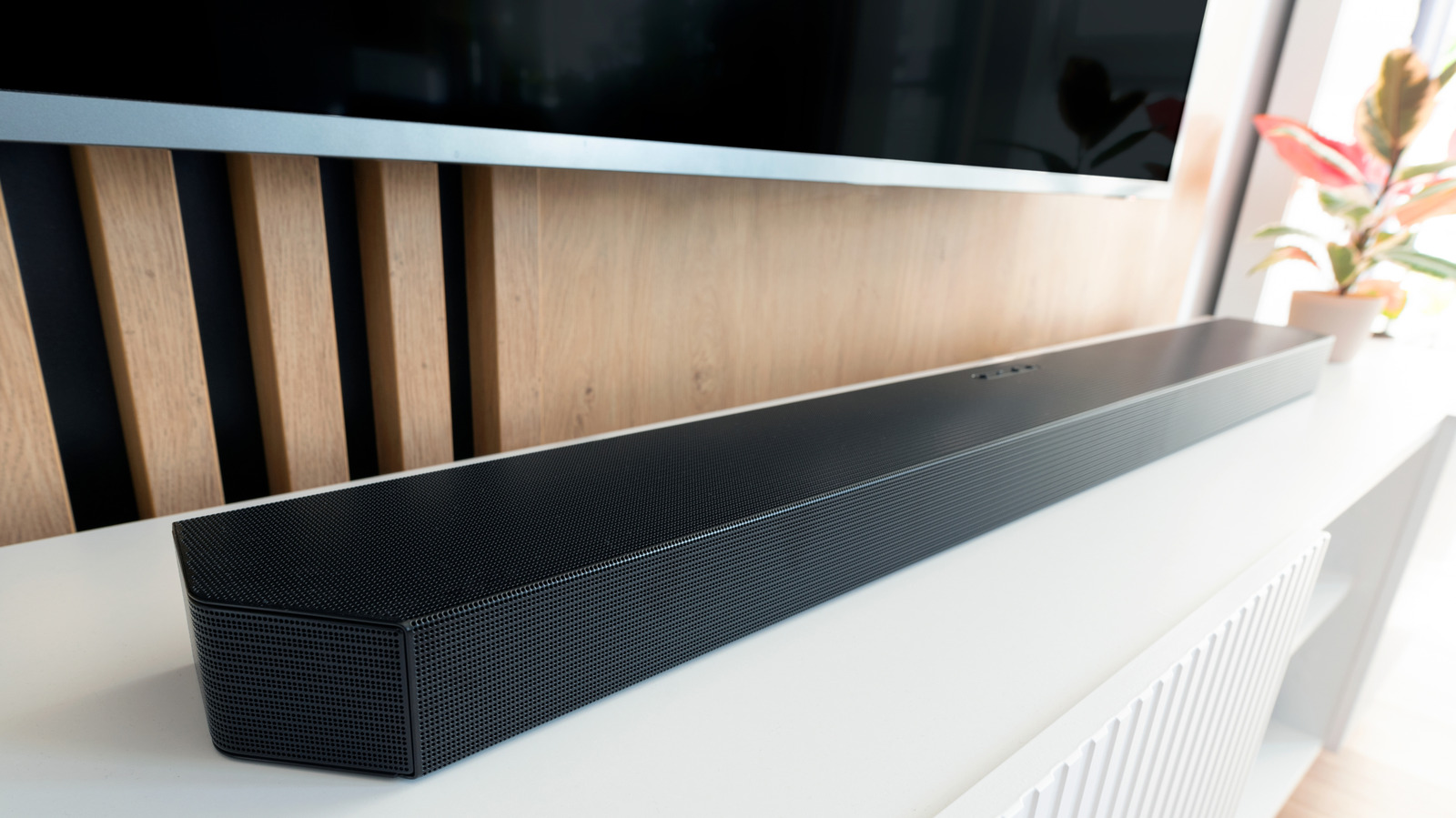
One of the most frustrating entertainment setups is dealing with an audio delay, where on-screen lip movements or live sports announcements fail to match the accompanying sound. This lag frequently happens when connecting external speakers like a soundbar to a smart television, stemming from extra processing steps or connection hurdles.
To pinpoint the issue, test multiple sources like a Blu-ray player versus a cable broadcast or streaming app. If the lag persists across all inputs, the culprit is likely a loose HDMI or optical cable, or processing delays caused by split decoding duties between the TV and the soundbar. Disabling high-end picture and sound modes—such as digital noise reduction, dynamic contrast, and virtual surround sound—can significantly cut down processing time.
Brand-specific adjustments are also available for major manufacturers. Samsung and LG soundbars include dedicated audio sync buttons and menu options on their remotes, while Sonos users can fine-tune dialogue synchronization directly through the mobile app. Alternatively, users can try direct routing by plugging streaming devices or consoles straight into the soundbar's HDMI input before passing the video to the TV.
Always check your physical cable connections first, as a loose digital optical or HDMI cord is often the simplest reason for sound synchronization failure.
Should you buy it? If your current setup suffers from persistent lag that standard settings or an upgrade to HDMI eARC cannot fix, investing in a newer soundbar with robust sync controls may be necessary.
Source engadget.com — engadget.com/2312648/reasons-why-tv-soundbar-audio-delay/ ↗
Read next
 ⌚Wearables
Apple Launches Health AI Study App for iPhone and Apple Watch Users
Apple has rolled out a dedicated application for its new Health AI Study, inviting US users to examine how people interact with conversational medical tools.
 💻Laptops & PCs
How to clear app caches on your Mac to free up storage and fix glitches
Learn when and how to manually clear application caches on your macOS device to reclaim valuable storage space and troubleshoot software glitches.
 🧭Buying Guides
Cloud vs. Local Storage: Which Backup Method Fits Your Gadgets Best?
A detailed comparison of cloud storage services like iCloud and Google Drive versus physical local drives, weighing access, costs, and reliability.
 🧭Buying Guides
Zelda: Ocarina of Time Remake Review Sparks Metacritic Debate
A single mixed review for the upcoming Zelda: Ocarina of Time remake on the Switch 2 has dropped its Metascore from 96 to 95, igniting backlash from fans.
 📱Phones
Understanding Sudden Phone Battery Drops: Causes and Fixes
Experiencing rapid battery percentage drops on your phone can be frustrating, but the issue usually stems from aging lithium-ion cells, background software processes, or …
 💻Laptops & PCs
What Actually Happens When Your Laptop Battery Drains to Zero
Allowing your laptop battery to completely drain can cause gradual degradation over time, though occasional depletion will not instantly ruin your device.